Recently, there’s been buzz about the revival of CDs, DVDs, and physical media overall. With numerous streaming subscriptions, many are contemplating a shift back to collecting DVDs, as they offer permanent ownership.
However, when it comes to using optical media for storage, by 2026, these discs might be considered outdated. While I agree with this sentiment to some extent, I believe old discs can still be advantageous for archiving, providing benefits that solid-state drives (SSD) may not.
The Unchanging Nature of Optical Discs
Burned Discs as Static Archives
Many of us have at some point utilized optical discs for storage, even if not strictly for archiving purposes. Creating CDs was common years ago, and I still possess numerous stacks of them. At the time, my intention wasn’t primarily backup, rather it was more about easy file sharing when cloud storage wasn’t common.
Regardless of their uses, a key distinction exists between SSDs and standard CD-R or DVD-R discs: the former allow for multiple writes, whereas the latter are designed for a one-time write. Once burned and finalized, the data on a disc cannot be altered, a trait that has its own set of advantages when it comes to archiving.
In terms of archiving, this limitation becomes beneficial. When you finalize a project on a disc, you can store it away and have confidence that the data will remain unchanged over the years. Following best practices, such as the 3-2-1 backup rule, is still wise.
Once you finish a CD-R or DVD-R, the data is both physically offline and immutable. Malware can’t access it while it’s stored safely, backup software won’t interfere, and accidental deletions are eliminated. Managing physical media involves careful consideration, a significant advantage that SSDs lack.
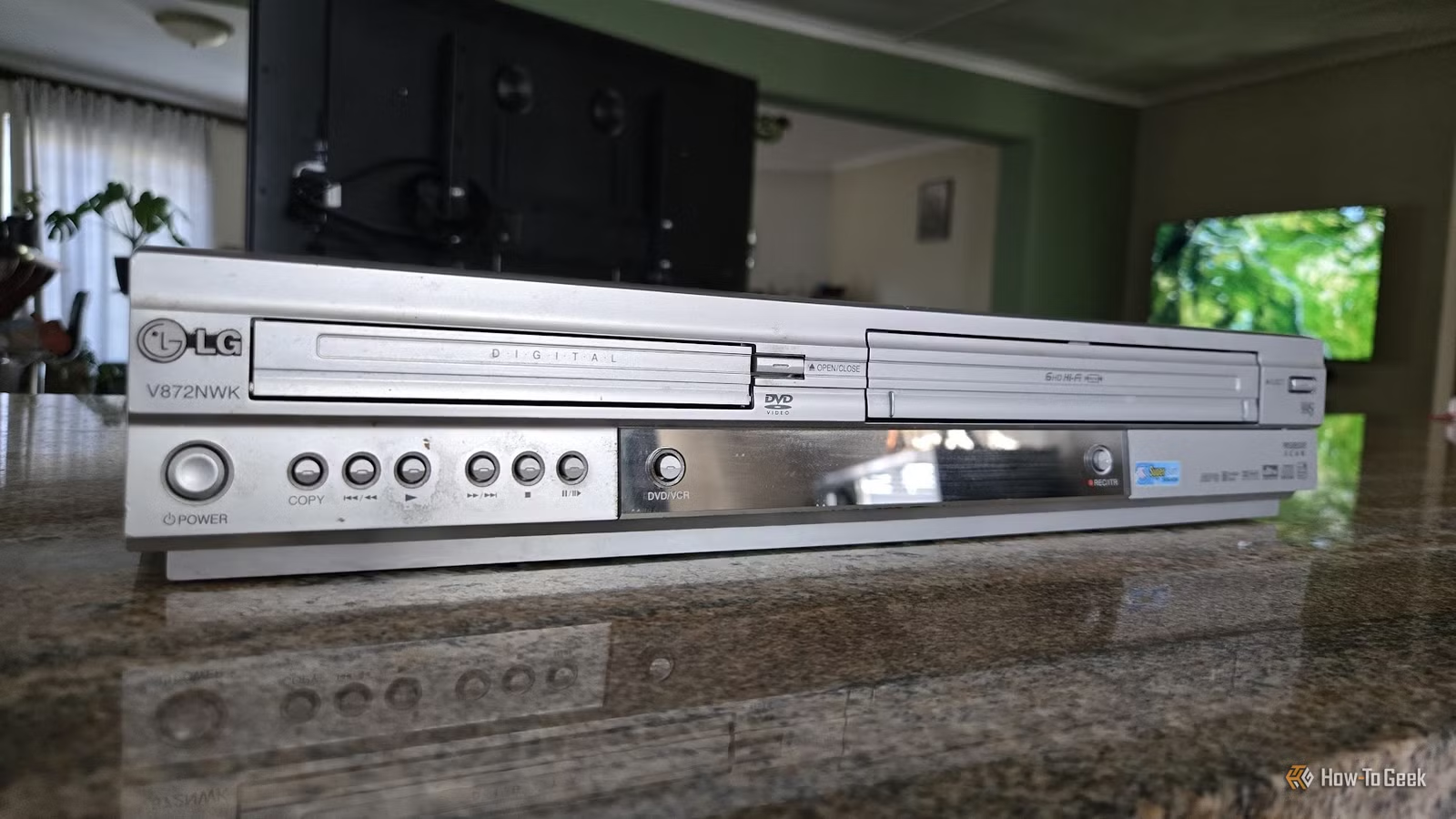
Old DVD Drives for Finished Projects
Considering Capacity Compared to SSDs
While I wouldn’t suggest abandoning SSDs entirely, it’s essential to recognize their limitations in specific scenarios. The main drawback of optical media is storage capacity; even a modest 120GB SSD far exceeds the 4.7GB of a single DVD-R. However, this only presents an issue when considering extensive backups. I prefer using DVDs for smaller, completed files that I may not need immediate access to, such as family photos or important documents.
This approach allows older optical drives to retain their relevance, providing a straightforward solution for archiving important files. In contrast, SSDs excel in speed and flexibility, valuable for ongoing projects.
The Superiority of SSDs for Most Uses
When Speed Isn’t a Priority
As previously hinted, SSDs are generally more advantageous. They offer faster speeds, larger capacities, and the ability to modify data at will. For dynamic tasks, relying on SSDs is the better choice.
Conversely, CDs and DVDs serve as reliable archives. Their objective isn’t speed or flexibility, but rather preserving files unchanged over time.
Challenges in Accessing Optical Media
There is an inherent challenge with optical drives: their accessibility has diminished. Many desktop PCs no longer include them, and laptops have primarily moved past them as well. Nonetheless, as interest in physical media resurges, it’s likely we’ll still find these players in the market for some time.