Upgrading Your DNS Enhances Online Security, But Your History Remains Visible to Key Eyes

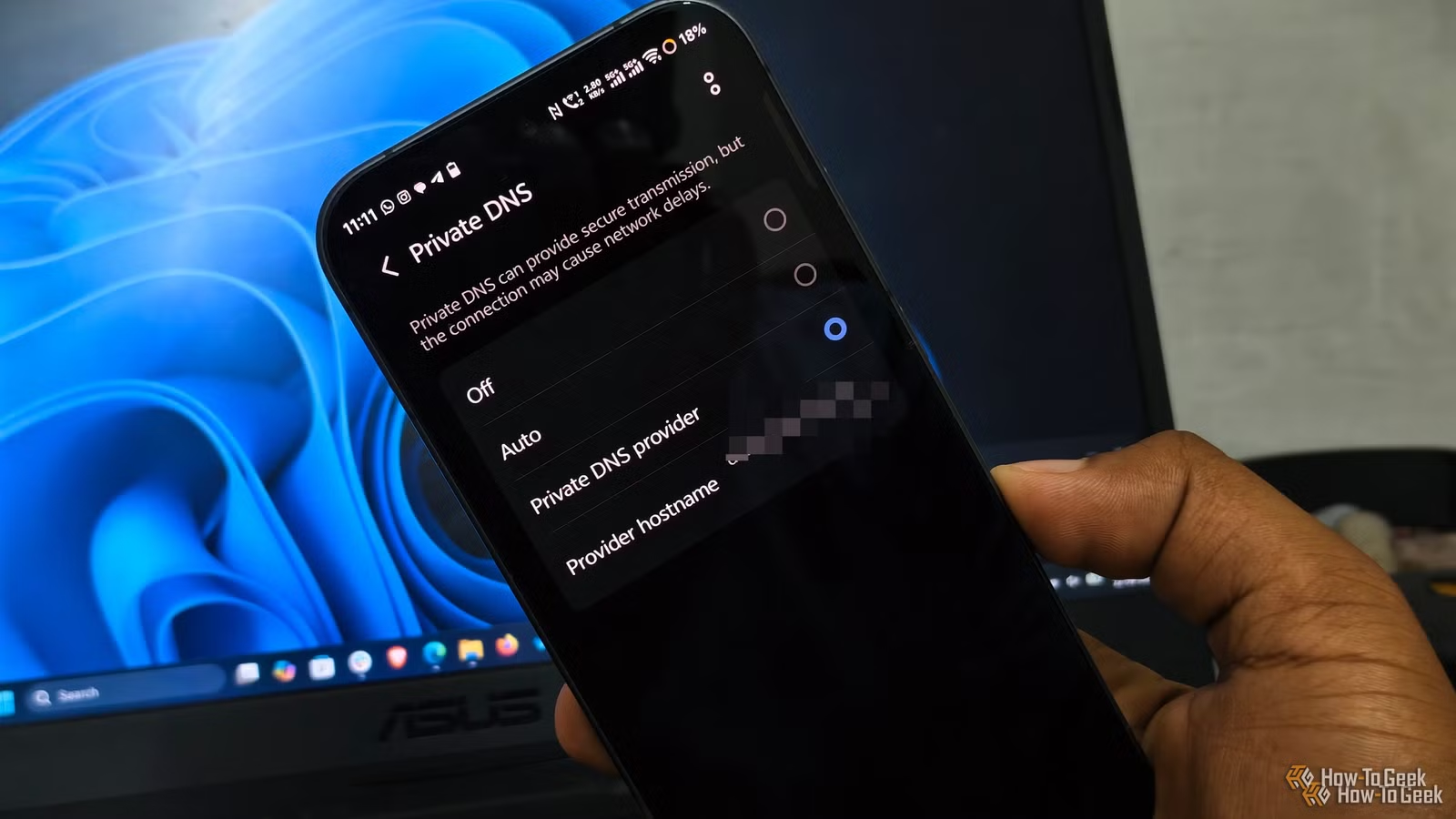
Modifying your DNS server settings can improve your browsing safety, but understanding DNS privacy is key. Simply switching DNS providers does not render your browsing activities anonymous. Your Internet Service Provider (ISP), workplace, educational institution, or network administrator can still track which services you’re accessing through other means.
Understanding DNS: It Directs, But Doesn’t Secure Connections
The Role of DNS: It’s About Resolution, Not Connection
The primary function of DNS is to convert web addresses, like example.com, into IP addresses that your computer can connect with. If you’re using your ISP’s DNS server, they process these requests. Conversely, if you switch to a service like Google or Cloudflare, they take on that role.
This switch can enhance privacy. Utilizing DNS over HTTPS (DoH) or DNS over TLS (DoT) encrypts the queries between your device and the resolver, making it difficult for local network monitors to read DNS packets. However, it doesn’t encrypt the rest of your internet traffic.
Once example.com is resolved, your device still connects to the IP address, which continues to go through your ISP on a standard connection. Changing your DNS provider does not encrypt this data, obscure destination IPs, or offer VPN-like protection.
Your ISP Retains Significant Visibility
HTTPS Secures Content, But Not Destination Details
Even with encrypted DNS queries, your ISP remains a middleman between your network and the broader internet. While HTTPS shields the content of the websites you visit, it doesn’t obscure the IP addresses involved in the communication. Many websites share IP addresses, making it harder for your ISP to know the specific site you visited, but a dedicated IP can provide clearer insight into your online activities.
Trust and Limitations of DNS Changes
When you choose a different DNS provider, such as Cloudflare or Google, those companies now see your DNS queries. While DoH and DoT protect your requests in transit, the resolver must still see the queries to respond to them. Thus, understanding the privacy policies and data logging practices of the DNS provider is important. Different providers operate under various regulations that can influence how they respond to legal inquiries for information.
Who Holds the Power of Observation?
Privacy Depends on Your Audience
If you are on a public Wi-Fi network, and both encrypted DNS and HTTPS are active, the network admin cannot easily access the specifics of your browsing history. However, they can still see which IPs you are contacting. Your ISP, on the other hand, has a clearer picture of your activities, potentially tracking SNI (Server Name Indication) and analyzing connection patterns.
Network control by a company or school can amplify this visibility. Such entities can block alternative DNS services, log connections, or inspect traffic, rendering changes to your laptop’s DNS settings ineffective if they override them.
The Role of VPNs
A VPN shifts the dynamics by allowing your ISP to see an encrypted connection to the VPN rather than your destination sites. However, you now have to place your trust in the VPN provider, which can potentially monitor the destinations of your traffic. If misconfigured, your DNS settings may leak data despite the VPN’s encryption.
Recognizing the Limits of DNS Privacy
Despite its limitations, switching to a more considerate DNS provider can offer security benefits, such as blocking known harmful domains, which helps protect you from malware and phishing attacks. Ultimately, changing your DNS provider should be seen as a way to optimize DNS service rather than as a method for complete anonymity online. To truly conceal your internet activity from your ISP, additional protective measures beyond DNS are required.