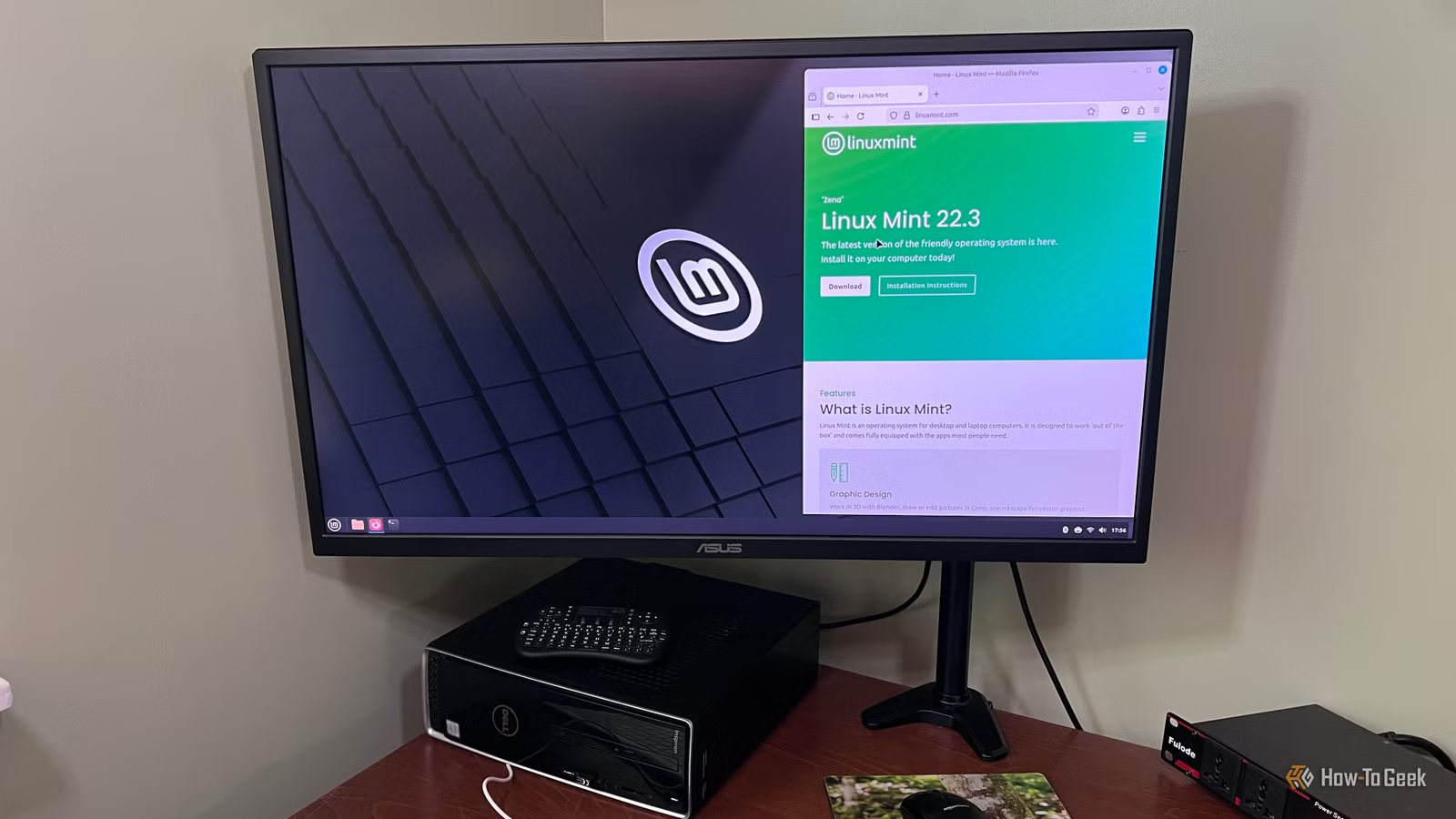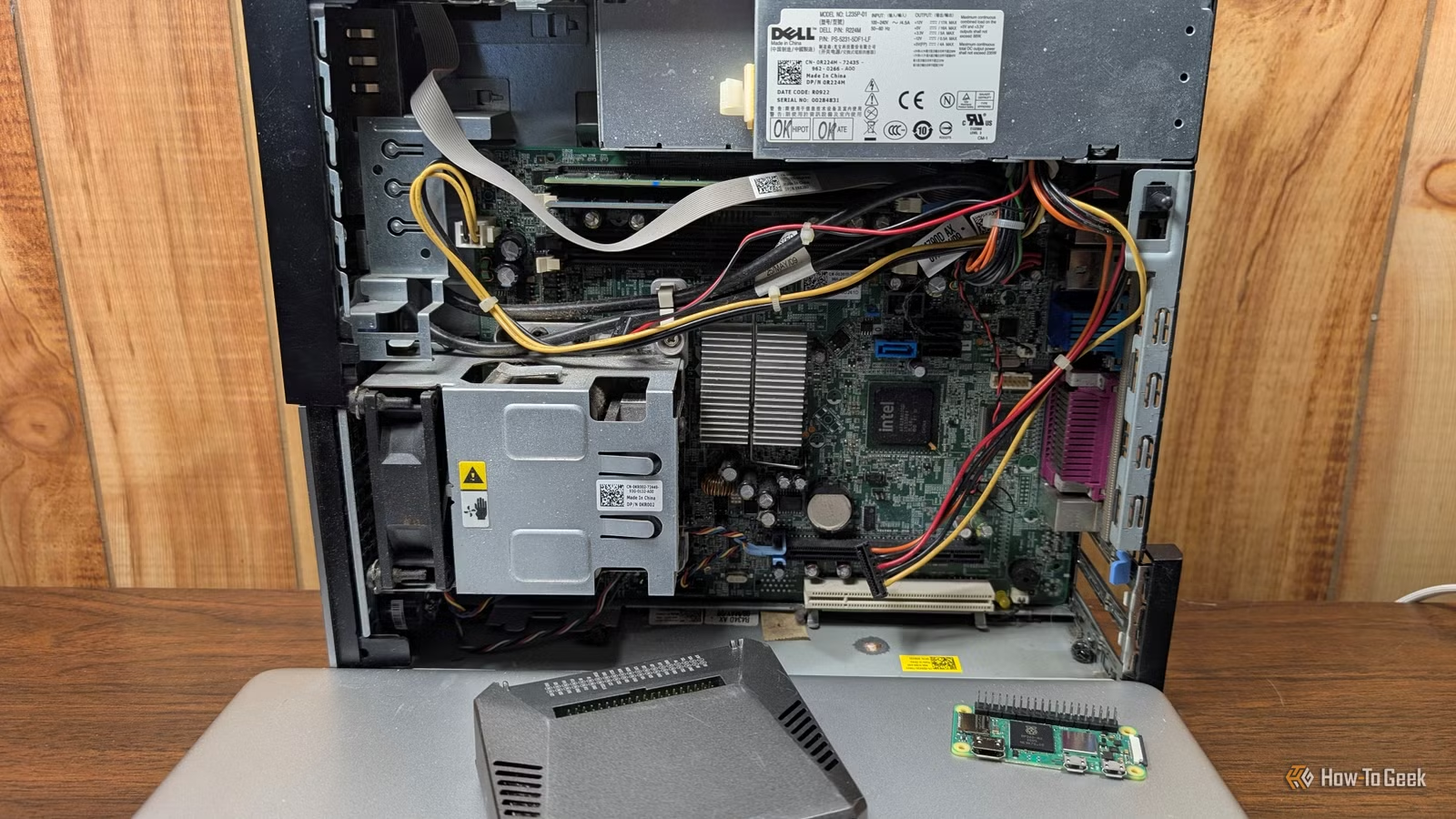
Numerous self-hosted applications can operate effectively without the need for high-end hardware. In fact, many of my preferred applications can be comfortably run on older PCs, often those that are 10 to 15 years old. If you’re interested in self-hosting but reluctant to invest in new equipment, consider dusting off an old laptop—it’s likely to meet your needs quite well.
Here are five excellent self-hosted applications that can function on a variety of hardware setups.
Navidrome
A Lightweight Music Server
Navidrome serves as a self-hosted music server known for its minimal resource requirements. It includes a built-in web player and boasts compatibility with the Subsonic API, making it easy to use numerous third-party applications (like Symfonium) for music playback on phones, PCs, or TVs.
This platform can efficiently handle various file formats such as FLAC and MP3, even operating on low-power devices like a Raspberry Pi Zero 2 W. There are versions of Navidrome specifically for 32-bit systems, allowing it to run on older PCs as well.
However, Navidrome doesn’t rip CDs or edit tags automatically, so users must manually build their library and can utilize tools like MusicBrainz Picard for metadata management.
Audiobookshelf
A Compact Alternative to Audible
Audiobookshelf functions similarly to Plex but focuses on audiobooks and podcasts. It organizes your audiobook collection, tracks your listening progress, retrieves necessary metadata, and automatically downloads podcast episodes.
If you’re looking to manage your DRM-free audiobooks or create a reliable archive of your favorite podcasts, Audiobookshelf is a fantastic option. Additionally, it supports several ebook formats, including EPUB and PDF, though its reading capabilities are quite basic. For serious ebook management, Calibre-Web may be a better choice.
Audiobookshelf is lightweight, consuming only a few hundred MB of RAM, and due to its file streaming nature, it can run efficiently on most CPUs.
Paperless-ngx
Your Own Document Archive
Paperless-ngx aims to simplify the organization of paper documents. It utilizes optical character recognition (OCR) on the images or PDFs uploaded and builds a searchable archive of these documents. Each document is tagged based on relevant keywords, and users can enable a local LLM classifier via Ollama for automatic sorting.
This application can run on older desktops, but it is not entirely lightweight. My setup requires about 900 MB of RAM while idle, and the OCR functionality demands significant CPU power, which might be sluggish on older processors.
Actual Budget
A Personal Budgeting Tool
Actual Budget is a self-hosted, open-source alternative to popular budgeting apps like You Need a Budget (YNAB) and the now-retired Mint. It employs an envelope system where each dollar is allocated for specific expenses, similar to YNAB.
The server is quite lightweight, primarily responsible for storing and syncing data between clients. The main challenge lies in importing data from financial institutions. Users often rely on third-party tools like SimpleFIN for data retrieval or opt for manual CSV imports to maintain privacy.
If you prefer not to set up a server, the app is available for direct use on your PC.
WireGuard
Secure Connection to Your Home Network
WireGuard offers a straightforward and secure method for connecting to your home network from anywhere. This solution allows you to set up a VPN server on your home network, enabling encrypted traffic that appears to originate from your VPN server.
While many commercial VPN services utilize WireGuard, in this instance, your VPN server operates locally instead of tapping into a third-party service abroad. This setup allows for safe tunneling from any location while keeping your data secure.
The lightweight nature of WireGuard, which consists of approximately 4,000 lines of code, means it can be effectively run on almost any hardware.
Getting Started
If this is your first foray into self-hosting, consider starting with Navidrome. It’s advisable to refrain from directly exposing these services to the internet, as this may create security vulnerabilities.
Instead, use tools like WireGuard or Tailscale to securely connect to your home network from outside. This allows you to interact with your services without compromising security by opening numerous ports or setting up complex reverse proxy configurations.