I Ditched Payments for These 4 Android Features That Should Always Have Been Free


I believe in the value of Android apps and am willing to pay for them, but fundamental tasks should be accessible to everyone, regardless of their financial situation. Many features that used to necessitate premium apps are now available at no cost, often providing an experience that exceeds paid alternatives. With the right app choices, you can eliminate subscription costs altogether.
PDF Readers
No Need for a Subscription to Adobe
Adobe is the originator of the PDF format, which has become the standard for sharing documents online. Many sites still recommend downloading Adobe Acrobat Reader to properly view various forms. However, although there is an Acrobat Reader app for Android, it may not be worth the subscription fee.
The PDF format is an open standard, allowing for versatility across different applications and platforms. When I first used Linux in 2008, I could open PDFs using standard software, so it never made sense to restrict that capability on mobile devices as well.
Thankfully, this restriction no longer exists. Samsung phone users can open and edit PDFs directly within the Samsung Notes app. For viewing PDFs, Google Drive or web browsers suffice, but for editing, additional options are needed. I personally use PaperKnife+ from F-Droid on my Motorola Razr Fold, which offers over 20 features, including PDF signing, watermark addition, and page rearrangement. Editing and signing PDFs for free on Android has been possible for years, and options keep improving.
File Managers
Improved Defaults and Better Free Alternatives
A file manager is a crucial component of any operating system. While iPhones and iPads initially did not include one, Android has featured a file manager from the start. However, the early versions were rather limited.
For advanced functionalities, like managing files beyond basic copying, users once had to pay for premium or ad-supported file managers. Longtime Android users have their favorites, such as Solid Explorer and FX File Explorer, but I no longer pay for any of them.
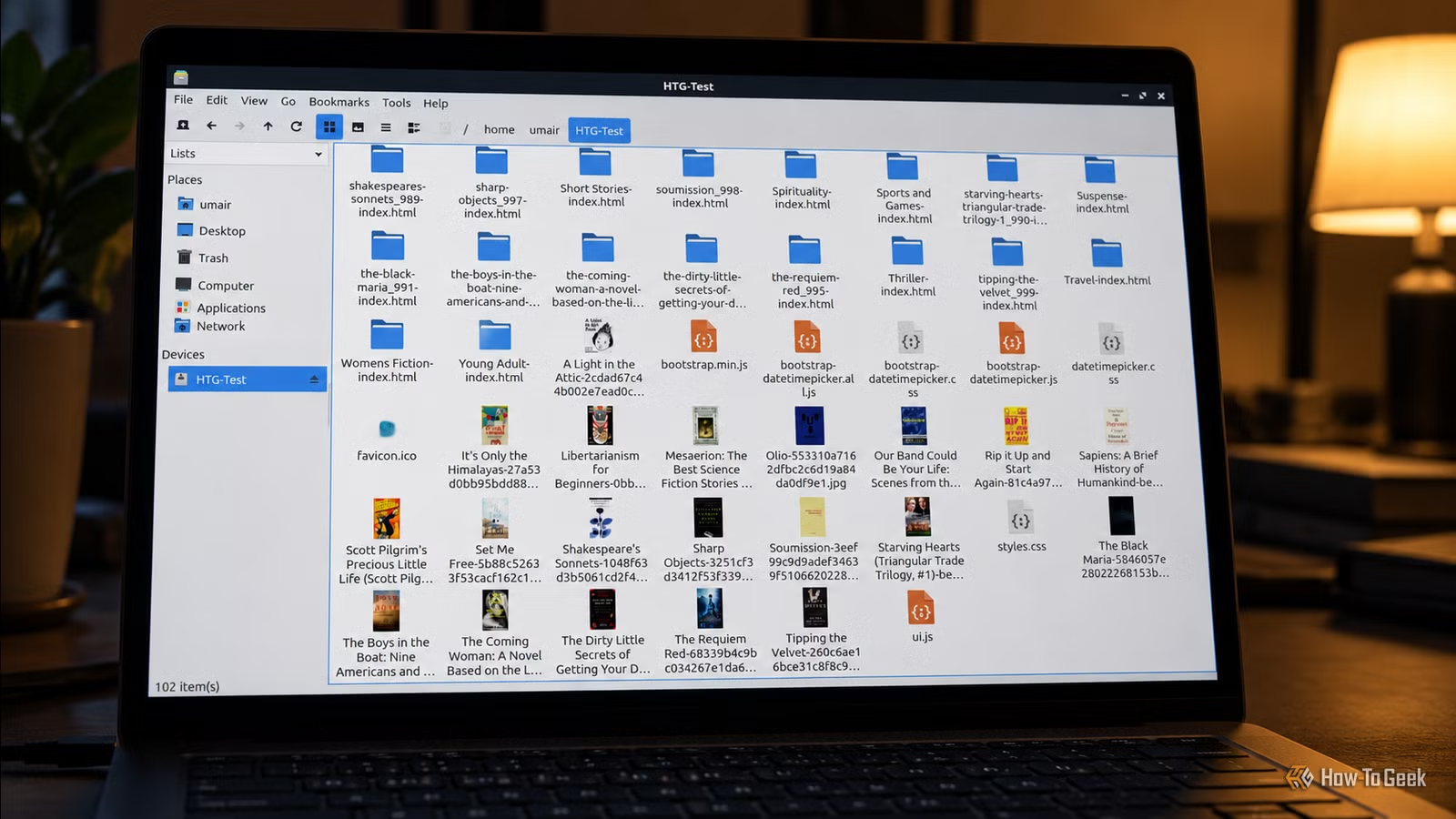
The default options have certainly improved, especially on Samsung devices. Samsung My Files is an excellent file manager, while Files by Google is adequate for many users. However, both lack features that are commonly found in desktop file managers, such as network file browsing.
That’s why I prefer Material Files, which offers a sleek, minimalist design along with powerful features, like turning your phone into an FTP server for wireless file transfer, browsing Samba shares, and accessing webDAV servers.
Document Scanners
Your Phone Can Provide Superior Scanning
Using a printer to scan documents is often unnecessary, leaving many without a scanner at home and forcing them to rely on their smartphones.
When scanning apps first appeared, they felt revolutionary, which justifies their costs at the time. The technology and phone cameras have vastly improved since then, making it simpler to create usable scans.
Numerous free, open-source scanning tools are now available. This resource is becoming essential as more documents are shared digitally. One standout option is MakeACopy, which guides users through the scanning process, making it hard to justify purchasing another app.
Handwriting Apps
Having relied heavily on an S Pen with my Galaxy Z Fold 6, the removal of this feature in the upcoming Z Fold 7 prompted me to consider alternatives like the Motorola Razr Fold. While Samsung Notes was adequate for my handwriting needs, the Moto Notes app falls short, leading many users to pay for handwriting apps. I opted for Notewise initially.
Then I found Saber, an open-source handwriting app available on F-Droid. It features a Material You design, blending well with my existing apps, and offers a more user-friendly layout for switching pen sizes and using the eraser.
On the downside, Saber does lack text transcription capabilities, meaning I have to export my notes as images or PDFs before processing them through another app—something Google Lens can manage, though I wish to find a more private option.
Free Android Apps Are Constantly Evolving
The Play Store often promotes commercial apps with large user bases, typically supported through ads, subscriptions, or data gathering. In contrast, F-Droid focuses on free and open-source software, guiding you toward choices that won’t incur costs. If you’re looking to enhance your Android experience without spending money, this is a great place to begin.