4 Sleekly Simple Apps to Streamline Your Windows Experience Beyond the Default Bloat

Microsoft has increasingly cluttered its default Windows applications with unnecessary features, resulting in bloated software that often prioritizes AI tools that many users find unnecessary. A prime example of this is Notepad, which has become laden with AI enhancements.
In addition, the company seems to have overlooked optimization, as evident with straightforward applications like the Weather app consuming over 1GB of RAM. Fortunately, the third-party application market for Windows is thriving, providing a wealth of lightweight and efficient alternatives to these overstuffed default apps.
One Photo Viewer
A streamlined alternative to the overly complicated Photos app
I’ve preferred One Photo Viewer over Windows Photos for years, transitioning from mere preference to necessity as Microsoft integrated more AI features into its applications.
Today, the Photos app leans more towards being a photo editing tool rather than a simple viewer, which doesn’t suit my needs since I have other applications for editing. For photo viewing, I depend on One Photo Viewer.
This app epitomizes minimalism; it performs its designated function exceptionally well, making it my go-to recommendation for anyone seeking an uncomplicated alternative to the bloated Windows Photos app that operates efficiently.
Lively Weather
Efficient and straightforward
I was shocked to discover that the default Weather app in Windows 11 was such a memory consumer, utilizing over 1GB of RAM. After testing, I promptly removed it from my system, a decision I had made years prior.
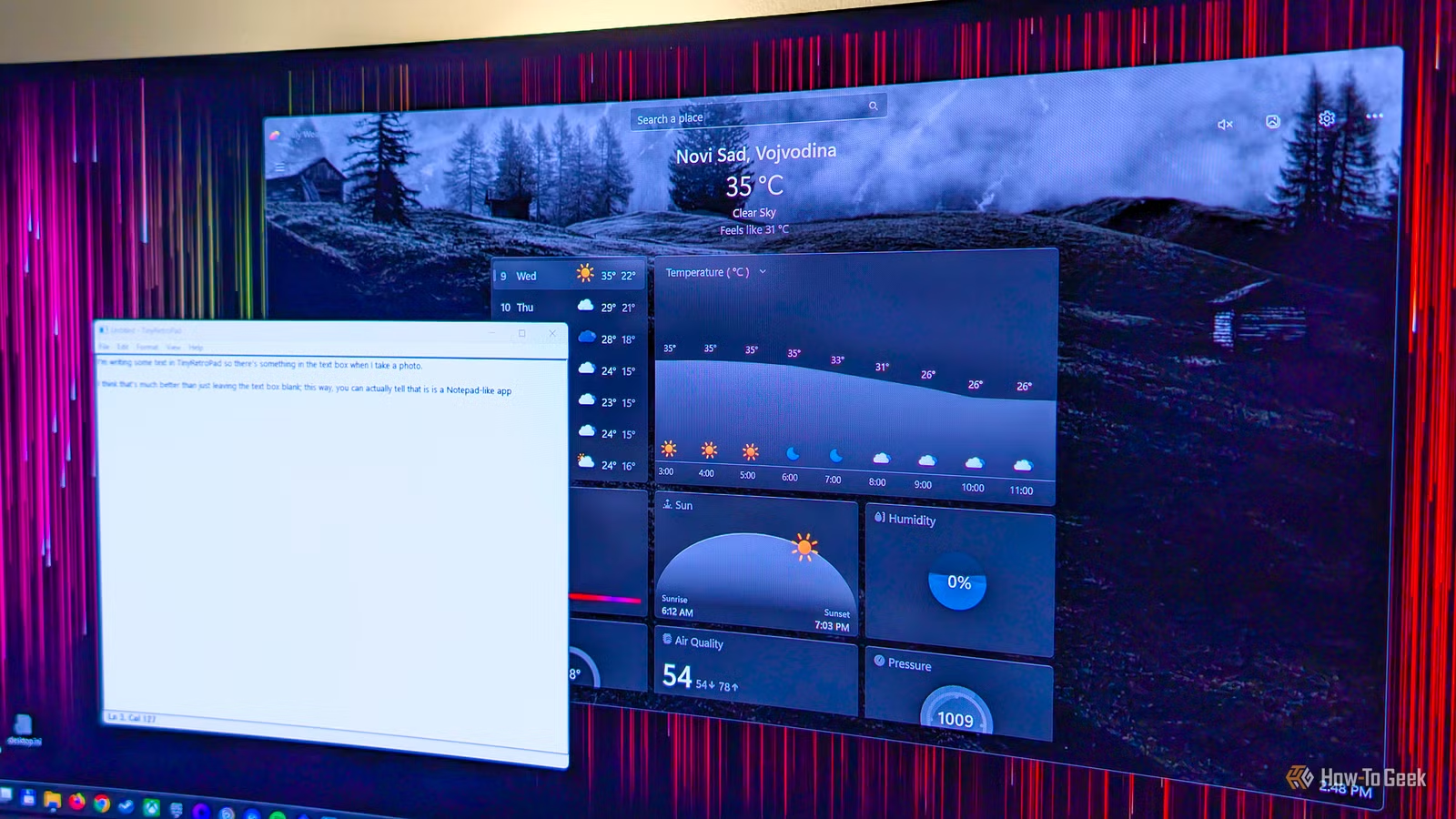
Having used weather apps on my mobile device, I recently came across Lively Weather and decided to give it a try. Like One Photo Viewer, it excels in its singular function.
Lively Weather avoids overwhelming users with excessive tabs and information. Instead, it provides a clean interface where you can manually input and add locations without needing access to your device’s GPS.
The app sports a visually appealing interface with dynamic backgrounds that change based on the weather and time of day, enhancing user experience. Despite its graphical elements, Lively Weather is a lightweight application. In my tests, it consumed around 170MB of RAM while in use, and its memory usage dropped significantly when minimized.
For those who prefer not to have animations, it allows you to turn them off and even lower the visual quality to a minimal setting, making it compatible with virtually any Windows 11-capable PC. In my opinion, Lively Weather is one of the best minimalist weather apps available on Windows.
TinyRetroPad
A remarkably lightweight replacement for Notepad at under 3KB
As for lightweight applications, Windows has turned Notepad from a quintessential minimalist tool into a bloated version filled with unnecessary AI features.
Thankfully, TinyRetroPad offers an ultra-minimalist answer to Notepad, weighing less than 3KB. Its extremely compact size means it barely occupies any storage space; you could fit numerous copies on even an old floppy disk and still have room to spare.
Functionally, TinyRetroPad is straightforward and reminiscent of the original Notepad from Windows XP. It’s perfect for editing configuration files and jotting down quick notes, launching instantly upon use. It has essential features like Find and Replace, but it doesn’t complicate the user experience—making it an excellent tool for users who appreciate simplicity.
No account sign-up or installation is needed; just access the app’s GitHub page, download the file, and you’re ready to go.
Pinta
A stylish minimalist alternative to Microsoft Paint
Microsoft Paint has also been altered significantly with the introduction of generative AI tools, changing it from a basic graphics editor into something much more complex.
Pinta stands out as an excellent lightweight substitute for Paint, offering a sleek interface while maintaining a classic feel. It’s equipped with just the right features to ensure usability without overwhelming the user, allowing for everything from simple doodles to more complex creations.
If you seek a straightforward alternative to Microsoft Paint, Pinta is a strong choice. This open-source app is also compatible with macOS and Linux, should you wish to use it on those platforms.
When AI features go too far
It’s puzzling that even Notepad has been outfitted with AI features, reflecting an oversaturation of AI throughout Microsoft’s offerings. While some applications, like Paint, may benefit from a few select enhancements, the influx of AI tools has become excessive. Users are now required to log in with a Microsoft account to access certain features and even utilize AI credits, a bizarre predicament.
Aside from Notepad, the only default app I kept on my PC while writing this was Photos, until I encountered a OneDrive notification as soon as I opened it. With its growing bloat, I decided to uninstall it as well. One Photo Viewer now serves my photo viewing needs, and when it comes time for editing, I have various other tools that better suit my workflow.