Unlocking Alarm Sounds: Ensuring Your iPhone Alarm Rings Loudly, Even in Silent Mode!

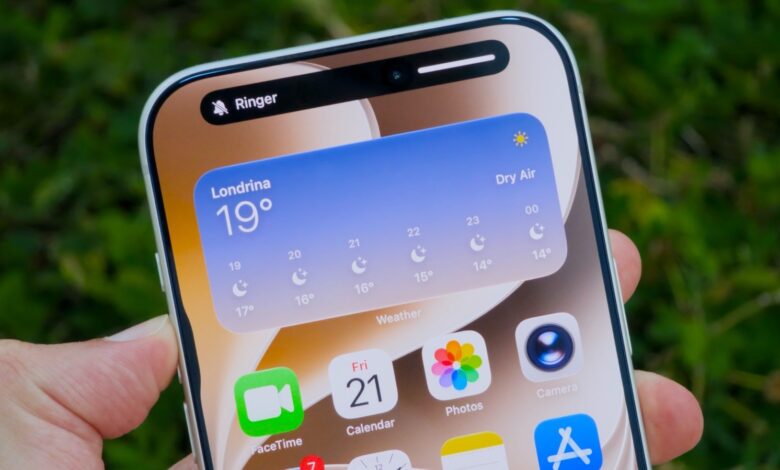
Say goodbye to waking up late because you lowered your alarm’s volume before sleeping.
One recurring issue with the iPhone has been the interlinked volumes of alarms and ringtones. If you lower your ringtone volume, there’s a good chance you’ll wake up late the next day. However, Apple seems to have addressed this concern with iOS 27, introducing separate volume control for alarms and timers. This feature is accessible with just a single setting adjustment on your updated iPhone.
Adjusting Alarms Volume in iOS

It’s important to maintain a high volume for alarm sounds while allowing for more flexibility with ringtones and alerts. With the new control introduced in iOS 27, you can customize the volume settings more precisely. Navigate to the Sounds & Haptics menu in the Settings app to find the new options. Simply toggle off Match Ringtone Volume found in the Alarms & Timers section. It’s straightforward.
Disabling this setting will reveal a new slider to adjust the volume for alarms and timers, ensuring that changes in your ringtone volume do not affect your alarm. This way, you can rest easy, knowing your iPhone will alert you as necessary, regardless of the ringtone volume.
Additionally, iOS 27 allows you to manage the volume for system alerts, such as notifications and keyboard sounds. Turning off the corresponding toggle ensures you can have a loud alarm without being distracted by notifications.
You can also decide if the volume buttons should control ringtones or media playback. This option has been around but might be overlooked by some users.
If you wish to revert these changes, simply return to the Sounds & Haptic settings and re-enable the toggles you previously disabled.
Additional Features in iOS 27

While iOS 27 may not initially seem like a significant upgrade, it includes many minor enhancements that improve user experience. Among these improvements is Siri AI, set to address existing issues with Apple’s virtual assistant. Furthermore, the Liquid Glass interface will be clearer and easier to read, demonstrating Apple’s attentiveness to user feedback on design adjustments this year.
New software updates from Apple usually launch in September alongside new products, so the specific public release date for iOS 27 is yet to be announced. However, a public beta is currently available for those who don’t want to wait.
Keep in mind, beta versions may contain bugs, so ensure you back up your device and proceed with caution if you choose to download it.