4 Impressive Open Source Docker Containers That Show You Don’t Need Heavy Hardware for an Advanced Homelab Setup

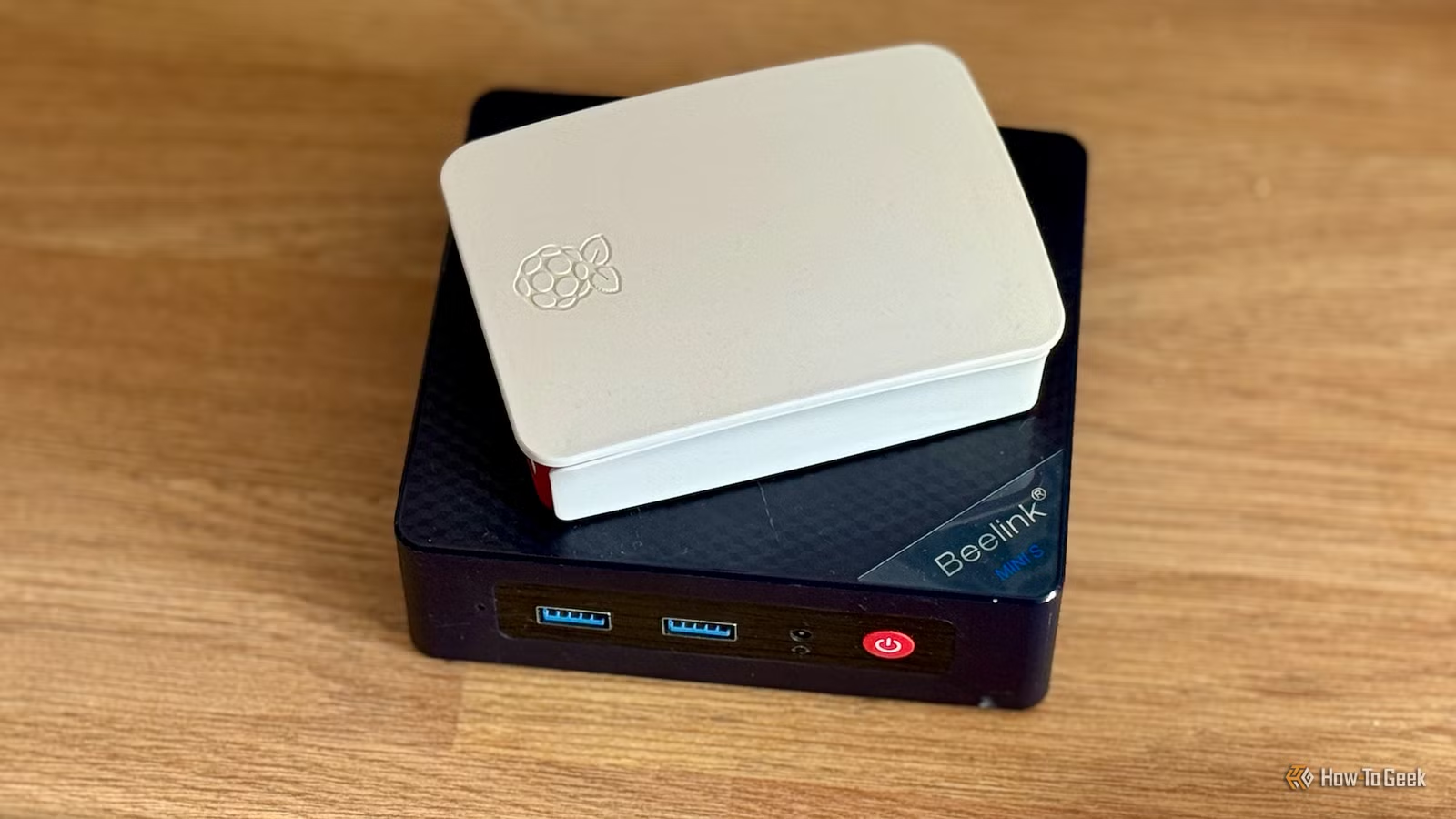
Many people mistakenly believe that setting up a homelab requires expensive or powerful hardware. In reality, there are several open-source Docker containers that can help transform a basic home lab into a robust system without breaking the bank. Here are four standout options that can get you started.
Home Assistant
A Local Smart Home Doesn’t Require Exorbitant Resources
Home Assistant is an excellent starting point for homelabbing enthusiasts, and it performs remarkably well in a Docker environment. One of its greatest advantages is its minimal resource requirement. Unless you’re managing a vast array of devices and complex automations, most hardware can handle Home Assistant without a hitch.
This platform can be effortlessly deployed as a Docker container for straightforward configurations. While certain advanced features might be absent, such as specific apps and automatic updates, using Docker is an excellent way to begin. As your skills advance, transferring Home Assistant to a dedicated installation becomes a seamless process.
For newcomers, Home Assistant serves as a smart home platform, enabling local control over devices and services typically reliant on cloud access. This enhancement in security allows you to safeguard your smart home by disabling external access, thus preventing potential outages from affecting your system.
Nextcloud
Any Old PC Will Suffice
If you’re looking to move away from established cloud services like Dropbox or Google Drive, Nextcloud is an excellent alternative. While the full suite may feel overwhelming, its core file hosting service is relatively lightweight.
Nextcloud is Docker-compatible and can be set up over a weekend with moderate effort. You don’t need high-performance hardware; many users run it on outdated Raspberry Pis, mini PCs, or even old laptops. The main requirement is adequate storage space, which can be adjusted based on your needs. In essence, if you’ve got a spare computer lying around, you can successfully utilize Nextcloud.
Pi-hole or AdGuard Home
A Raspberry Pi Is All You Need
Pi-hole and AdGuard Home are two fantastic services that demand minimal system resources. They run perfectly in a Docker container and can function on devices as lightweight as a Raspberry Pi Zero W or even a two-decade-old computer. As long as your hardware can support a modern Linux version compatible with Docker, you can implement these content filtering solutions.
These services can drastically improve your network’s efficiency and functionality, breathing new life into nearly any device in your home without requiring a robust system.
Immich
Your Spare Laptop Is Perfect for It
Immich does benefit from more powerful hardware but isn’t overly demanding. It can run smoothly on a device with a minimum of 6GB of RAM, making it an ideal candidate for an old laptop or desktop. Immich aims to replace Google Photos, leveraging your personal hardware to manage photo storage, including automatic backups from mobile devices, image tagging through on-device machine learning, and location mapping for photos.
While the processing time for features like facial recognition may increase on older machines, the application will still function effectively.
Your Homelab Doesn’t Need to Be Overpowered to Be Functional
Even if you only possess a basic laptop, desktop, or Raspberry Pi, establishing a homelab is entirely feasible. Many services within the homelab community are optimized for minimal resource usage, making them ideal for low-powered hardware.
So if you’ve delayed starting your homelab due to hardware concerns, seize the opportunity today. Install Linux, set up Docker, and deploy your first container.




