Megan Ellis / Android Authority
Summary
- The Chrome browser now allows users to search using on-screen content through features like Google Lens.
- A new feature called “Select from screen” has been introduced this week for enhanced searching with Gemini.
- Users can highlight specific content on their screens for Gemini to analyze.
Google continues to innovate ways to let users initiate searches using their screen content. The company has launched several tools over the years, such as Google Lens, to facilitate this. Recently, Google unveiled yet another feature as part of its ongoing efforts in this area.
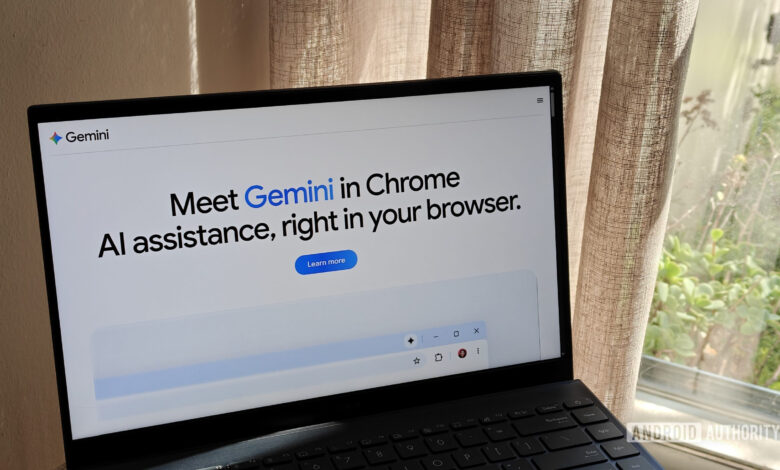
This week, Google announced the addition of a “Select from screen” feature within Gemini for Chrome on desktop. To utilize this tool, users need to click on “Ask Gemini” and then select the plus sign on Gemini’s Add menu. This will allow users to draw a box around any content they want Gemini to analyze, enabling the selection of multiple areas simultaneously. Once the desired content is selected, users can submit their queries to Gemini.
The process is straightforward and bears similarities to Chrome’s integration with Google Lens, but it focuses more on leveraging Gemini to enhance the user experience. Unlike Lens, which redirects users to a standard Google Search page, here the interaction remains more integrated within the Gemini environment.
To use this screen selection feature, users must have Gemini enabled in Chrome and be logged into their Google account; it is not available in Incognito mode. For those who prefer using Lens, the good news is that it can be accessed without an account, even in Incognito.
The “Select from screen” feature should now be appearing for users of Chrome. If it is not visible and you have confirmed that Gemini is enabled, make sure to update to the latest release of Chrome 149.
Thank you for being part of our community. Please review our Comment Policy before sharing your thoughts.