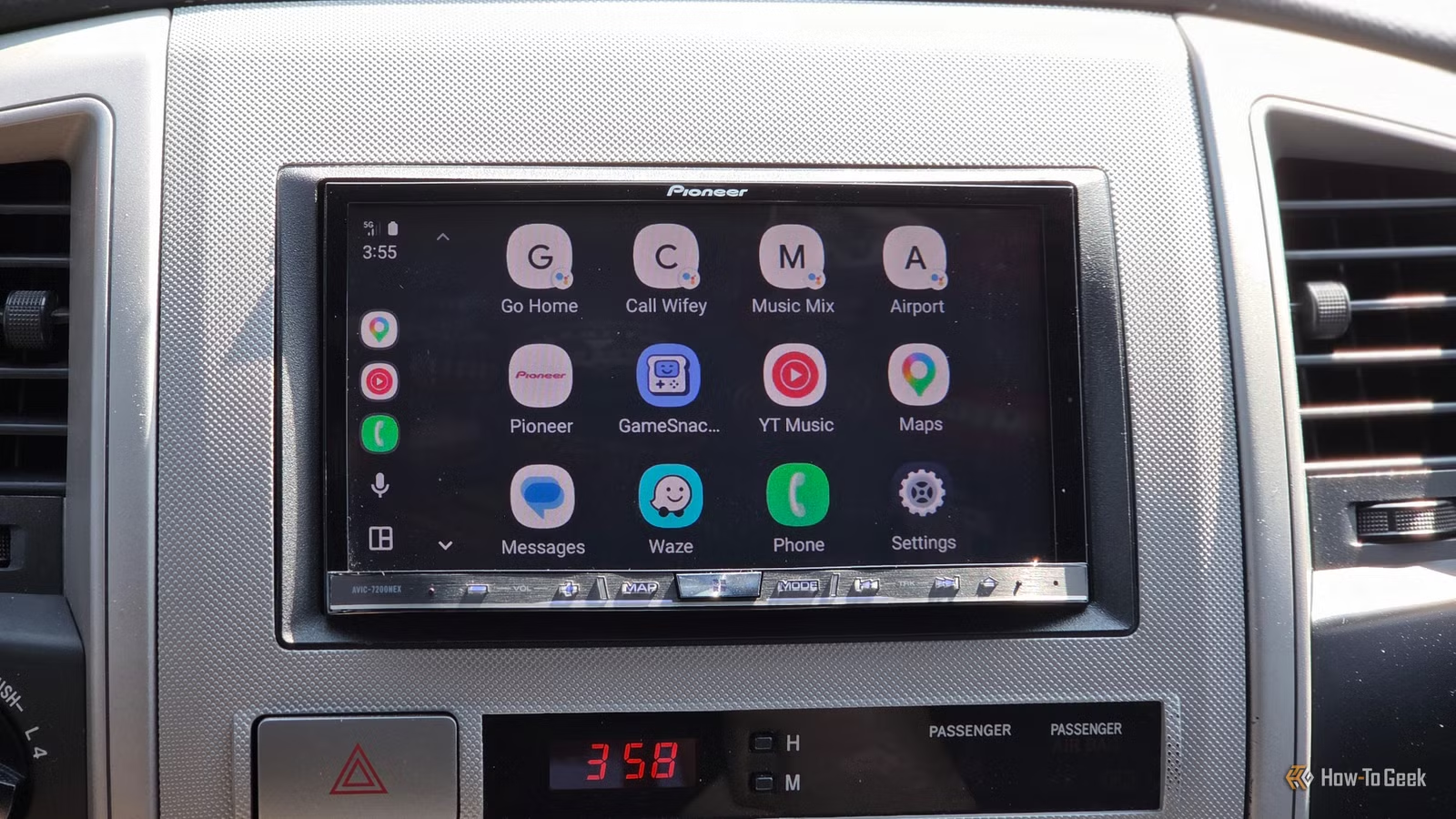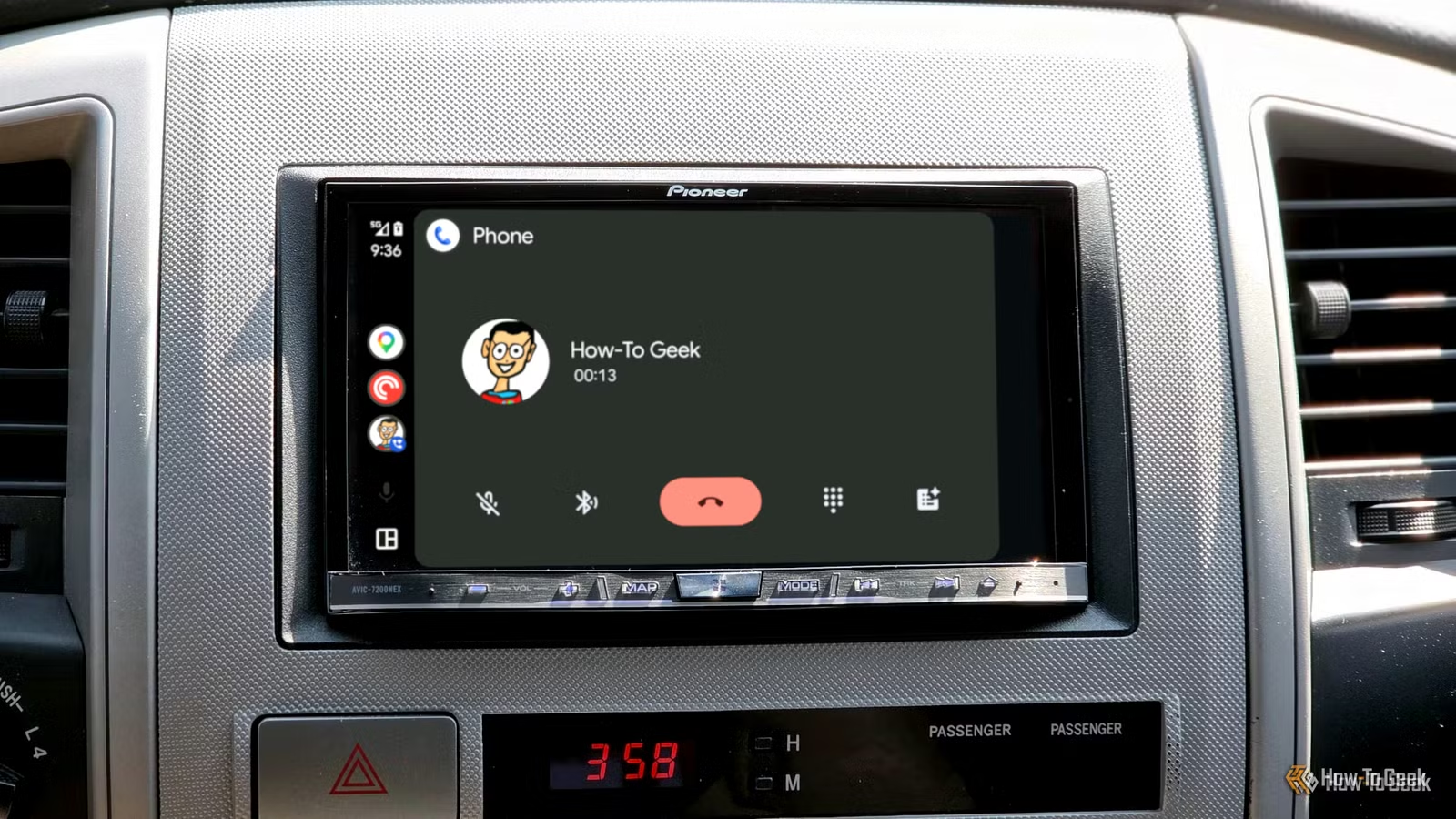
Wired Android Auto offers an exceptionally straightforward way to connect your smartphone to your vehicle. As soon as you plug in your phone with a USB cable, it establishes a connection almost instantly, often quicker than your engine can warm up. One frustrating downside is that it also activates Bluetooth automatically, leading many to wonder why this happens during a wired Android Auto session.
Your Wired Android Auto Connection Isn’t as Fast as You Think
USB Doesn’t Cover Everything
Android Auto provides two main connection methods: wirelessly through your phone’s 5GHz Wi-Fi or via a USB data cable. Many users prefer the wired option for its reliability and reduced phone heating, which is particularly beneficial as it’s often the only officially recognized connection type in many vehicles.
The USB connection effectively manages virtually everything your phone offers—navigation, music, podcasts, and notifications. Whether it’s transferring audio or displaying visuals, USB is quite capable.
Interestingly, phone calls are one feature that the USB cable does not handle, and while this might seem strange, understanding the split responsibilities between USB and Bluetooth clarifies the situation.
Bluetooth Takes Care of Phone Calls
Your Calls Enjoy a Different Route
While USB is entirely capable of managing phone calls, the standard procedure in most vehicles is to route these calls through Bluetooth. Specifically, cars employ a protocol known as Bluetooth Hands-Free Profile (HFP), which has existed for quite a while. It facilitates a mono audio channel to transmit the caller’s voice through the car speakers while utilizing a microphone to capture your responses. Essentially, for Bluetooth HFP to work, a vehicle must have a built-in microphone.
As its name suggests, Bluetooth HFP is designed to manage calls seamlessly through controls like your steering wheel, promoting driver safety—a suitable choice for any car built over the past decade. However, the audio quality during calls using Bluetooth HFP isn’t anywhere near that of wired connections or even Bluetooth A2DP, which is used for music streaming.
Moreover, HFP prioritizes low latency, resulting in a compromise in audio fidelity. This discrepancy explains why the audio quality can vary drastically between a phone call and the preceding music.
While it’s true that wired Android Auto could effectively address latency without sacrificing quality, several unique advantages favor the current setup.
The Unexpected Benefits of Using Bluetooth for Calls
It’s More Valuable than You Think
Though it may seem bothersome that Bluetooth automatically activates whenever you connect your phone, requiring a manual turn-off later, it’s not all negative. One significant advantage of keeping calls distinct from Android Auto is redundancy. USB cables can experience brief disconnections while driving, especially over bumpy terrain, particularly if the USB port is worn.
Android Auto can also encounter crashes, albeit less frequently with wired connections, yet older phones might struggle with the heavy load it demands. By keeping calls on a separate Bluetooth line, you reduce the risk of experiencing dropped calls while cruising down the highway.
Another fascinating aspect is how your vehicle’s microphone and telephony system manage audio. Car interiors can be quite noisy due to wind, tire sounds, and ambient traffic, plus the echo created by large glass surfaces.
Designers have effectively addressed this challenge by equipping microphones to be directional, using advanced signal processing techniques to eliminate echo and reduce noise. This system can even account for sound coming from speakers when the caller is speaking, thus preventing feedback loops.
Bluetooth HFP is equipped with a “switch” that disables your phone’s signal processing to maintain audio quality during calls, allowing the vehicle’s system to handle the processing instead.
This Could Explain Some Peculiar Android Auto Call Issues
Your Audio-Free Calls Aren’t a Cable Issue
When call audio fails within Android Auto, many users instinctively suspect an issue with the Android Auto setup. While some problems might stem from configuration problems or bugs, the majority are linked to Bluetooth connections.
If you find yourself unable to hear the caller or vice versa, it’s likely a Bluetooth-related problem—be it interference from connected devices like smartwatches, incorrect permissions for Bluetooth calling, or random connectivity glitches that could often be resolved by simply toggling Bluetooth off and on again.
Updating your car’s firmware can also prove beneficial, as call management operates through the vehicle’s Bluetooth connection rather than the primary Android Auto link, so it’s crucial to focus there.
Everything Becomes Clearer with This Understanding
While Google could have implemented phone call functionality over wired Android Auto, the developers opted for a “if it works, don’t fix it” approach. The Bluetooth HFP has been finely tuned within the automotive industry, proving to be a reliable choice. Though wired connections might appear superior, it would merely exchange one set of potential issues for another.
The next time you hop in your vehicle, consider leaving Bluetooth activated; it’s doing the crucial job that USB cannot handle.