
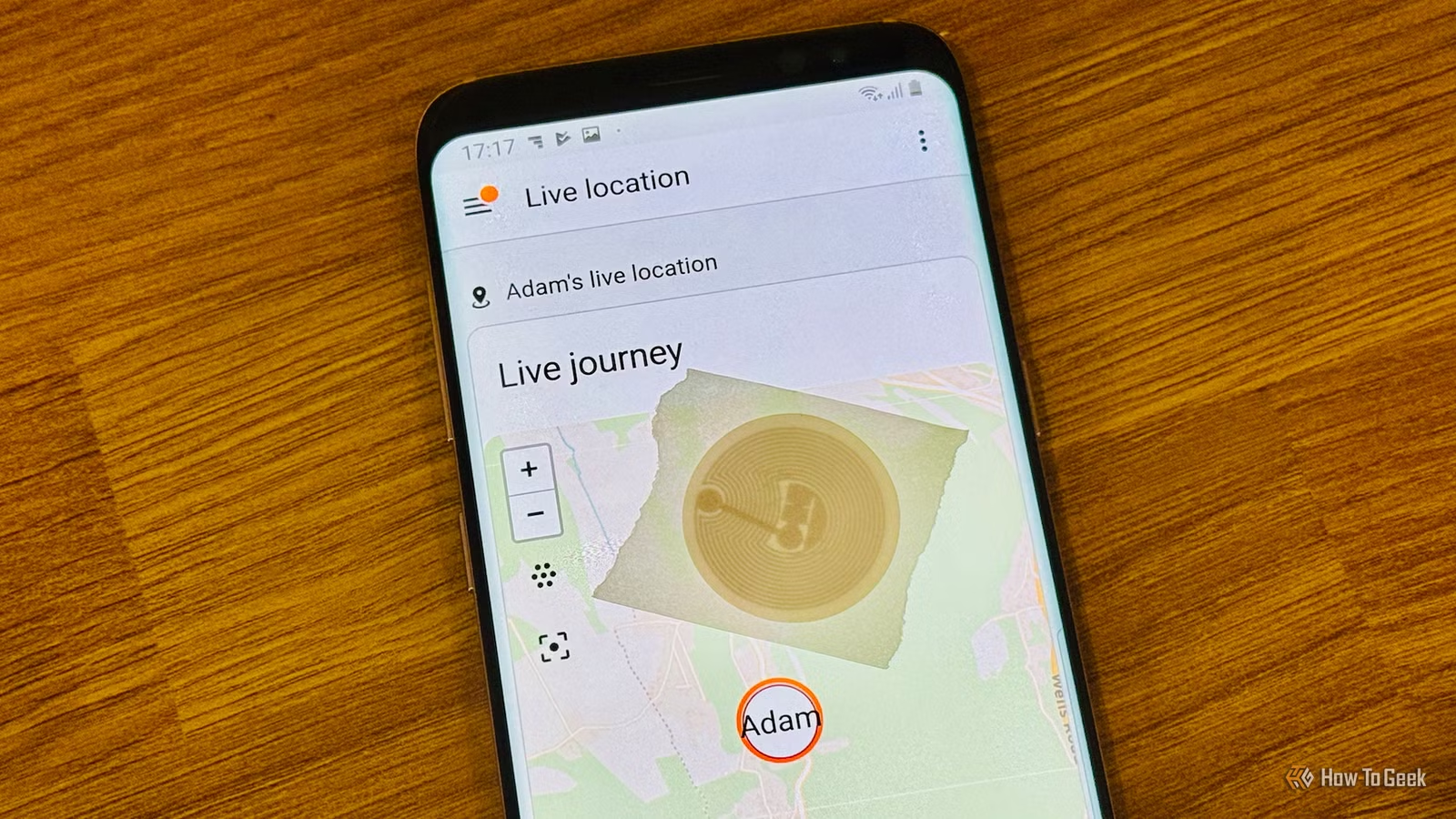
The NFC reader in Android devices offers functionalities beyond just making payments. When placed near compatible tags or accessories, it can perform a variety of tasks. Here are some of the ways it can enhance your usage experience.
Trigger Smart Home Routines
Transforming a Simple Tap into Automation
Many individuals utilize their phone’s NFC feature solely for transactions; however, it can also scan inexpensive NFC stickers that can launch comprehensive routines. Applications like Tasker, Automate, and NFC Tools allow users to program specific commands onto these affordable NTAG213 or NTAG215 stickers. After programming, touching the phone to one of these stickers can instantly activate the set command without needing to unlock the device, provided the screen is active and NFC is turned on in settings.
The applications are plentiful. For instance, a sticker on a bedside table could enable Do Not Disturb mode, dim the display, and initiate a sleep timer simultaneously. Similarly, a tag placed in a car can automatically open Google Maps, connect to the vehicle’s Bluetooth, and adjust music volume before the driver even fastens their seatbelt. In smart home configurations linked via platforms like Home Assistant, a tag positioned by the entrance could secure the premises and turn off indoor lights when leaving, and reset these settings upon re-entry.
Since these tags only hold brief instructions instead of sensitive data, they bear lower risks for placement in homes or offices. However, it’s important to note that the efficacy of automation apps may vary across different Android versions and custom interfaces, making it a good idea to first test a simple action before creating more complex sequences.
Instant Wi-Fi Sharing
Tap to Connect without Typing
Manually entering lengthy, case-sensitive Wi-Fi passwords for guests can be tedious. Fortunately, using the NFC reader, you can streamline this process. With an app such as NFC Tools, network information, including the name, password, and security type, can be encoded onto a blank NFC tag. Once created, anyone with an NFC-enabled Android device can just tap their phone against the tag and receive an instant prompt to join the network, eliminating the need for manual entry.
This method is increasingly adopted in small offices, cafes, short-term rental properties, and homes that frequently host guests, complementing printed QR codes for Wi-Fi access. NFC tags tend to offer better convenience since using them doesn’t require camera access or scanning; just a quick tap near the router or front door suffices. They also function better in low-light conditions or when printed codes wear out.
However, it’s prudent to consider that anyone who touches the tag can join the network, presenting a risk if the tag is misplaced or stolen. While this is often a minor issue for personal residences, it’s wise to keep tags in monitored locations within shared spaces and to use a separate guest network with restricted access to other devices. Altering the tag when the password changes is also advisable.
A Solution Since the Disappearance of Android Beam

Image credit placeholder
Longtime Android users may recall the Android Beam feature that enabled seamless sharing of contacts, links, and small files between devices by tapping them together. However, Google sidelined Beam starting with Android 10, ultimately removing it with Android 14, in favor of Nearby Share, which utilizes Bluetooth and Wi-Fi Direct instead of direct taps. This shift means the traditional NFC handshake for contact sharing is not available in the latest Android models. Although Google is reviving this feature for Pixel phones through Quick Share, it won’t be widely available for some time.
Fortunately, users can still read contact information from a physical NFC tag instead of another device. There is a rising trend of NFC-enabled business cards, keychains, and smart items that hold a contact card in the standard NDEF vCard format. Tapping an NFC-compatible phone against these items reveals a prompt displaying the stored information, allowing users to save it directly to their contacts. Users can also create their vCard on blank NFC stickers, turning everyday objects into digital business cards.
This has become a popular choice at networking events, conferences, and business promotions, with the classic business card increasingly giving way to taps for contact sharing.
Quick Pairing of Bluetooth Devices
Image credit placeholder
Many Bluetooth devices, such as speakers, headphones, and car systems, come equipped with NFC chips designed for faster pairing, often indicated by an NFC logo on the device. Instead of manually searching through Bluetooth settings and selecting the appropriate device, users can simply touch their phone against the NFC-enabled spot on the accessory. This instantly transmits pairing information using the Bluetooth Secure Simple Pairing protocol, completing the connection without any code input.
This feature has been integrated into products from brands like JBL, Sony, and Bose for some time, and has more recently appeared in car audio systems, allowing drivers to connect phones quickly by tapping against a designated area, rather than navigating through the car menu while parked. This method is particularly advantageous in situations where quick pairing is necessary, like at gatherings where multiple people need to connect to a shared Bluetooth device.
It’s worth noting that this NFC pairing feature only works if both the phone and the accessory support it. Not every Bluetooth product carries this capability, even among similar models. Check for the NFC symbol on the device, typically located near the power button or on the top panel, to confirm compatibility. When supported, this feature significantly streamlines Bluetooth connectivity.
Beyond Payments: The Versatility of NFC
NFC technology offers a wide range of functionalities, from initiating smart home routines to sharing Wi-Fi credentials, contact information, and Bluetooth pairings with a simple tap. Android’s NFC reader remains an underutilized feature in many smartphones—requiring no additional hardware, just the correct tags or accessories.


