Unlocking Potential: 5 Creative Uses for an Unplugged Router You Never Considered

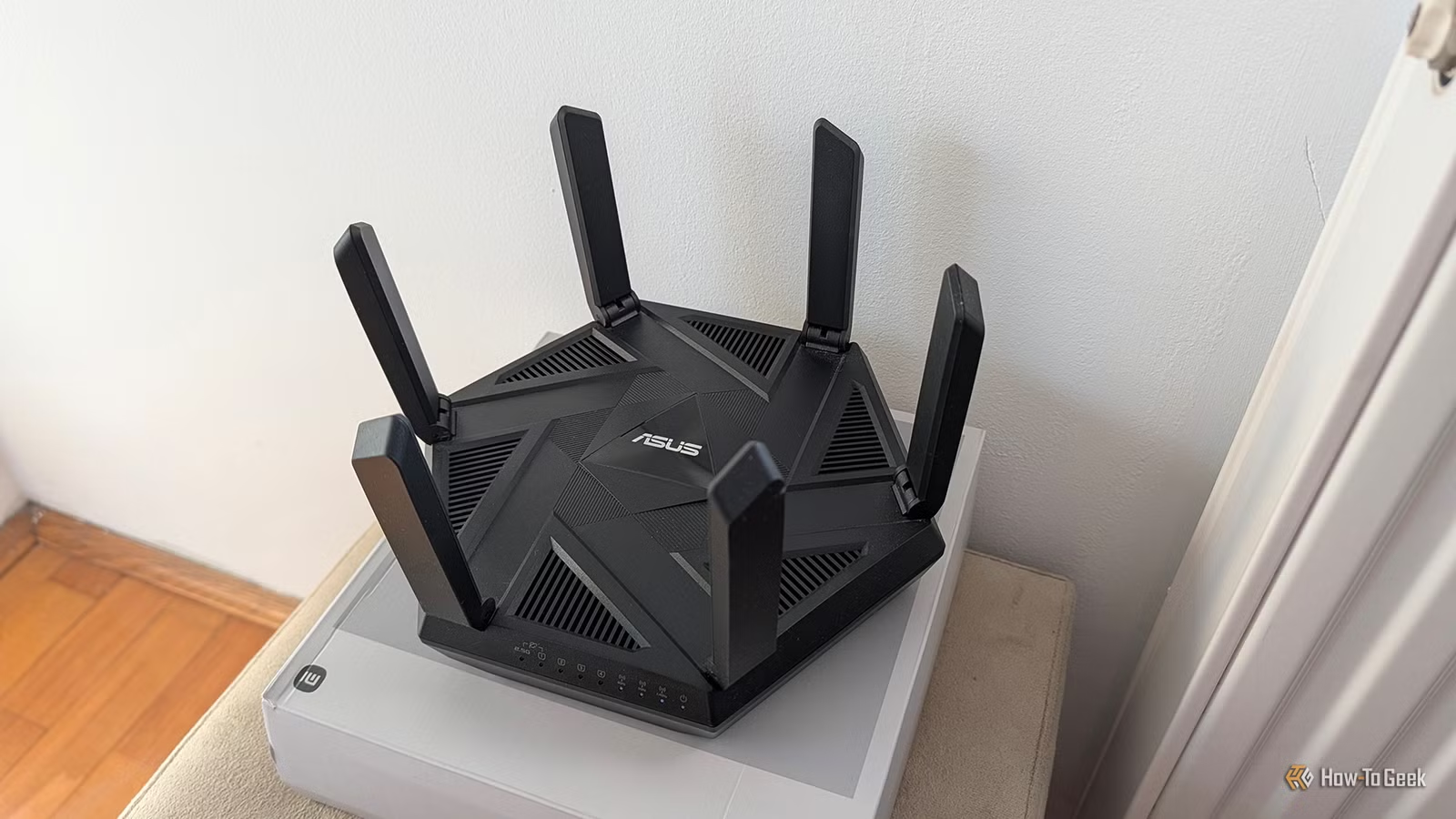
A router is primarily designed to manage network traffic between devices and networks, which means it can still be quite functional without an internet connection. If you have an extra router on hand, there are various practical uses for it, all without the need to connect it to the web.
You can set up Wi-Fi on the router, allowing devices to connect securely without internet access. This configuration is particularly beneficial for situations where you want to utilize a Network Attached Storage (NAS) or a network printer without exposing them to the internet.
Local File Sharing
Transform It Into a Local Storage or Media Server
If your router has a USB port and supports SMB file sharing—a feature available in many modern devices—you can convert it into a budget-friendly NAS. Simply connect a storage drive to its USB port to access files from any connected device.
While transfer speeds may be limited and typically allow for only one drive—unless USB hubs are supported—having any NAS functionality is better than not having one. You can also connect a dedicated NAS to this router, ensuring that the NAS itself remains offline for security, which is particularly valuable for handling sensitive work files. Furthermore, you can establish a local media server for devices connected via Wi-Fi or Ethernet.
Connecting IoT Devices
Control IoT Devices Locally
Another productive use for a second router offline is to connect all your smart devices. This allows you to manage them internally while keeping them off the internet, enhancing security, especially since many IoT devices are not well-protected.
This setup is beneficial if your primary router doesn’t support VLANs. By connecting all your IoT devices to the secondary router, you minimize the load on your primary DHCP server and can still access these devices locally. If you want remote control, you can link your smart devices to the second router and connect the Home Assistant device, which can be linked to the primary router for internet access while keeping IoT devices isolated.
Printer Access
Make a Networked Printer for Everyone

You can also turn your router into a networked printer,supporting printer sharing without requiring internet access. Simply connect the printer to the router’s USB port, and it becomes accessible to all devices on that network. For shared access across other networks, switch the secondary router to bridge mode and connect it to the primary router using Ethernet. This adds the option for expanded Wi-Fi coverage but may compromise the security of keeping the printer offline.
LAN Gaming
Host Multiplayers Without Internet

Your offline router can also serve as a platform for LAN parties. You can invite multiple players over and if more Ethernet ports are necessary, simply connect a network switch. Additionally, games that permit LAN multiplayer can be enjoyed, and you can create local game servers for games like Minecraft.
Setting Up Your Router
Before using your router, access its web interface to configure the settings. This involves connecting it either via Wi-Fi or Ethernet and entering the default IP address in your browser. Update the Wi-Fi name and password and adjust any file-sharing or printer settings as needed. Factory resetting the router might also be a good idea, especially if it has been used previously.
In summary, there are numerous ways to utilize a router without needing an internet connection. From local storage solutions to managing smart devices and printers, to hosting gaming sessions, a router can be helpful even offline.