Quit Pointing Fingers at Plex: Your Wi-Fi is the True Culprit Behind Streaming Lags

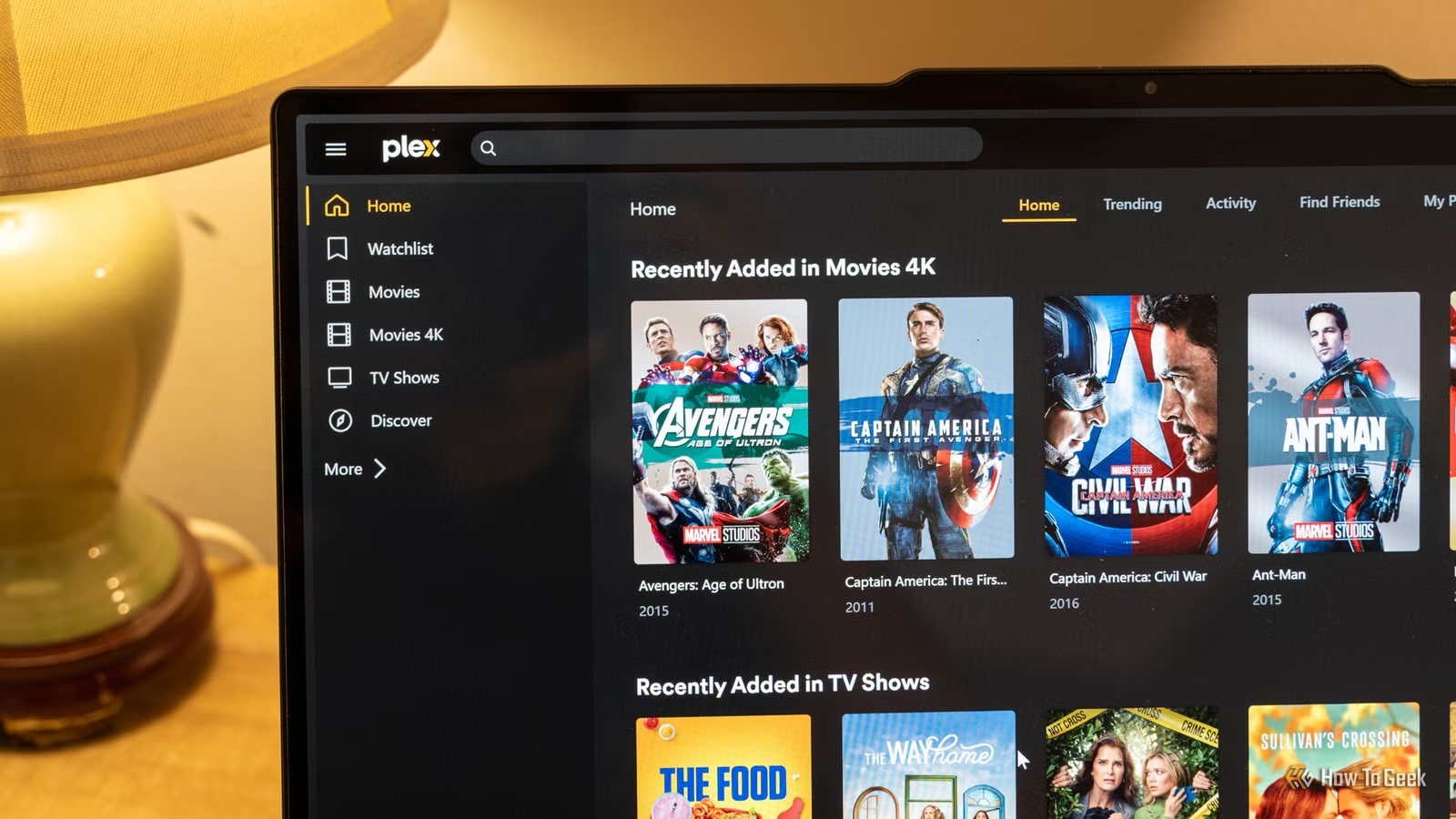
Experiencing sluggish or choppy streams on Plex? It’s likely not due to your Plex server itself, but rather an issue with your home network. Here are some aspects to consider before delving into complex settings and configurations.
Your Plex Server’s Network Connection is Crucial
Wired Connections are Essential
Plex can run on various devices, but it’s crucial that it operates on a wired connection rather than Wi-Fi. While Wi-Fi is convenient for everyday tasks, it lacks the reliability and stability of a wired connection.
Even if your Plex server boasts impressive hardware, a Wi-Fi setup can severely hinder performance. If your streams feel sluggish, check that your Plex server is connected via Ethernet rather than relying on Wi-Fi.
A Weak Wi-Fi Signal Can Undermine Your Streaming Setup
Check the Connection of Your Viewing Devices
If your Plex server is wired correctly but streaming remains slow, the issue may lie with the device you’re using to watch. For instance, if your TV is situated far from your router, it may not receive a strong enough Wi-Fi signal to support high-quality streaming.
Although standard definition content may stream successfully, higher-resolution 4K material requires a stronger connection. Many TVs and streaming devices come equipped with weaker Wi-Fi capabilities. Ensure that these devices are also connected through a wired network when possible for an optimal experience.
Excessive Devices Can Compromise Bandwidth
Bandwidth Limitations
Another critical factor to check is the available bandwidth on your network. For example, if multiple devices are connected and using data simultaneously, it may exhaust your bandwidth capacity.
Imagine your network’s bandwidth like a straw, narrow and unable to deliver enough liquid for everyone. An outdated network can hinder performance substantially, especially when streaming services compete for bandwidth during usage.
If you haven’t upgraded your network equipment recently, consider doing so to avoid bandwidth issues that can affect streaming quality, especially during peak usage times.
Understanding Your Network’s Performance
It’s uncommon for the Plex server itself to be the root cause of streaming problems. Typically, network issues are at play. Before troubleshooting Plex settings, take the time to evaluate your networking infrastructure to ensure it can support your streaming needs.