Many believe Google is sharing their photos with Gemini, but the truth is even darker.

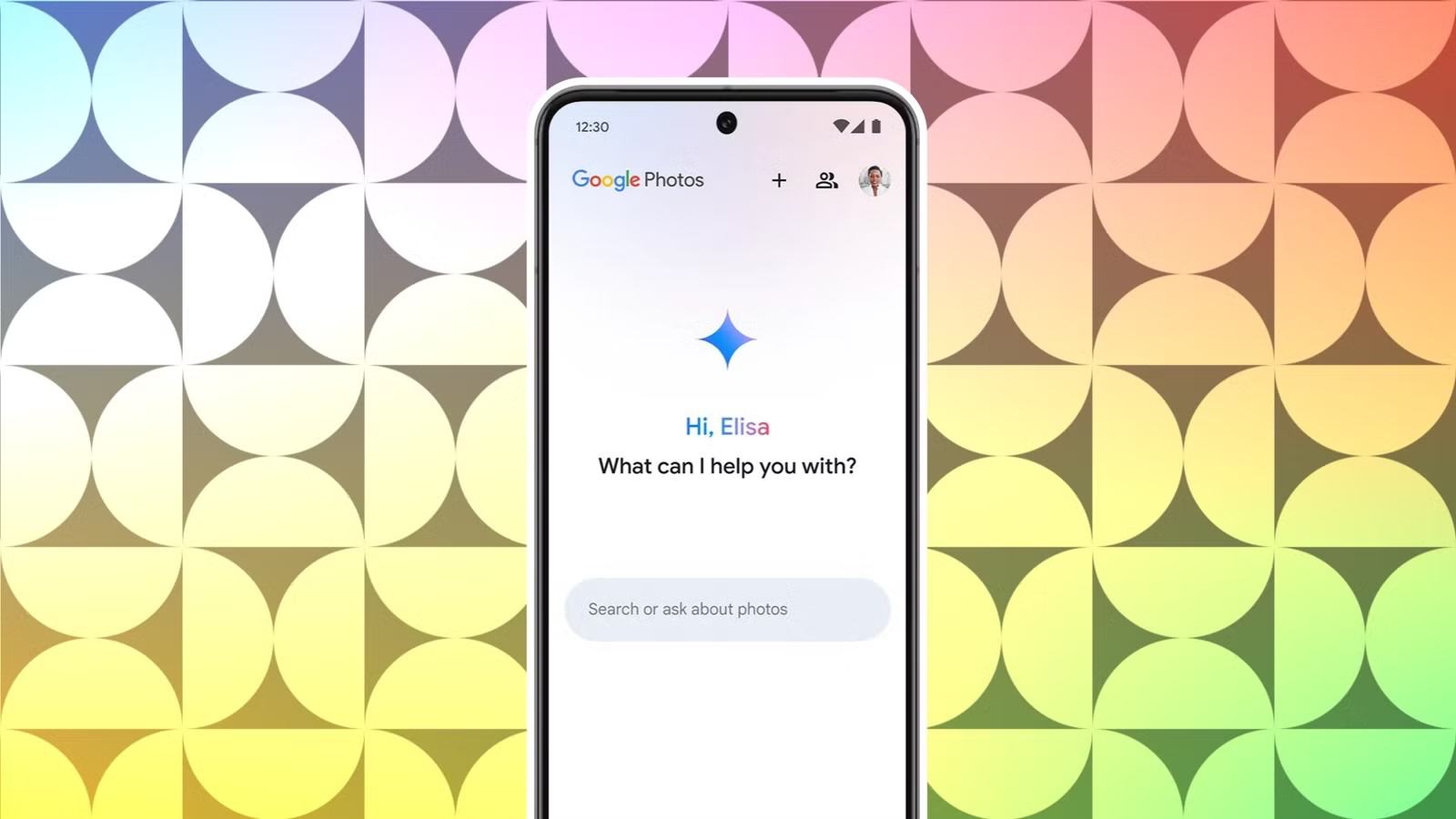
Recently, I stumbled upon a captivating debate surrounding peculiar transformations seen in Google Photos, where pictures of children morph into oil paintings or hand-drawn styles. Many users speculated that this might be attributed to an AI filter rather than actual AI-generated imagery. This led me to ponder the true extent of Google’s use of our personal photos.
It seems I’m not alone in my discomfort regarding the automated AI alterations present in Google Photos. To assess if I, too, had experienced such changes, I investigated possible preventative measures for the future, uncovering some surprising insights.
Concerns About Google’s Use of Photos
Finding No Evidence in My Account
Many feel that Google is pushing its new AI platform, Gemini, so aggressively that it drives users to alternative search options. My interactions with Gemini have ranged from ineffective to downright odd. While I understand the objective, my experiences have yet to convince me that this is the way forward.
This aggressive push raises numerous issues, with privacy standing out as the most critical. After discovering these discussions, I checked my Google accounts to see if my data was being leveraged for training purposes as well.
Having read multiple articles on this subject, my concern grew regarding whether my photos were used to train AI models. After years of utilizing Google Photos, which holds many pictures of my cats and family, I certainly don’t want them repurposed as fodder for “AI Art.”
Interestingly, upon examining my settings, I discovered that the feature in question was never activated on either my Motorola Moto G or Samsung Galaxy Z Fold 5. This prompted me to dig further.
The feature discussed in various forums pertains to Google Photos’ “gallery-worthy” memories, which can be disabled in Settings > Preferences > Memories. You can also disable notifications and choose specific Memory types to prevent themed memories from appearing.
Moreover, there’s an option labeled Creations at the bottom—you can turn off everything there as well to avoid any unsolicited “gallery-worthy” creations appearing within the Google Photos app.
I couldn’t locate a point where it was activated, which leads me to believe I may have disabled it inadvertently during a period of decluttering my online accounts.
Google’s Stance on AI Training
Understanding the “Outside of Google Photos” Clause
According to a report, Google asserts that it doesn’t utilize users’ photo albums for AI training. Nonetheless, a recent online discourse speculated that the effectiveness of Google’s AI was due to scanning images from Android users’ Google Photos. This spurred many to question the authenticity of Google’s claims regarding photo usage.
Google has publicly maintained, “No, we don’t train AI on your photos.” They have reiterated this assertion across various platforms.
Breaking it down, Google clearly specifies that they do not train AI “outside” the confines of Google Photos, potentially implying that any information transferred to other Google services may be subject to different rules regarding AI training. This raises a red flag, generating skepticism about their wording and intentions. For instance, moving a photo through other applications could expose it to different usage terms.
Google does acknowledge employing AI to tailor your experience in Google Photos, which raises additional privacy considerations.
Importance of Opting Out
Protecting User Consent and Privacy
I firmly believe users should have the right to opt-in to features rather than struggling to opt-out when defaults are activated without consent. While certain features are indeed opt-in, many appear to operate with the opposite intention.
To take control over your data, visit gemini.google.com, navigate to Activity in the settings, and select Turn off and delete activity. A prompt will appear, and confirming will finalize the process.
While Google Photos’ AI functions may not seem to infringe on privacy overtly, they could present deeper issues.
Realities of Data Privacy
Just because my accounts appear unaffected doesn’t negate the reality for many others. Despite Google’s assurances about not using user data without consent, accounts across various platforms indicate a different narrative.
How many users have been impacted? What other services may emerge to harvest our data for similar purposes? Despite Google’s reassurances, remaining vigilant and proactive in managing personal data privacy is crucial.