Is Your Wireless Charger Draining Energy? Discover Why Wired Might Be the Superior Choice

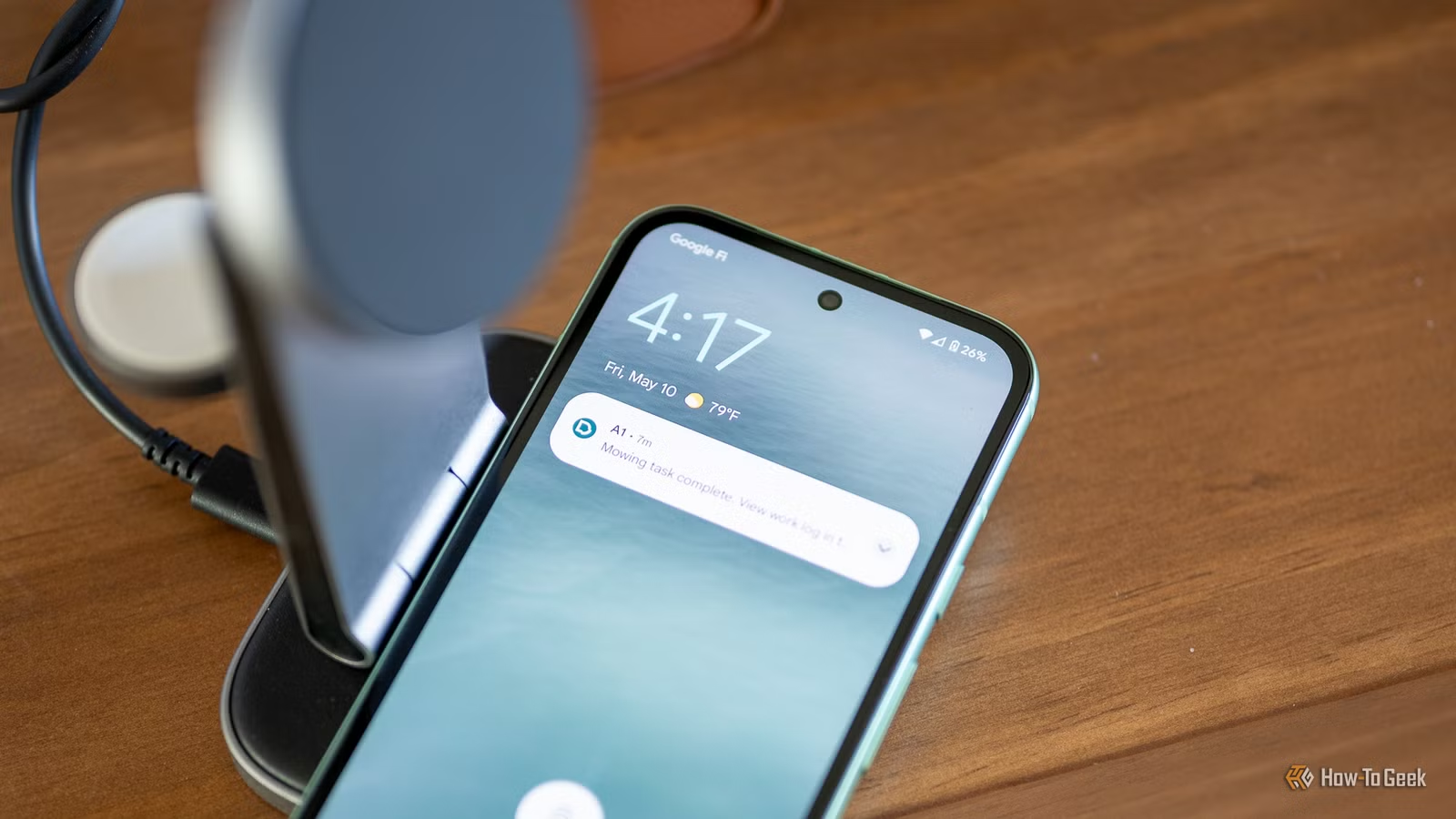
Wireless charging offers a level of convenience that appeals to those wanting to reduce cable clutter or avoid the daily hassle of plugging in devices. However, this convenience comes with an unrecognized downside: wireless chargers consume electricity unnecessarily, leading to higher costs and wasted energy over time.
At times, the ease of wireless charging may outweigh its disadvantages. However, a wired connection can be more efficient. This article explores why wireless charging is energy-inefficient and highlights scenarios where using a cable is preferable.
Understanding Electricity Waste in Wireless Charging
The Science Behind Its Inefficiency
Wireless charging utilizes inductive technology, where alternating current (AC) is generated in the charger’s coil to create a magnetic field, transferring energy to a corresponding coil in the device. This energy undergoes multiple conversions: from AC to magnetic energy and back to direct current (DC) once it reaches the device.
This multi-step process leads to energy loss at various points. The conversion from AC to magnetic fields and then to DC at the device itself contributes to efficiency diminishment. Moreover, when high-frequency AC (around 140KHz) is used, it can lead to the Skin Effect, causing electrons to disperse away from the coil, resulting in energy loss as heat. This is why your device may feel warm after charging.
Optimal charging depends on the precise placement of the device on the charger, and even slight misalignments can reduce charging efficiency. Formats like MagSafe and Qi2 mitigate this by using magnets to align the device correctly, but using a case can still pose obstacles that affect performance.
Moreso, wireless chargers consume power constantly to remain ready for use, drawing a small amount of energy even when inactive; typical figures range around 0.2W, unlike many wired chargers that turn off when not in use.
Financial Costs of Wireless Charging
Energy Consumption Impacts Your Wallet
The cumulative energy waste associated with wireless charging can lead to substantially higher electricity usage compared to traditional wired methods. Even with ideal conditions for Qi2 and MagSafe, energy losses fall between 12 to 20 percent, and up to 40 percent for standard Qi charging. In contrast, a wired USB-C charger generally loses only 5 to 10 percent of energy.
While individual costs may seem minor, they can accumulate over time. For example, a 15W MagSafe or Qi2 charger can use energy equivalent to a 10W LED bulb consistently running for 24 days. This power demand increases, especially in households with multiple devices or users.
As such, those looking to cut down on their energy bills would benefit from sticking with wired options, which are also more environmentally friendly by lessening the load on the energy grid.
Time Inefficiency of Wireless Charging
Choosing Convenience When Time Is Tight
The inefficiency of wireless charging also translates into longer charging times. While Qi2 and advanced MagSafe chargers may reach up to 25W, typical wired chargers easily outpace this with options up to 100W, particularly with specific brands.
This disparity means charging durations can vary significantly. For instance, a Samsung Galaxy S26 Ultra reaches 50 percent charge in just 15 minutes with a wired connection, whereas using a Qi2 pad may take roughly 33 minutes. If you forgot to charge your phone overnight, this could be the difference between making it through the workday or having to recharge during lunch.
When Wireless Charging Makes Sense
Despite the disadvantages, wireless charging is not entirely without merit. It’s advantageous in a car setting where time is of the essence or when limited USB ports exist. Additionally, it can prevent your device from being yanked off surfaces, avoiding potential accidents.
Ultimately, while wireless chargers serve a purpose, being mindful of their costs can lead to better decisions. Sometimes, taking a few extra seconds to plug in could save you from future frustrations.




