
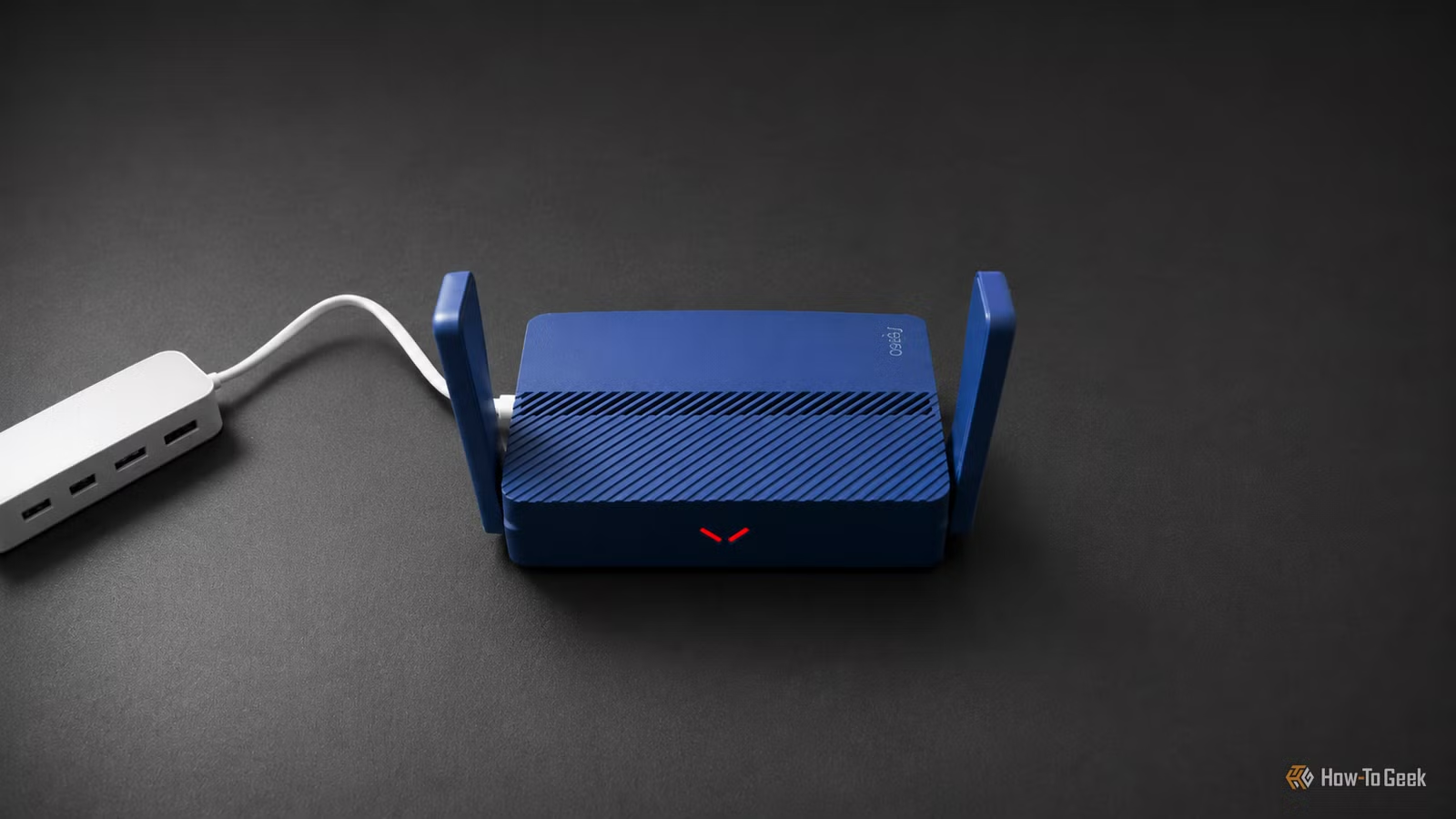
When it comes to enhancing your Wi-Fi experience, there’s a limit to the adjustments you can make before needing to invest in a new router. The upside is that once you purchase a router, it typically serves you well for years.
Or does it?
Not always. Even a router bought in 2025 might miss out on key features that are becoming standard by 2026.
Your router may be outdated already
Routers are different from other tech hardware
If you’re a fan of desktop or laptop technology, you’re likely familiar with how often new models hit the market, particularly components like GPUs and CPUs. These updates occur every year or two, making it rare to spot anything older than three to five years on the shelves. Manufacturers phase out older hardware as new models come in.
The situation with routers is quite different. Older models often remain available long after they have been replaced, thanks to manufacturers and retailers who keep selling them, often at enticing discounts. This means a router purchased in 2025 may actually have debuted in 2021 or 2022—before features such as Wi-Fi 7, 6GHz support, and multi-gig Ethernet ports were commonplace.
While that lower price point might seem appealing at the time, most consumers don’t delve deeply into router specifications. An older model can still function adequately, but it may be hiding outdated hardware that quickly loses relevance. This disconnect can lead you to believe you’ve invested in a new router, even when its capabilities suggest otherwise.
Wi-Fi 7: Affordable but inconsistent
Labels can be misleading when it comes to features
If you find yourself with a router that was actually released a few years prior, you might discover you’re missing out on Wi-Fi 7. Surprisingly, this newer technology became accessible at a low price point relatively quickly, but this was often achieved by cutting various features across different models.
Consequently, two routers can bear the same Wi-Fi 7 label yet have vastly different hardware capabilities underneath. One could offer the 6GHz band, 320MHz channels, Multi-Link Operation, and several multi-gig Ethernet ports, while another may exclude some features yet still qualify as Wi-Fi 7. The branding only indicates the generation of Wi-Fi supported, not its thorough implementation. Therefore, even a newer model can lag behind superior options.
Your router may lack the 6GHz band
Missing this band limits channel availability
Another potential drawback is the absence of the 6GHz band. This band is often one of the first features to be omitted, particularly in budget-friendly dual-band Wi-Fi 7 routers.
Without it, your router can only operate on the 2.4GHz and 5GHz bands and can’t utilize Wi-Fi 7’s broader 320MHz channels. While this doesn’t render the router useless, it’s wise to choose the more capable option if two routers are similarly priced.
Gigabit Ethernet might limit your Wi-Fi’s potential
Older ports may bottleneck newer technology
I’m a proponent of using Ethernet over Wi-Fi—it offers a remarkable upgrade for home networks. However, a router equipped solely with gigabit Ethernet ports can bottleneck your network, even if its wireless capabilities suggest higher speeds.
This becomes crucial if you have a multi-gig internet plan or frequently transfer large files to a NAS. Some routers may have a single 2.5GbE port but continue to use 1Gbps for every LAN port, limiting the performance of your connected devices.
Wi-Fi 7 features often rely on software updates
Hardware support isn’t everything
Even routers with robust hardware may still depend on software to activate certain Wi-Fi 7 features. Older models, in particular, are less likely to receive firmware updates and may not support all the latest functionalities.
Take Multi-Link Operation (MLO) as an example: a router may technically support it, but the feature might require manual activation, work only on specific bands, or be influenced by the software of connected devices.
Before deciding to discard a newer router, consider updating its firmware and your device’s Wi-Fi drivers. You may need to verify in the settings if features like MLO are enabled. There’s no universal answer; some devices will support it while others won’t, so it’s best to investigate.
Is it time to replace your router?
I’m not suggesting that you need to replace a router purchased relatively recently simply because it may be outdated. If you’re satisfied with your router and it continues to receive firmware updates, you can hold off on purchasing a new one for as long as necessary. But when you’re ready to shop again, take care to check whether the router is indeed a recent model.




