I Unsubscribed from Lightroom and Gave Darktable a Shot—Here Are 4 Features That Impressed Me

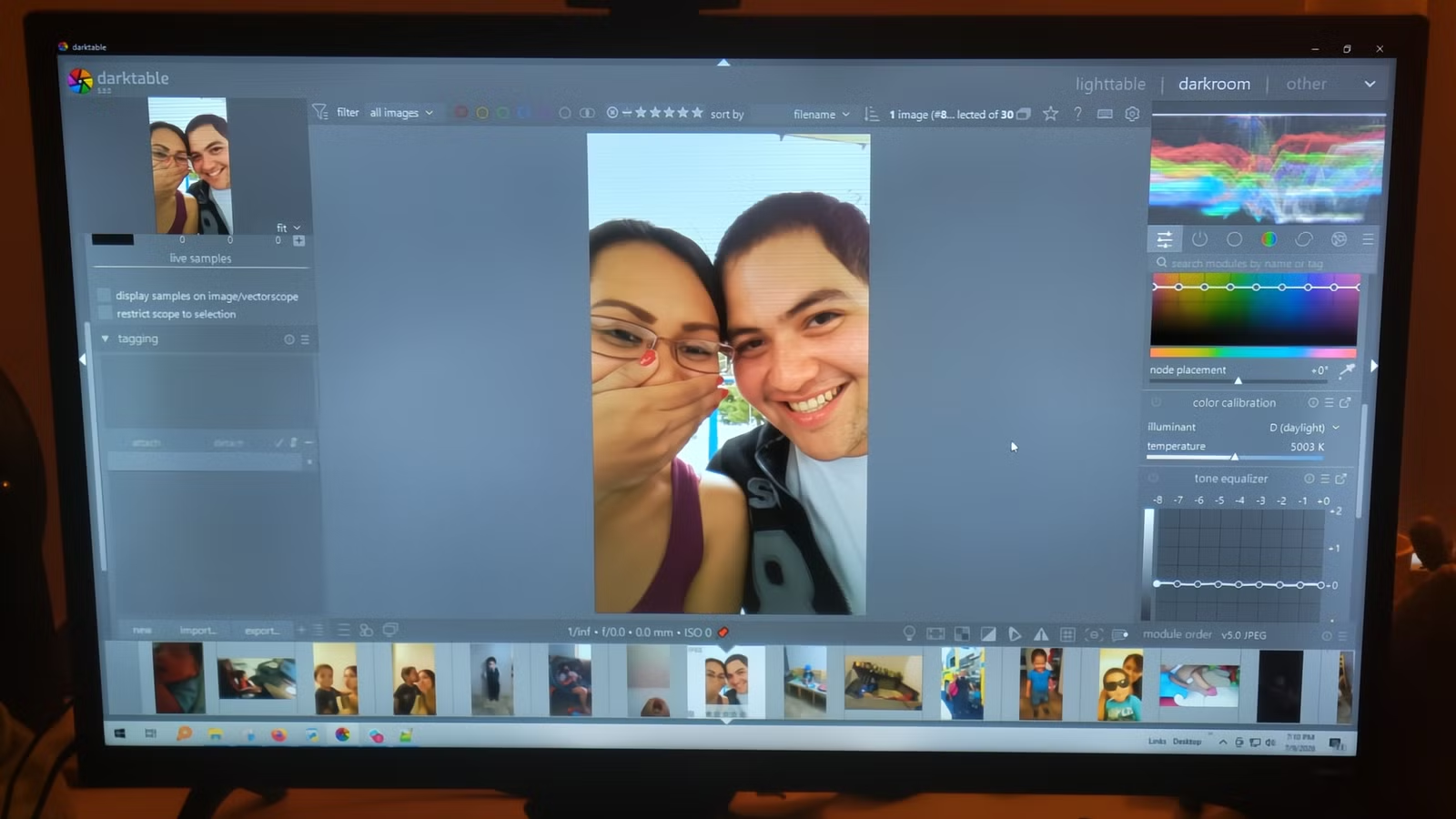
Ending a subscription to Lightroom is simpler than it appears, but finding a replacement can be a challenge. Many available alternatives either mimic Adobe Lightroom too closely, resembling mere copies, or they diverge significantly, becoming overwhelming to learn. Darktable may seem daunting initially, and my first experiences with it were anything but smooth. However, I pressed on because I realized that its unique features offered significant advantages.
Darktable Processes Light as Your Camera Does
Adjust Shadows Without Losing Depth
Darktable captures light in the same way a camera sensor does, preserving the raw physical values without early adjustments. This is particularly crucial in challenging lighting conditions, as the software defers display-specific corrections until the editing process is nearly complete, thereby maintaining the integrity of the original data.
Leaving Lightroom can be tempting since it often compresses raw data prematurely using outdated curve-based processing. This method disrupts the relationship between brightness and color saturation, which is particularly noticeable when attempting to recover a washed-out sky or lift crushed black areas.
While the Highlights and Shadows sliders in Lightroom have their limits, leading to over-processed, flat images with unattractive midtones and halos, Darktable employs specialized modules for these issues. Its Highlight Reconstruction feature analyzes blown-out color channels and reconstructs missing data from what remains intact.
For shadows, Darktable’s Tone Equalizer stands out significantly. Conventional shadow sliders tend to indiscriminately raise shadows, mudding the image. Darktable, however, offers precise control to preserve contrast.
Manual Masking: A More Deliberate Approach
Choose Colors Precisely Instead of Relying on Software
A major transition from Lightroom to Darktable lies in the enhanced control offered for local adjustments through its masking capabilities. While many photo editors now rely on AI-driven selections, Darktable favors a hands-on approach. Although this means selections take longer to set up, the benefits are worth the effort.
This approach allows you to avoid the inaccuracies often associated with AI selections, such as uneven edges and unnatural halos. Instead, you can use parametric and drawn masking tools to isolate areas based on specific color or luminance values.
Rather than applying broad strokes, you define pixel properties for automated selections based on color and luminance criteria. Depending on the module, edits can be refined using various channels, allowing for meticulous targeting.
For instance, when recovering a blown sky, a boost factor slider permits parametric selections to exceed typical display limits to capture overexposed areas that might otherwise be overlooked. You can even view each channel in grayscale or false color to confirm the accuracy of your mask.
Greater Flexibility with Exposure Adjustments
Ample Room for Brightness Tweaks
In Lightroom, adjustments are often confined to a set of master sliders operating within a display-referred framework. This means the software compresses camera raw data relatively early, which can lead to undesirable artifacts when trying to recover highlights after significant exposure adjustments.
Darktable, conversely, operates within a scene-referred linear workflow, maintaining unbounded 32-bit floating-point image data throughout the editing process. This allows for aggressive exposure adjustments without clipping the brighter areas of your image.
You first set your exposure before using tone mapping modules, such as Filmic RGB, Sigmoid, or AgX, to bring your edited image into the visible range seamlessly. These modules offer far more nuanced adjustments than simple compression curves.
Experiment Freely Without Excess Storage Usage
Each Version is a Compact File, Not a Full Copy
Initially, I was concerned about managing multiple edits of the same photo without overwhelming my storage capacities. Darktable exceeded my expectations in how it deals with this aspect.
Each edit retains its own history, color profile, and metadata, allowing for complete independence without the associated storage costs. This functionality encourages experimentation.
Every duplicate of an image is assigned a unique version number along with a sidecar file, while the master edit remains unchanged. This setup allows for exploring different approaches without interference among the versions, such as testing various tone mapping methods.
Is Darktable Right for You?
Darktable is not a straightforward substitute for Lightroom. Its interface requires time to master, and processes that feel instantaneous in Lightroom may require additional effort here. Casual photographers seeking quick results may find the transition challenging. However, for individuals investing significantly in a subscription and facing limitations in highlight recovery or local adjustments, Darktable provides advanced tools that can better meet their needs.




