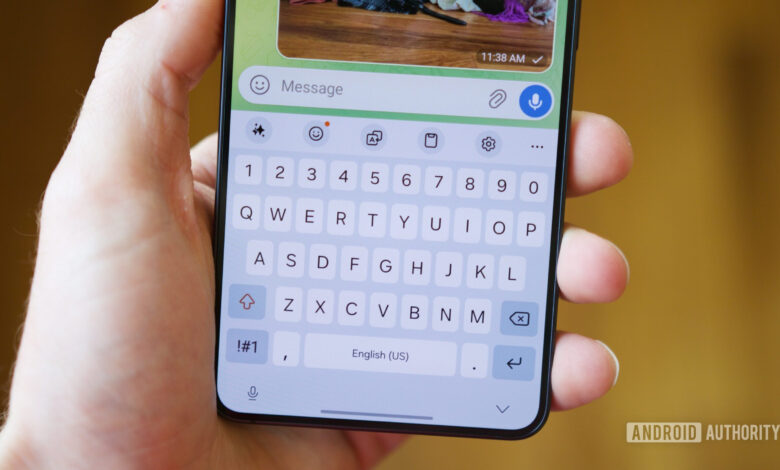
The keyboard app is arguably the one you rely on the most while using your Android device. Gboard is indeed a popular choice, but not everyone has the same preferences when it comes to keyboards.
Some users prioritize privacy, others look for extensive customization, while some simply need functionalities that Gboard might not provide. The Android ecosystem offers a variety of alternatives to suit different needs.
If you are looking to explore options, here are some notable Gboard alternatives you should consider.
If Gboard were to vanish, what keyboard would you opt for?
16 votes
Microsoft SwiftKey
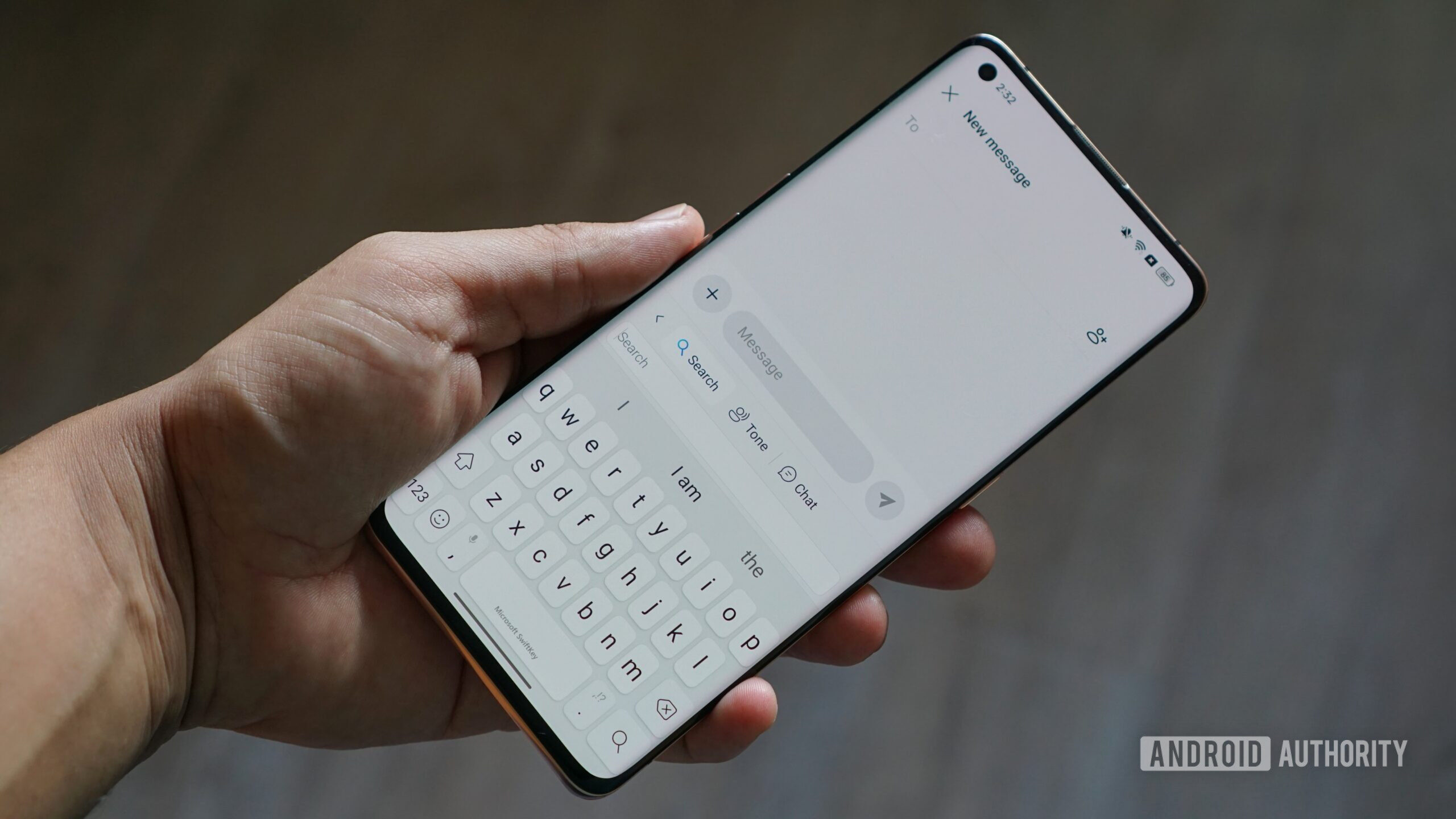
SwiftKey is renowned for its customization features. It surpasses basic theme options and incorporates useful layouts like split mode, which can be beneficial for larger devices.
Like most modern Microsoft apps, SwiftKey includes Copilot, an AI-driven assistant. After typing a message, you can utilize Copilot to amend grammar or modify the tone of the message, adapting it to be friendly, witty, professional, or courteous. This capability is similar to Gboard’s Writing Tools, although the latter is limited to specific devices.
A notable feature of SwiftKey that often goes overlooked is clipboard synchronization with Windows. This can be incredibly useful for users switching frequently between a phone and a PC, provided they are signed into the same Microsoft account on both devices.
HeliBoard
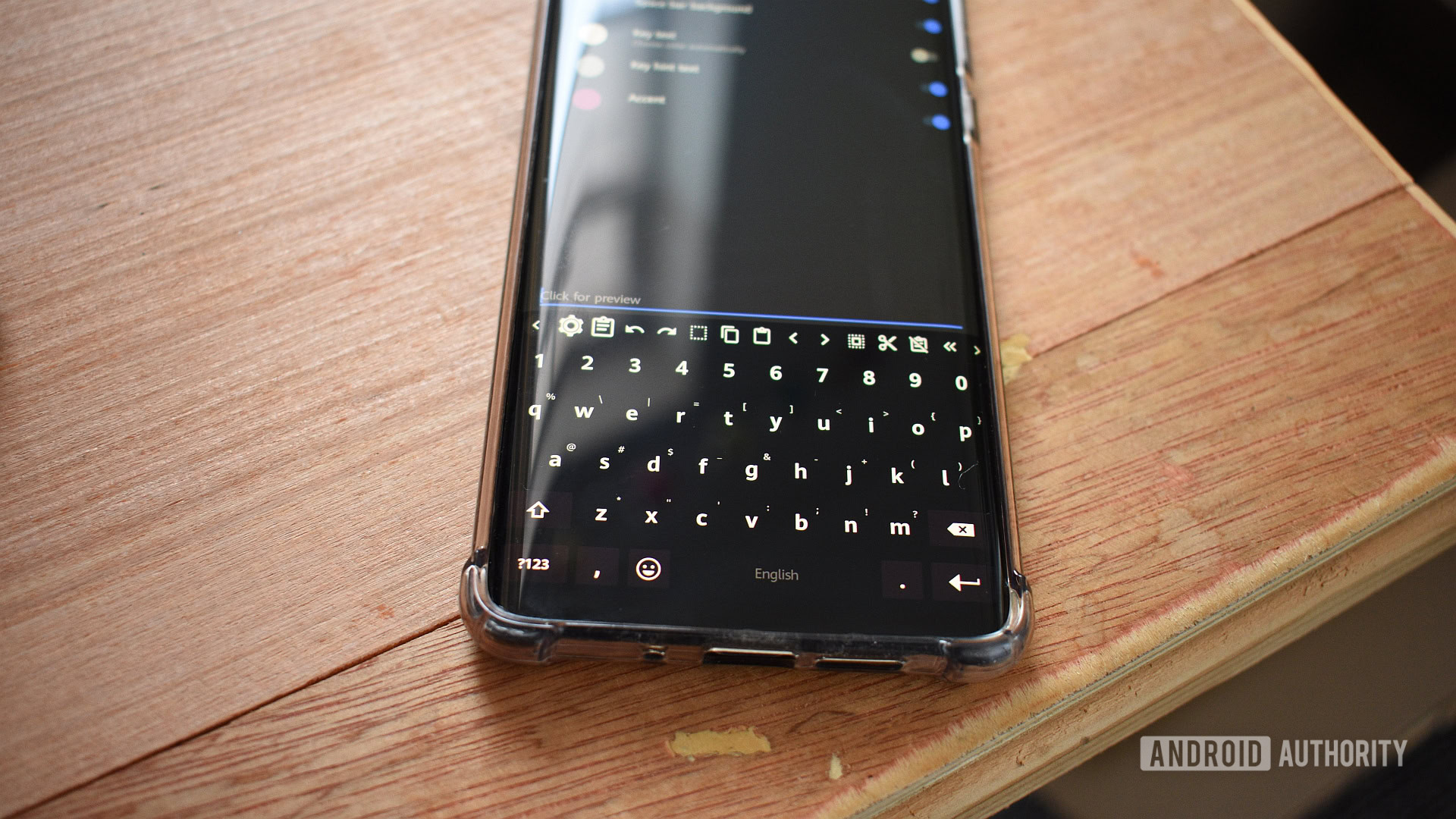
While Gboard and SwiftKey are excellent, they are still linked to major corporations (Google and Microsoft, respectively) that collect data to some extent. HeliBoard stands out as a free, open-source alternative designed with privacy in mind. It functions entirely offline, meaning no accounts are needed and no data leaves the device.
HeliBoard isn’t just focused on privacy; it also offers a range of standard features, including autocorrect, gesture typing, clipboard history, and incognito mode. Additionally, it presents various customization options—from adding custom text on the spacebar, modifying padding, to changing the keyboard font style and default emoji skin tone.
The downside is that HeliBoard isn’t found on the Play Store, requiring installation from platforms like GitHub or F-Droid.
FUTO Keyboard
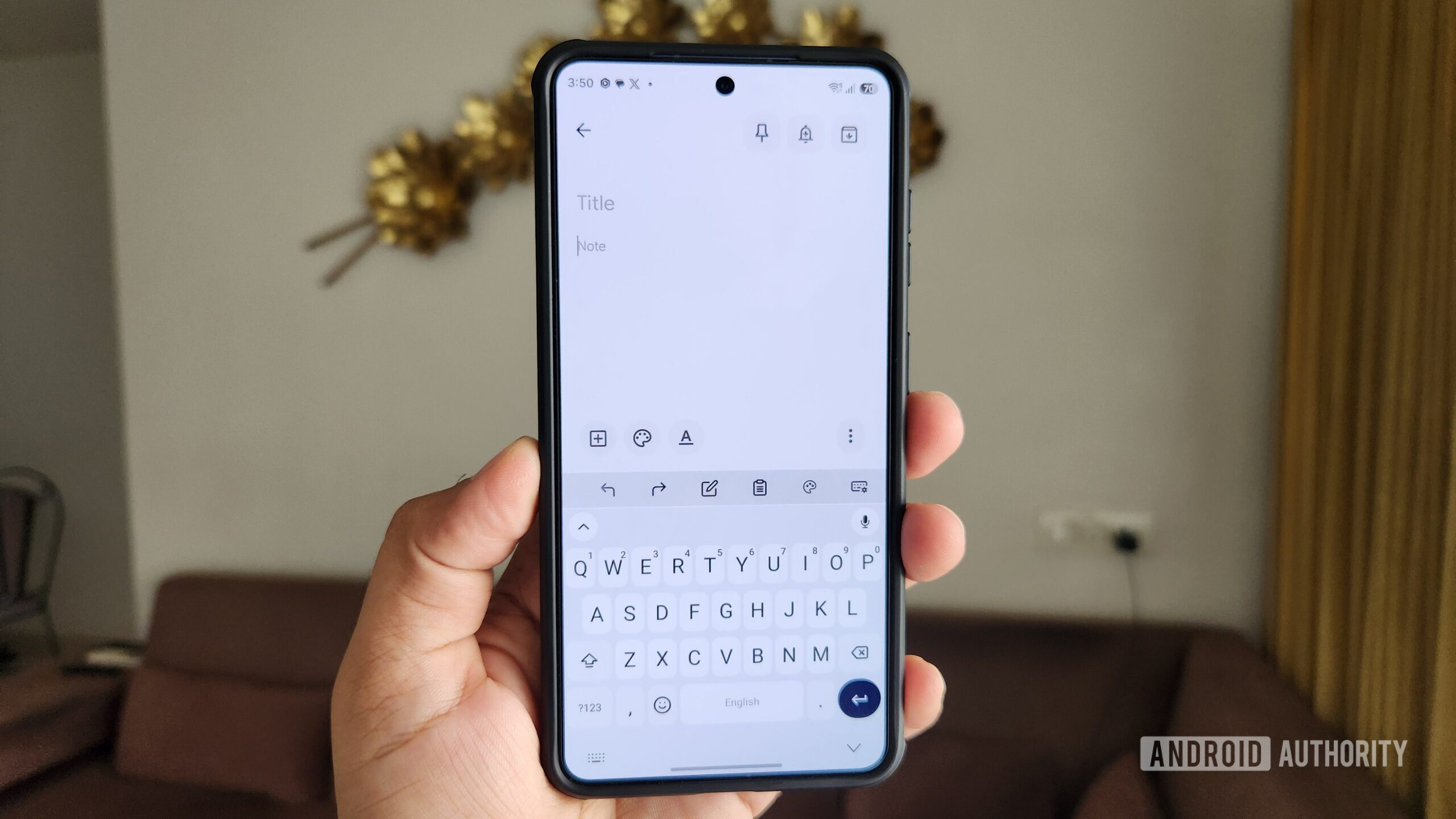
FUTO Keyboard is one of the closest alternatives to Gboard and, like HeliBoard, it is also free, open-source, and functions offline.
One impressive feature is its offline voice typing that operates via a locally run Whisper-based model. Users can install larger models for greater accuracy, though these may require more storage and may not run as well on lower-end devices. Overall, FUTO Keyboard excels with its typing experience, autocorrect functionality, gesture capabilities, and extensive customization options. Plus, it can be easily installed from the Play Store.
However, offline keyboards often lack features like synced personal dictionaries or clipboard synchronization across devices, along with AI-driven writing tools.
Samsung Keyboard
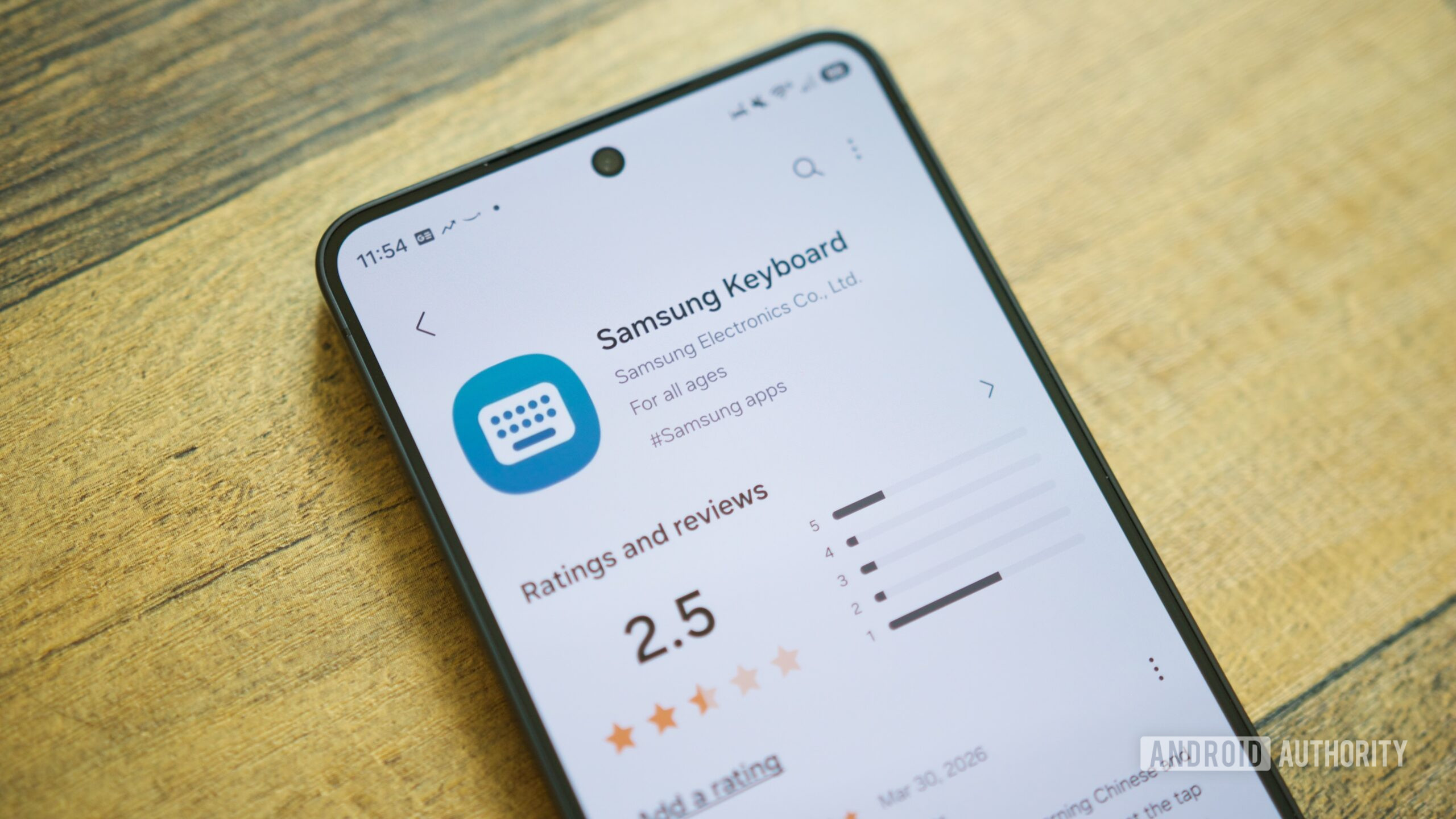
If you use a Galaxy device, you may not need a Gboard alternative—Samsung Keyboard is pre-installed and offers excellent performance. Although it’s often overshadowed, its capabilities rival the top keyboards available.
Its integration with One UI is a significant advantage, as it grants access to Galaxy AI’s advanced writing tools. These features range from generating messages from scratch to summarizing text or formatting information into tables. Additionally, Samsung Pass allows users to access saved credentials, addresses, and personal notes directly from the keyboard interface.
Samsung Keyboard truly shines in customization. With the Good Lock app and its KeysCafe module, you can personalize nearly every aspect, such as colors, effects, fonts, and sounds. It even allows you to create a custom layout, rearranging keys as you wish, along with using multi-finger gestures for various actions.
Simple Keyboard
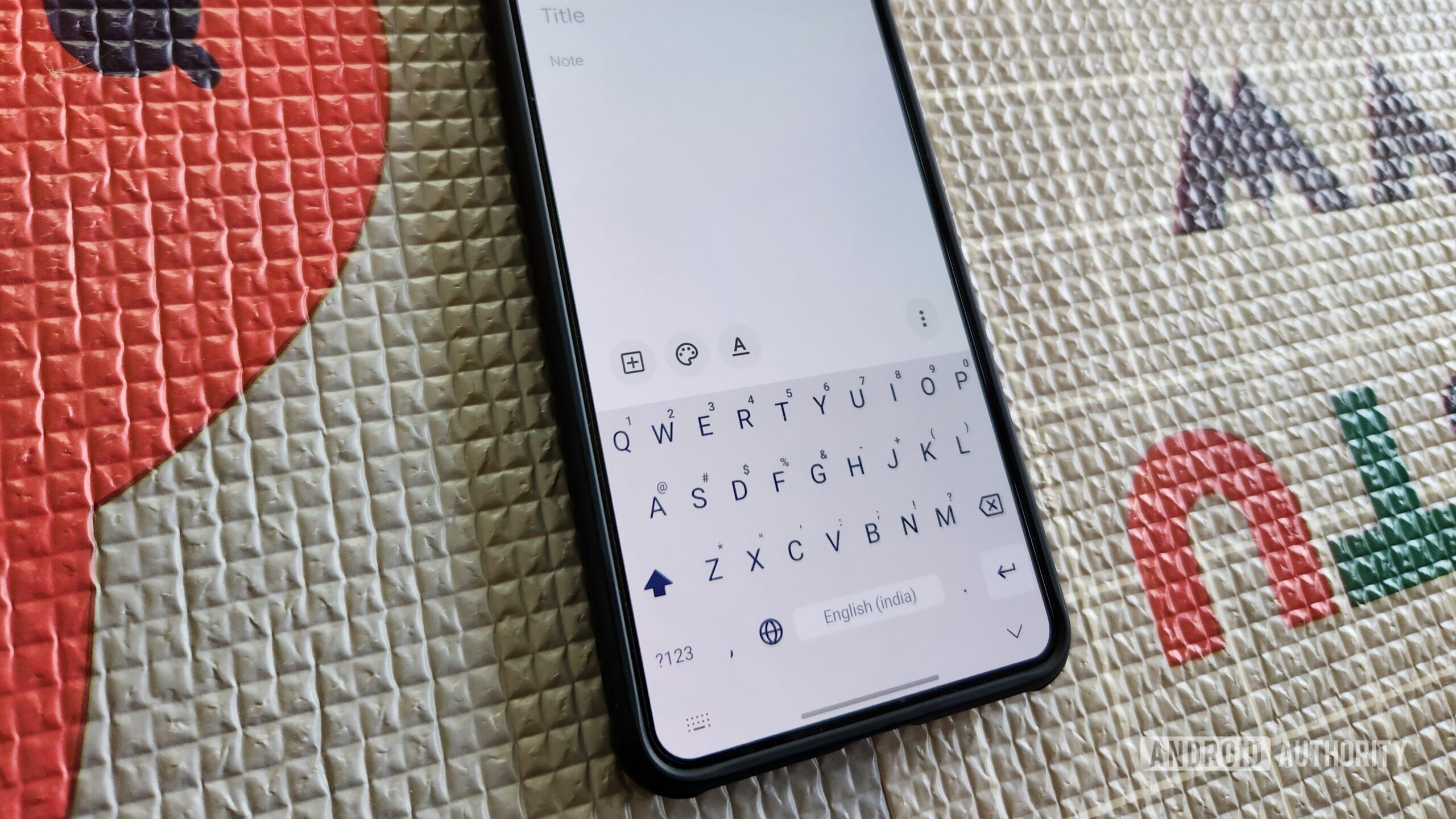
Many keyboard apps tend to incorporate an excess of features—AI tools, cloud syncing, clipboard management, and more. In contrast, Simple Keyboard takes a minimalist approach.
True to its name, Simple Keyboard offers an uncomplicated layout, options for adjusting keyboard height, and light or dark themes. It’s straightforward in functionality, intentionally lacking spell check, autocorrect, swipe typing, an emoji panel, or even a toolbar. The developer has also noted that no additional features will be included in future updates.
This simplicity makes it a unique recommendation, especially for users seeking a light option. At under 1MB in size, it requires minimal permissions, merely needing access for vibrations.