Escape the Google Grip: How LineageOS Lets You Revamp Your Android Experience Effortlessly

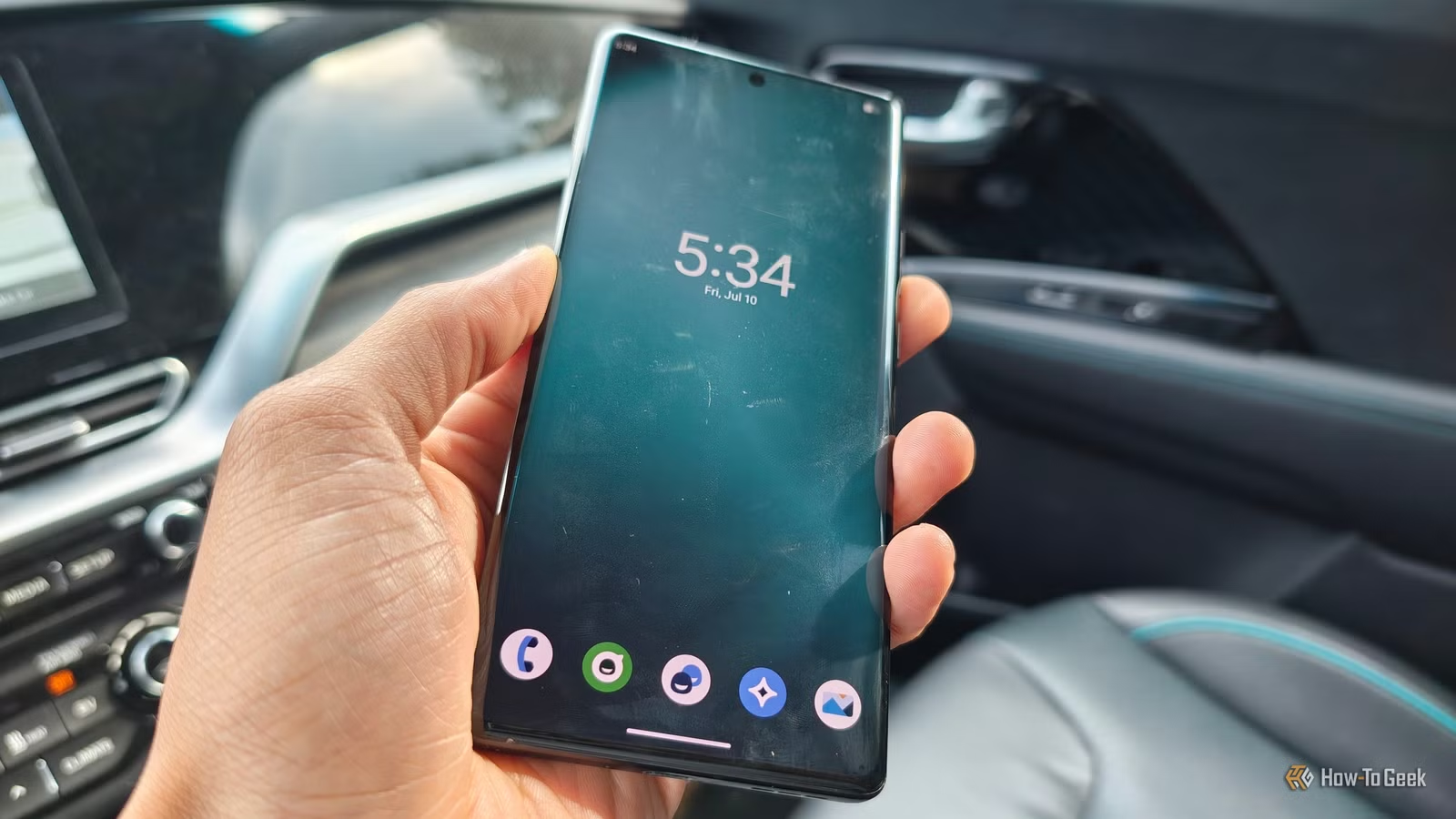
My reliance on Google in my mobile life is quite limited. Over time, I’ve transitioned to using F-Droid for most of my favorite applications and replaced Gmail with Proton Mail. Recently, after revisiting LineageOS, I realized how impressive the open-source alternatives to Google have become. While eliminating tracking from your device involves some compromises, it’s less daunting than one might expect.
Transform Your Supported Phone with Material 3 Expressive
Revitalize Your Old Phone with a Pixel Aesthetic
For those unfamiliar, LineageOS is misconceived as merely an Android alternative. In reality, the Android operating system itself is open-source, and LineageOS aims to bring that code to as many devices as possible, even those not officially supported anymore.
LineageOS does not heavily focus on developing unique software, as it is managed by volunteers whose main task is ensuring that the latest Android version remains functional on various devices. Thankfully, this is often sufficient, as stock Android continues to evolve positively.
The current “Material 3 Expressive” design framework has gained appreciation, contrasting sharply with Apple’s unappealing “Liquid Glass.” With LineageOS, this sleek interface is accessible on any compatible phone with current updates. Consequently, my refurbished Moto Edge+ 2023, which I’ve turned into a minimalist device, feels as contemporary as my Google Pixel 10a. While some aspects of the experience might still be lacking, the smooth operation and visual appeal of the software are not part of that issue, making it enjoyable to use even after several years.
Open Source Android Applications Have Significantly Improved
Several of My Preferred Apps Are Now on F-Droid
If your goal is to reduce Google’s footprint on your smartphone while using an open-source operating system like LineageOS, F-Droid is an excellent starting point. It serves as an app store similar to Google Play, featuring only open-source apps that respect user privacy and do not contain ads or charge for downloads.
For years, I appreciated the concept behind F-Droid but often found the quality and variety of applications lacking. That has changed dramatically. Now, there are open-source alternatives for almost every task I need to accomplish on my phone, and many of them rival or surpass their commercial counterparts in aesthetics and functionality.
Developers of open-source applications have embraced Google’s modern design principles. Apps like Lotus for music playback and Easy Notes for note-taking replicate the polished feel of commercial apps. Though my current device, the Razr Fold, hasn’t been de-Googled, I’ve opted for Saber from F-Droid for handwritten notes with my Moto Pen Ultra and use ReFra as my primary gallery application.
With so many impressive options available, I encourage you to explore popular open-source Android applications, including some personal favorites I’ve discovered.
Advances in Open Source Photography
It’s No Longer Just Open Camera or Bust
Today, we refer to them as smartphones, yet the camera remains a crucial aspect for most users. Unfortunately, when moving to LineageOS, photo quality often takes a hit, as much of the photographic charm comes from specific processing features often absent in custom ROMs.
Fortunately, more stock camera apps are becoming available or can easily be accessed on custom ROMs like LineageOS. For instance, on my Moto Edge+, I can choose between the Moto Camera app or the default LineageOS camera. This mirrors my experience using /e/ OS on the Murena Fairphone 6, where I could use the Fairphone camera or opt for an open-source alternative.
Even if you solely want to utilize open-source software on LineageOS, your options keep expanding. Thanks to apps like PhotonCamera, I’ve been able to take photos on my Fairphone that rival those from my Pixel 10a.
Transitioning to LineageOS Can Present Challenges
LineageOS Isn’t the Issue
It’s possible to acknowledge two truths at once: LineageOS and the open-source applications available have never been better. It feels as if you’re using a modern smartphone rather than some patched-together device.
However, my latest attempt to de-Google was particularly frustrating. The rise of RCS messaging in the U.S. has introduced features like typing indicators and high-quality images, but unfortunately, RCS services are limited to apps like Google Message and iMessage—only one of which is available for Android.
By moving away from Google, I found myself restricted to standard SMS apps, and while individual messages still reached me, I stopped receiving group messages altogether. Both senders and I were left in the dark about this communication breakdown, which was a significant inconvenience.
Other commonly used Android functionalities are similarly tied to Google, including Android Auto. Options for mobile payments like Google Wallet and Samsung Wallet were off-limits, and the ability to share files between Android devices using Quick Share was also unavailable.
Is De-Googling Practical, and Can You Handle the Costs?
During my switch to a de-Googled experience, I found it simpler to acquire a new SIM card and number than to liberate my existing one from Google’s grasp, chiefly due to my struggles with RCS. If your social circle relies on messaging apps like WhatsApp, this might not be a significant concern. Thankfully, open-source alternatives exist for essential functions, from two-factor authentication to offline navigation.
Ultimately, moving to LineageOS and opting not to install Google Play Services entails some challenges, though it’s far less cumbersome than switching to a minimalist device like the Light Phone 3 or an E Ink device. It’s wise to enter this transition informed, and be sure to inform your contacts about any changes in your communication setup.




