
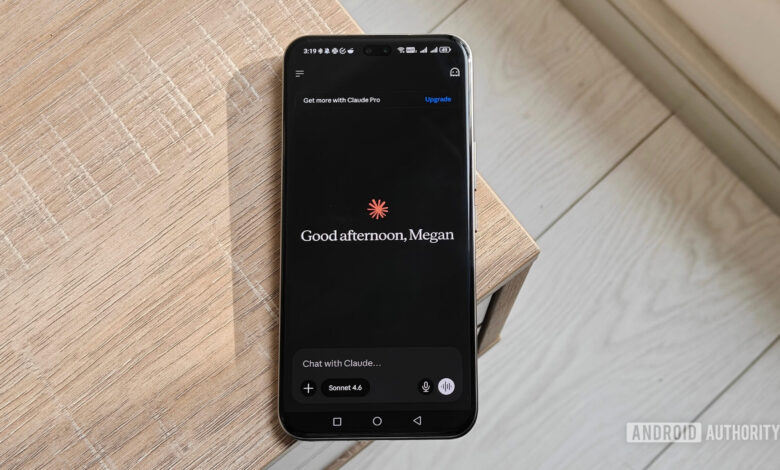
New Feature from Anthropic Enhances Claude’s Learning Capabilities
Summary:
- Anthropic introduces a feature called “Teach Claude a skill,” enabling users to record their screen while explaining tasks to Claude.
- This update aims to minimize repetitive instructions, allowing Claude to manage recurring tasks like reports and spreadsheets more effectively.
- The feature is currently available for subscribers of Claude Pro, Max, and Team via the Cowork interface on the Claude desktop app.
Training AI for specific tasks can often be more challenging than anticipated. Although it’s possible to explain a task repeatedly or provide detailed written instructions, it remains likely that the AI may overlook crucial steps or interpret instructions differently on future attempts. It’s akin to training a new colleague who struggles to remember the established process.
To tackle this challenge, Anthropic has launched a new capability called “Teach Claude a skill.” Instead of drafting extensive instructions, users can simply record their screen while demonstrating a task. As they narrate the process, Claude observes, learns, and saves the procedure as a reusable skill for future use.
This means users can show Claude how to handle tasks such as organizing invoices in a spreadsheet, renaming a batch of image files, preparing weekly sales reports, or updating project trackers. Once a task is demonstrated, there’s no need for repeated explanations; Claude can replicate the workflow on request—far more efficient than hoping it remembers previous instructions.
Anthropic continues to refine Claude Cowork, promoting the platform as a digital collaborator. The latest feature reinforces this vision and is becoming available to subscribers of Claude Pro, Max, and Team.
As a user of the Pro plan, I found this function active in my account. If you’re also a subscriber, open Claude on your laptop, navigate to Cowork, click the + button in the chat box, and select Record a Skill from the dropdown menu in the Add files or photos section. Simply begin recording your screen and guide Claude through the task.
This could indeed be one of Claude’s most useful upgrades for anyone who follows the same workflow daily.
We appreciate your engagement with our community. Please review our Comment Policy before posting.




