Beyond Search: Discover the Top Chrome and Safari Alternatives in the New Browser Battlefield


The competition among web browsers has taken on a fresh intensity this year as companies are not only vying for dominance in search results but also for supremacy in integrating AI functionalities within their browsers. Google Chrome and Apple’s Safari remain the frontrunners in the market, with Chrome leveraging generative AI to enhance search capabilities. However, 2026 has seen a surge in new competitors, ranging from well-funded startups to established tech giants, all aiming to transform the browser from a mere access point to a proactive assistant.
For those seeking alternatives to the dominant browsers, there’s a burgeoning selection of competitors ready to take on the big names. This article provides a summary of notable alternative browsers currently available, including AI-driven options, open-source platforms that prioritize customization and privacy, and “mindful browsers” designed to promote user well-being.
AI-Driven Browsers
Perplexity’s Comet
Perplexity has recently introduced Comet, an AI-enabled browser that functions as a chatbot-based search engine. It is capable of summarizing emails, browsing content, and performing actions like scheduling calendar invites. Access to Comet is currently exclusive to users on Perplexity’s $200/month Max plan, although there is a waiting list for potential users.
The Browser Company’s Dia
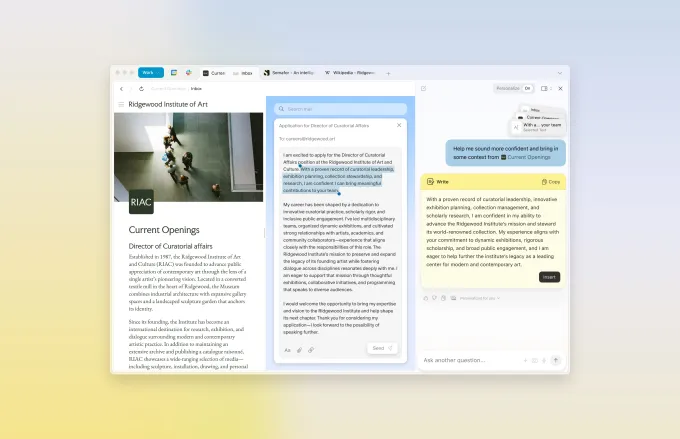
The Browser Company, known for its Arc browser, has unveiled Dia, an AI-driven browser featuring a chat tool akin to Google Chrome. Currently in invite-only beta, Dia is designed to simplify online navigation, allowing it to assess users’ browsing history for tailored assistance. It can provide relevant information about the pages being viewed, respond to product inquiries, and summarize uploaded documents. Early access is granted to Arc members, while non-members can join a waiting list.
Opera’s Neon
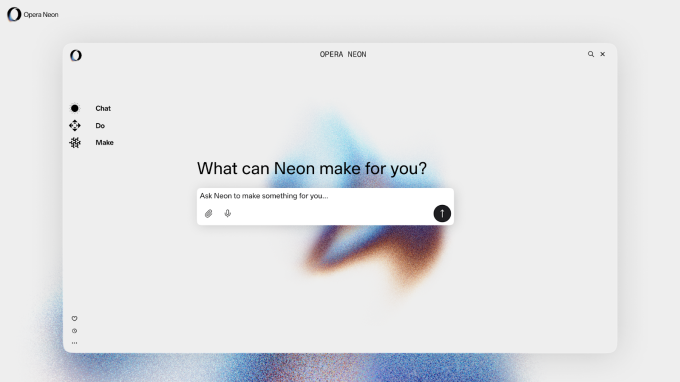
Another significant entry in the AI browser market is Opera’s Neon, which boasts contextual awareness, enabling tasks such as research, shopping, and even coding, some of which can be performed offline. Neon is available for both macOS and Windows at a subscription cost of $19.90 per month.
OpenAI’s Atlas

OpenAI has recently rolled out its AI-enabled browser, Atlas, which allows users to interact with ChatGPT to explore search results and navigate websites directly within the chatbot interface. An “agent mode” allows users to task ChatGPT with completing actions on their behalf. Atlas was initially expected in July but launched for macOS in October, with plans for Windows, iOS, and Android compatibility soon.
Aside
Aside, supported by Y Combinator, is a forthcoming automation tool that operates as a browser-native platform to autonomously perform tasks, populate forms, and manage data. The service requires users to provide their passwords, browsing history, and related details to function effectively. Unlike traditional automation tools that require integrations, Aside works directly within the browser, allowing seamless functionality across platforms like Gmail, Notion, and more.
Users can pre-register for a waitlist prior to its launch.
Jatter
Launched in June, Jatter is an AI-enhanced browser enabling users to inquire about any webpage, gain tailored insights, and receive suggestions based on their browsing habits. It includes an integrated Notes application which allows it to learn from user input, summarize content, and highlight essential information.
Jatter is accessible on Mac, Windows, iOS, and Android platforms. It is free to use, while an optional subscription is available for $10 monthly.
Privacy-Conscious Browsers

Brave
Brave is a renowned privacy-centric browser, noted for its built-in ad and tracker blocking features. It adopts a gamified browsing model, rewarding users with Basic Attention Token (BAT) cryptocurrency for viewing ads that support their preferred websites. Additional functionalities include a VPN service, an AI assistant, and video conferencing capabilities.
DuckDuckGo
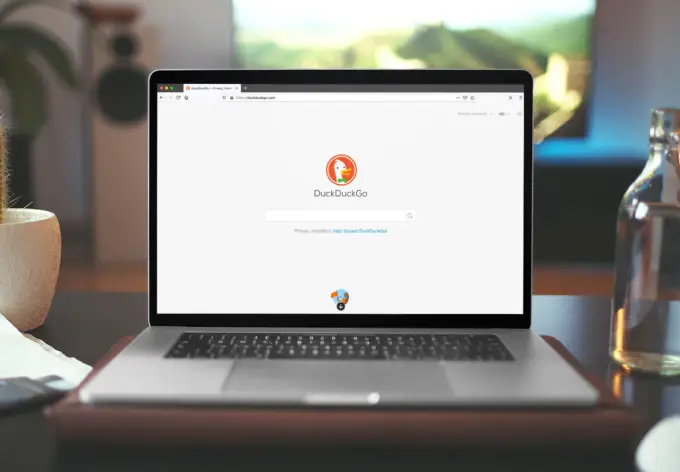
DuckDuckGo, known for its privacy-first search engine, has heavily invested in enhancing its browser since its launch in 2008, recently incorporating generative AI features. This includes an upgraded scam blocker to identify a wider variety of scams, including fraudulent cryptocurrency platforms and misleading e-commerce sites. DuckDuckGo also prioritizes preventing tracking and ads, ensuring a smoother experience with fewer interruptions.
Ladybird

Ladybird, spearheaded by GitHub’s co-founder Chris Wanstrath, is building a completely new open-source browser from scratch without utilizing code from existing browsers, a challenging endeavor. Ladybird will offer features to reduce data collection, such as integrated ad blocking and third-party cookie protection. An alpha version is planned for release in 2026 for early adopters, initially on Linux and macOS.
Vivaldi
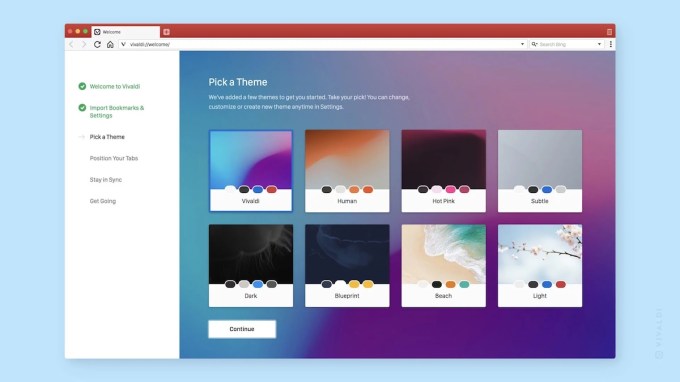
Vivaldi, developed by one of Opera’s original contributors, is a customizable Chromium-based browser. Its standout feature is an interface that users can modify extensively, including a color-changing window that aligns with the website being accessed. Furthermore, it includes ad blocking, a password management tool, no tracking of user data, and productivity features like a calendar and note-taking.
Niche Browsers
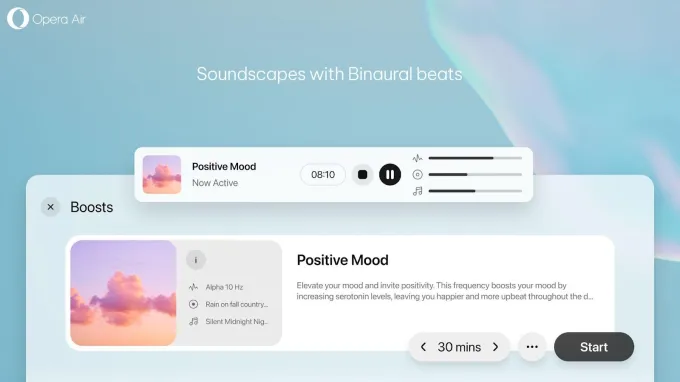
Opera Air
In February, Opera introduced Air, one of the first browsers aimed at enhancing user well-being. In addition to typical browsing functionality, Opera Air incorporates tools like break reminders and breathing exercises, along with features like “Boosts” offering binaural beats to enhance focus or relaxation.
SigmaOS
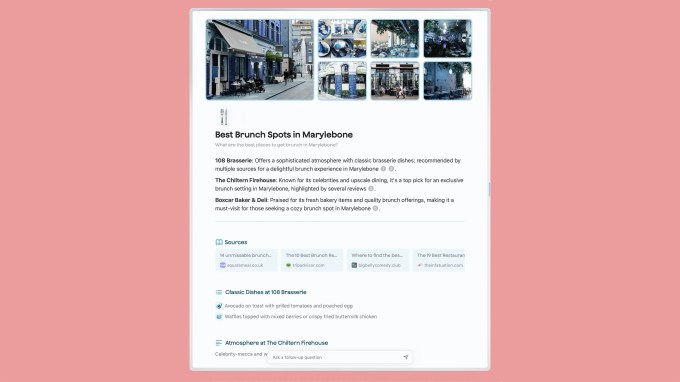
SigmaOS, exclusive to Mac users, is designed with a productivity-centric, workspace-style interface that allows vertical tab management, making it easy to organize tasks efficiently. Recently, it has added AI features like the ability to summarize web content and an assistant capable of answering questions and translating text. SigmaOS is free but offers a subscription plan for $8 monthly for users needing more than three workspaces.
Zen Browser
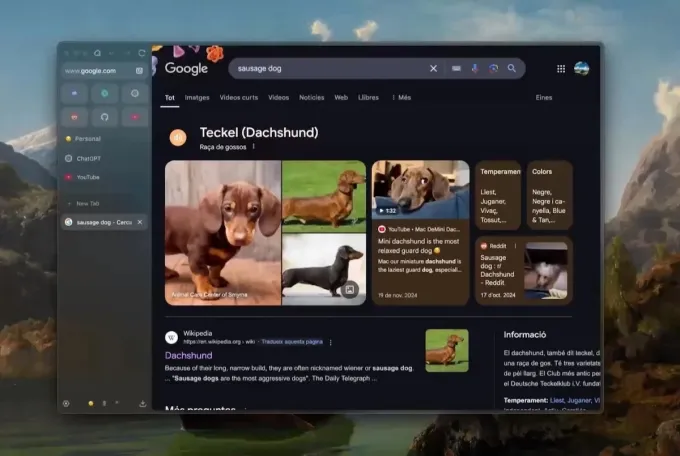
Zen Browser aims to foster a calmer online environment through its open-source design. Existing features include a tab management system known as Workspaces and a Split View for side-by-side tab viewing. Users can also enhance their experience with plug-ins and themes created by the community, including options for transparent tab backgrounds.
This article has been revised post-publication to incorporate details on newly launched browsers.
When you purchase through links in our articles, we may earn a small commission. This doesn’t affect our editorial independence.