Transforming My Notes into a Searchable Brain: An Innovative Raspberry Pi AI Project

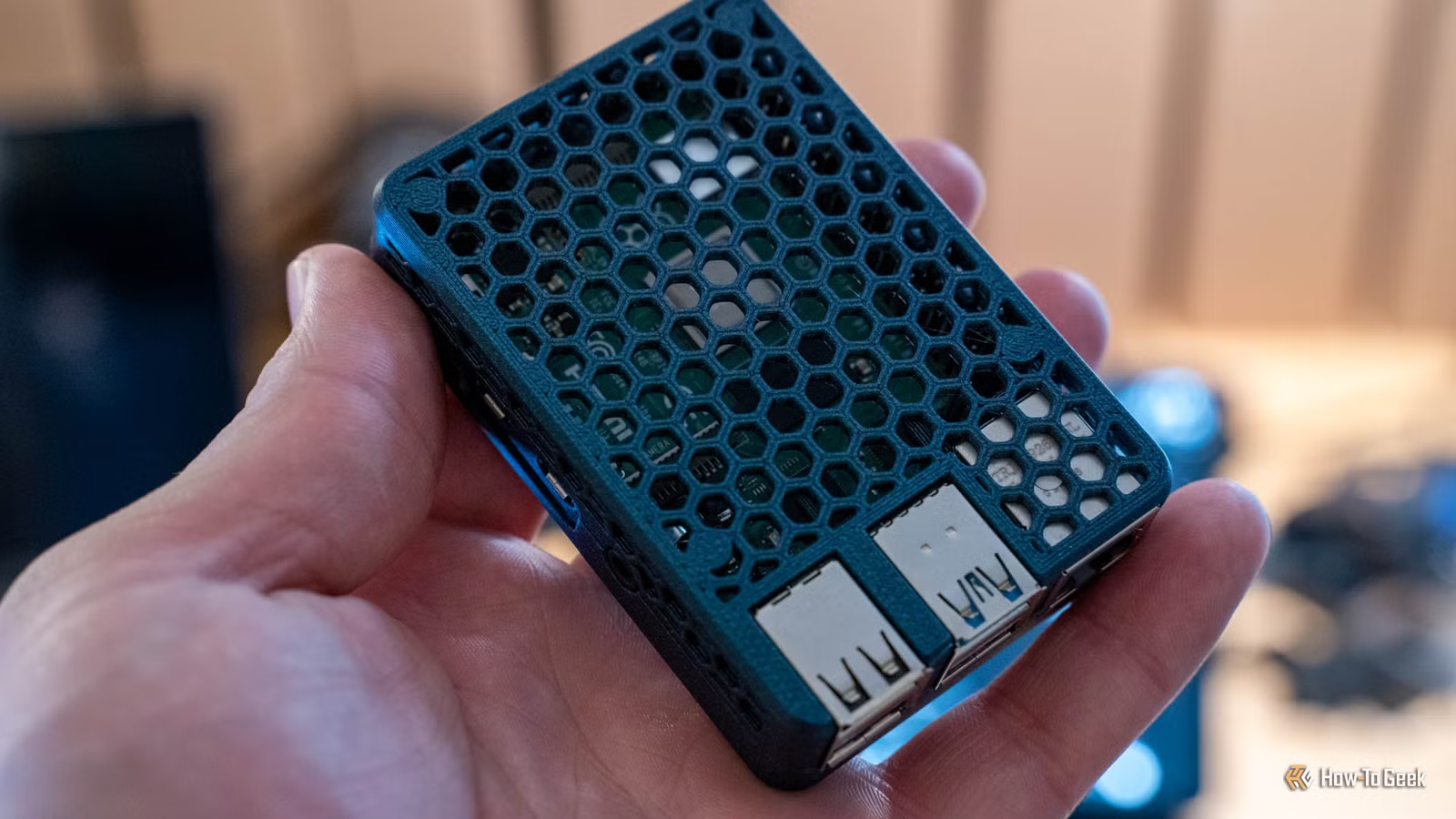
I handle all my writing in Obsidian, so I decided to create a setup that allows AI to access this information from any device I have. This was accomplished through a straightforward project using a Raspberry Pi, a compact local model, and a synced Obsidian vault.
Obsidian LiveSync: Compatible with Raspberry Pi and More
Effortlessly Search My Notes Anytime
I’ve been writing with Obsidian for quite a while, experimenting with various applications in the past, including Ulysses, Google Docs, Notion, and Asana. Obsidian stands out for me because it stores files locally in plain text, making them accessible and readable by both humans and AI systems. I appreciate the fact that I don’t need to pay for synchronization services or rely on third-party platforms like Google Drive.
Using the open-source LiveSync plugin, I can synchronize my notes with a cloud solution I manage myself. While setting this up has its challenges, it’s entirely feasible.
My first step is to run CouchDB within Docker on the Raspberry Pi, which serves as the foundation for the LiveSync server. Since it keeps the notes in an encrypted format, they aren’t immediately readable.
Then, I launch a headless version of Obsidian LiveSync on the Raspberry Pi, allowing the notes to be accessible as Markdown files. This is how my local AI models can browse through my notes.
Additionally, I have offsite backups configured with Duplicati, securing my content as encrypted blobs in Google Drive to guarantee the protection of my writings. Yet, I value that everything functions locally on my devices and synchronizes through my hardware.
Raspberry Pi 5: Capable of Running AI Models
Running on Raspberry Pi Isn’t Competitive, but It’s Cost-Effective
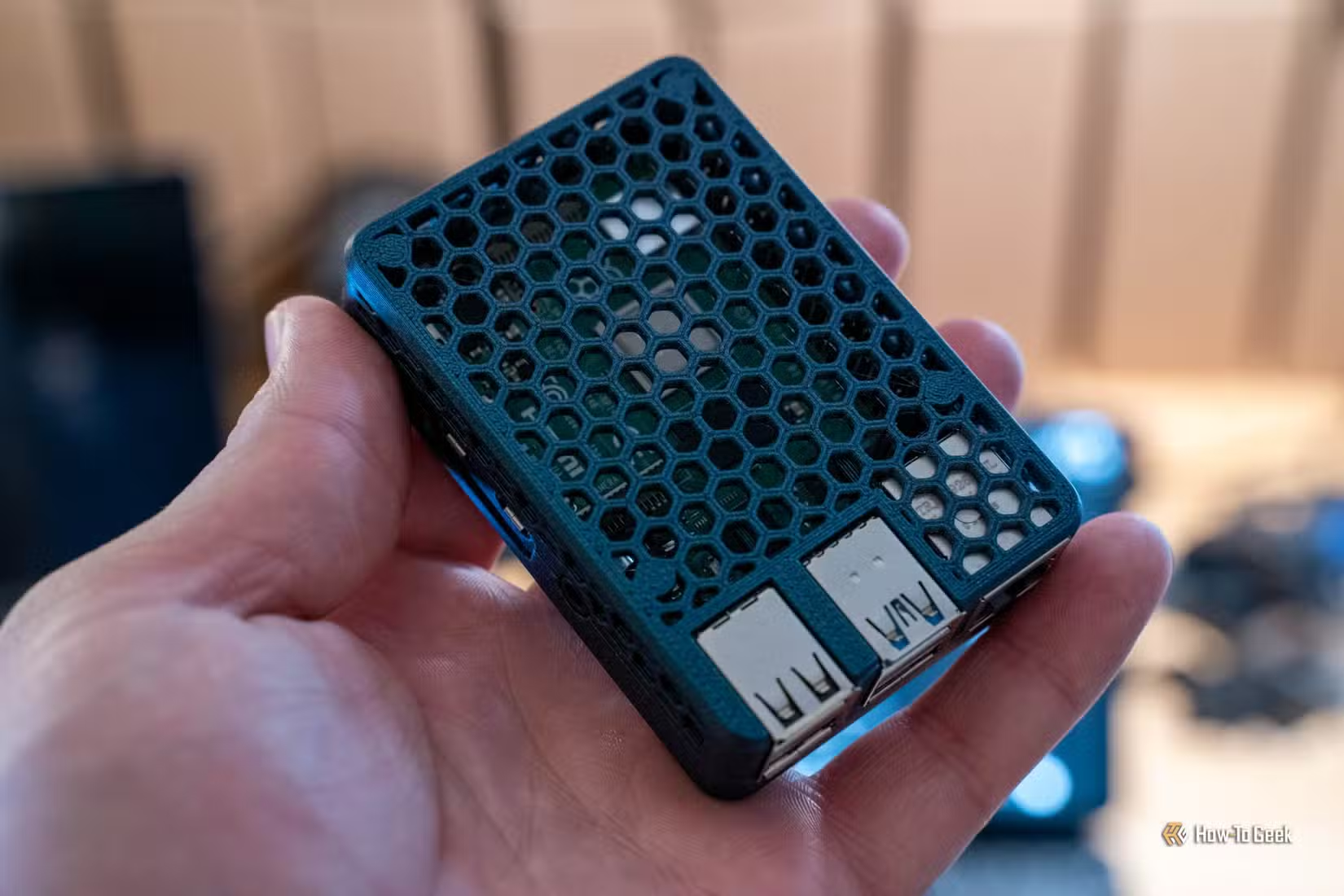
Only the Raspberry Pi 5 can effectively run local AI models. While you can technically execute a local model on earlier versions, the performance will be sluggish and severely limited unless equipped with sufficient RAM.
However, for Pi 5 users—particularly with the addition of the AI HAT+ 2 module—it’s entirely feasible to operate something like Qwen3 4B Instruct 2507 at a reasonable speed. Although it doesn’t rival advanced models like Claude or ChatGPT, it is efficient for text processing and retrieving necessary information.
Setting up Qwen3 4B Instruct 2507 through platforms like Ollama or llama.cpp (or hailo-ollama with the HAT) allows users to have a full chat interface via Open WebUI, making it simple to search through files. I’ve used this capability multiple times to locate notes that I was unable to find or helps parse content within my vault.
Effortlessly Locate Information with My AI
A Personal Assistant with Exceptional Memory
It’s remarkable that I can successfully operate a local AI model on a Raspberry Pi, and it can be genuinely useful. While I wouldn’t deploy Qwen3 4B Instruct 2507 or similar smaller models for complex tasks or extensive coding projects, they’re quite adept at simple document searching.
Whenever I need to find a specific file, I can seamlessly utilize Open WebUI with the local Qwen3 4B Instruct 2507 to search through all my notes stored on the Raspberry Pi. Since my notes are saved in plain text and accessible on local devices, I could easily run a more powerful model from my desktop or laptop to search my Obsidian vault if desired.
Nonetheless, it’s convenient to use the Raspberry Pi for searching. Everything stays stored there, allowing me to write on my iPad, Chromebook, laptop, desktop, or phone without worrying about syncing. As long as the writing makes it back to the Pi running LiveSync, I can search it using Qwen3 4B Instruct 2507.
A Learning Experience for Future Users
Setting up Open WebUI to effectively search through an Obsidian vault isn’t an easy task. It took me several hours to configure it properly, including determining the best model and ensuring it responded correctly to tool calls, given that low-parameter models often lack the required intelligence.
I’ve shared all the necessary code on my GitHub to help others avoid the hurdles I encountered while making this work. Once you have the repository, it should be relatively straightforward for you, though I recommend testing it multiple times to ensure it meets your expectations, as these smaller models may require additional prompting to function optimally.