4 Sneaky Ways Your Neighbors Are Sabotaging Your Smart Home (And How to Secure a Lasting Solution)

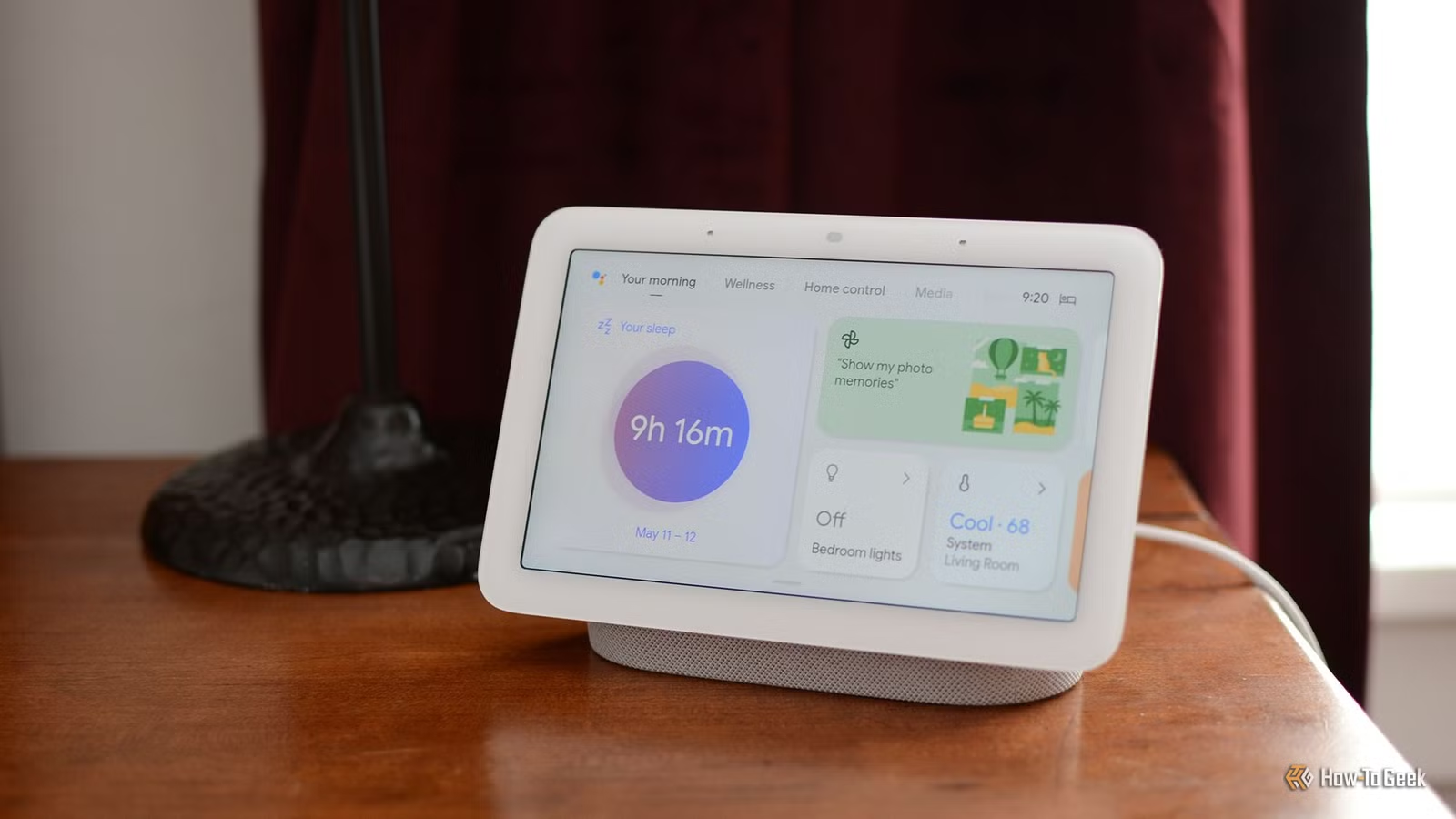
Residing in a densely populated area used to mean contending with noise and limited parking, but now it has evolved to letting neighbors have an unexpected impact on your home devices without any direct interaction. This phenomenon has made it increasingly difficult for homeowners to address connectivity issues.
Your Street Shares the Same Internet Connection
Implement Smart Queue Management to Combat Lag
Your home internet is not a dedicated line but rather a shared connection with numerous nearby residents. Whether you use cable or fiber, your local network is typically connected to a central hub that serves multiple households simultaneously. In settings like planned communities or apartment complexes, this situation can become even more congested, as several residences often rely on a single substantial connection, particularly during peak hours.
When numerous neighbors stream high-definition content, upload security footage, download large files, or run P2P applications concurrently, the common connection may become overwhelmed. While a speed test might still indicate acceptable speeds, the real delay experienced can be exasperating.
This is problematic for smart home setups: video doorbells may lag, cameras might miss frames, and voice commands could either take a long time to respond or fail entirely. Some automations may not trigger at all.
A long-term solution to this issue is to utilize Smart Queue Management on your router. Advanced algorithms like CAKE or FQ-CoDel can manage data more effectively than the overwhelmed equipment of your Internet Service Provider (ISP). By configuring your router to prioritize important traffic up to 85%-95% of your connection’s capability, you can mitigate the effects of background data uploads on the performance of critical smart home devices.
If your ISP offers Low Latency DOCSIS technology, consider discussing this option with them as well.
Note: This solution works only with cable internet, and not all routers may support these features.
Low Latency DOCSIS creates a dedicated fast lane for rapid exchanges used by your smart devices, ensuring low response times even when all neighbors are online.
Your Neighbor’s Router Can Interfere with Your Smart Sensors
Locking Down Your Wi-Fi Channels Can Resolve This Issue
Wireless devices face their own set of challenges. The common smart home protocols Zigbee and Thread operate on the 2.4 GHz frequency, which is also shared with many neighboring Wi-Fi routers. A standard Wi-Fi channel occupies approximately 22 MHz, while Zigbee and Thread channels are narrower at 2 MHz and spaced 5 MHz apart, allowing a single Wi-Fi router on certain channels to disrupt multiple smart home channels.
Moreover, a neighbor’s Wi-Fi router does not detect your smart devices, as it is designed to pick up other Wi-Fi signals. This means a low-power Zigbee sensor may be overlooked, causing transmission delays as the sensor waits for a clear channel to send its data. Consequently, devices may disconnect from the network, leading to faster battery drain as they repeatedly retry failed transmissions.
To enhance performance, you should configure all your 2.4 GHz Wi-Fi setups to use only Channels 1 and 6 with a 20 MHz channel width, turning off 40 MHz bonding altogether. Additionally, place your Zigbee coordinator and Thread router on Channels 25 or 26, which are less likely to overlap with Wi-Fi frequencies.
Note: If your neighbor is already using Channel 11, this might not help. Verify that your devices can support Channel 26.
If your mesh Wi-Fi system employs a 2.4 GHz wireless backhaul, consider switching to a wired Ethernet connection or upgrading to the 6 GHz band, where Zigbee and Thread do not interfere.
Thin Walls May Lead to Accidental Device Activation by Neighbors
Old Wireless Remotes Can Exacerbate This Issue
In densely built areas, it’s possible for neighbors to unintentionally activate your smart devices. In settings like townhomes or apartments, loud conversations or music from a neighboring unit can trigger your smart speakers. While voice assistants are programmed to listen for specific activation phrases, they are not infallible and may misinterpret sounds from nearby units.
Additionally, outdated wireless remotes operate on frequencies like 315 MHz or 433 MHz, which are used widely in consumer electronics, such as garage door openers and remote controls. These devices transmit the same signal every time, making them vulnerable; a neighbor with a similar remote could inadvertently trigger your garage door or appliances. In worse scenarios, anyone with a basic software-defined radio could record and later replay the remote’s signal, compromising your home’s security.
Furthermore, newer smart devices utilizing protocols like Matter or Bluetooth can pose unique risks. When these devices enter pairing mode, they broadcast a signal for a few minutes, allowing nearby smart apps to discover them. Although certain devices employ unique codes for pairing, a neighbor could gain unauthorized access if they attempt to connect before you finish configuring the device.
Your Smart Home Might Compromise Your Privacy
Your Phone’s Signals Can Allow Someone to Track You
Living in proximity to others introduces privacy concerns that are easily overlooked. For instance, a doorbell camera might inadvertently capture images of a neighbor’s home, leading to potential legal issues depending on local regulations. Some homeowners associations (HOAs) might also have specific rules about such surveillance.
Additionally, modern smartphones constantly send out probe requests to find known Wi-Fi networks. While newer models rotate their hardware addresses to avoid tracking, this measure is not foolproof. Someone in a neighboring unit can monitor these signals using freely available software to track your phone based on unique characteristics in the probe data.
As they analyze signal strength over various channels, a person can potentially follow your movements within your home, determining when you’re present or asleep. This is not hacking; it’s simply a matter of observing signals.
In one instance, a family member’s speaker began broadcasting conversations from their upstairs neighbor, prompting an immediate disposal of the device due to security concerns.
Accepting the Current Reality
Most of these issues can be resolved without the need for new equipment or changing ISPs, which often surprises homeowners. Adjustments to channel settings and queue management can typically be handled through the router’s interface, requiring no additional purchases. However, if you’re not prepared to address these concerns, it’s likely that you’ll continue to face complications, as such challenges are now commonplace.