Does the brand or model of your GPU truly matter? While the chip itself is manufactured by AMD, NVIDIA, or Intel, the price differences between various models can raise questions. Why pay extra for a so-called “premium” card?
Having frequently purchased the most economical versions of GPUs, I can assure you that there’s nothing wrong with this approach. At the very least, you should receive the base performance promised by the manufacturer. In some instances, you might even find that the performance can exceed your expectations. However, choosing a budget model often entails real compromises.
While certain brands cater more to budget-conscious shoppers and others focus on high-end designs, most brands today offer both budget and premium models featuring the same GPU lineup. Therefore, this comparison applies within a single brand just as much as between different brands. The unique aspects of each card—its design, price, and trade-offs—are crucial to consider.
The Noise Factor: Sound Levels Matter
Budget Cards Can Be Noisy
Even if the GPU and memory are similar in quality between two cards, the overall build can differ significantly. Premium models are often equipped with superior cooling solutions.
If both cards achieve their specified boost clock settings, performance could remain equal. However, high-quality cooling systems can provide that performance with noticeably quieter operation. Inexpensive fans with poor bearings, inadequate copper use, and a lack of advanced heat management technologies can result in noisier operations and might lead to faster cooling failures compared to pricier alternatives.
If you plan on upgrading the cooling system later or your setup can mitigate noise issues, this may not be a major concern. However, tests conducted on various RTX 5070 models revealed that the Inno3D Twin X2 card was louder than nearly all others tested, except for the NVIDIA Founder’s Edition, despite being the least expensive option in that category.
Potential Loss of Ports
Multiple Displays: Are Ports Important?
How often do you think about the port selection on your GPU? If you’re only utilizing one monitor, likely not often. However, with an increasing trend towards multi-monitor setups or additional connections to TVs, VR headsets, or projectors, having the right ports can be essential.
For those relying on HDMI displays, you might find yourself needing multiple DisplayPort to HDMI adapters, which could cancel out any savings gained from choosing a lower-priced card. Looking again at the 5070 series, some models offer two HDMI 2.1B connectors, while others come with just one.
Warranty Coverage Considerations
Read the Warranty Fine Print!
It’s often the case that budget cards are not built for longevity. I find it reasonable to expect that a budget model may not last as long as a premium alternative, as the components and research investment tend to be of lower quality.
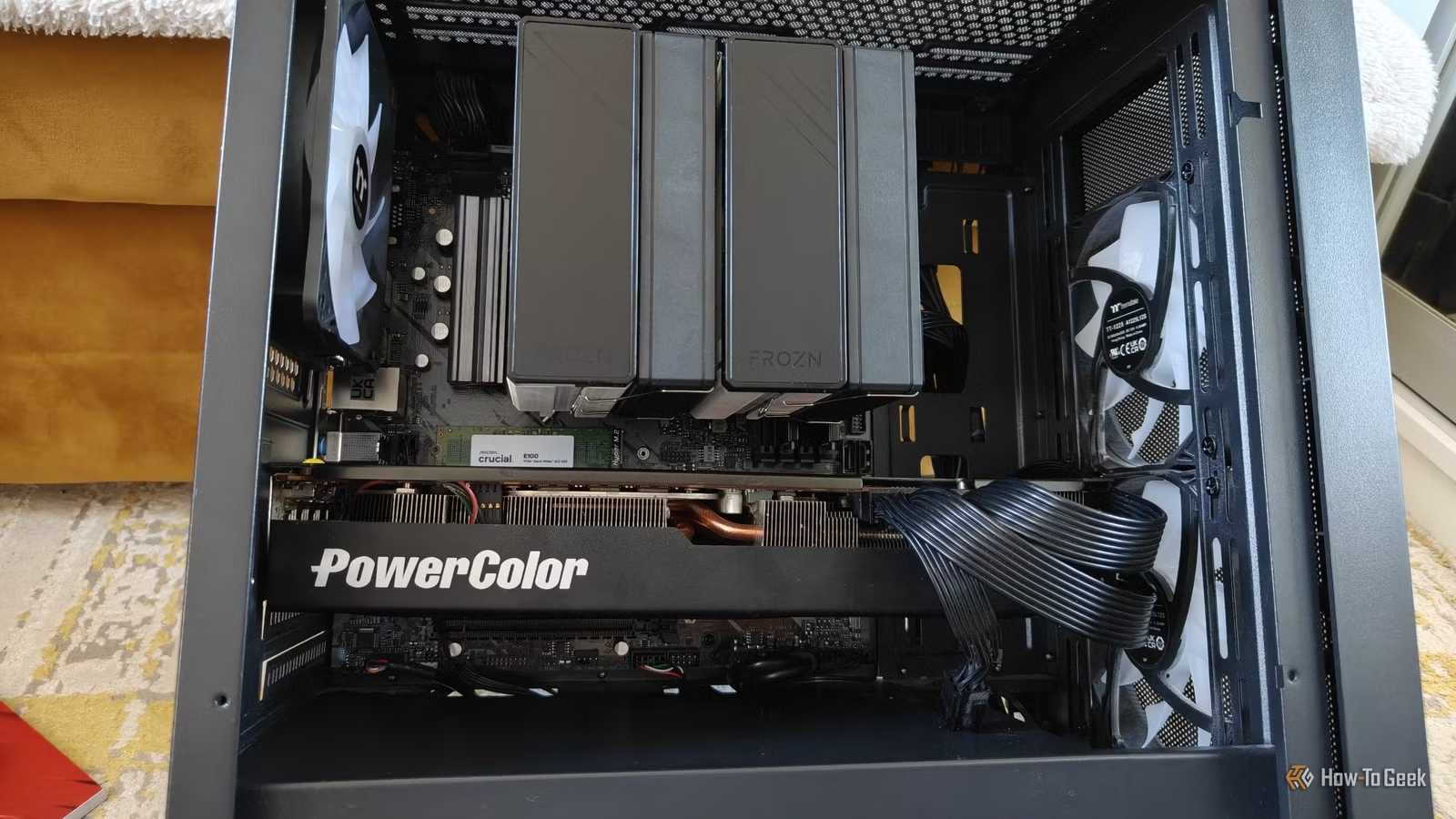
This perception is echoed by manufacturers as well; differing warranty lengths often reflect this confidence. For example, PowerColor offers a strict 2-year warranty, while Gigabyte provides a 4-year warranty with required online registration.
Performance Trade-Offs
Higher Performance Often Comes with Higher Prices
Ultimately, performance is what most users prioritize. Typically, a budget card can perform similarly to a premium model under stock settings.
A card with a better cooling system may reach maximum factory boost clock levels more effectively, making it worthwhile to look at benchmarks before making a decision. However, sacrificing a minor performance difference for lower costs might prove advantageous, especially if you find a budget card that can undervolt and overclock well—a part of the excitement for DIY PC builders. This is provided you can tolerate the potential increase in noise levels that may accompany cheaper cooling systems.
Cost-Effective Choices
A less expensive GPU isn’t without its sacrifices. To maintain a lower price point, certain corners must be cut—be it through reduced quality control, less durable parts, or diminished overclocking capabilities.
The question remains: is the extra investment for a premium model worth it? The answer varies by individual circumstance. If you anticipate replacing your GPU in a couple of years, a shorter warranty isn’t an issue. In that case, opting for a cheaper model in the next performance tier may be more appealing than paying extra for a premium version of a lower tier. After all, boost features can’t elevate a card from the 5060 to the 5070 performance level.
In conclusion, choose the card that fits your needs, but stay informed about the advantages and disadvantages that accompany budget versus premium model choices.