5 Innovative Ways Your Outdated Samsung Phone Can Take the Place of a Raspberry Pi

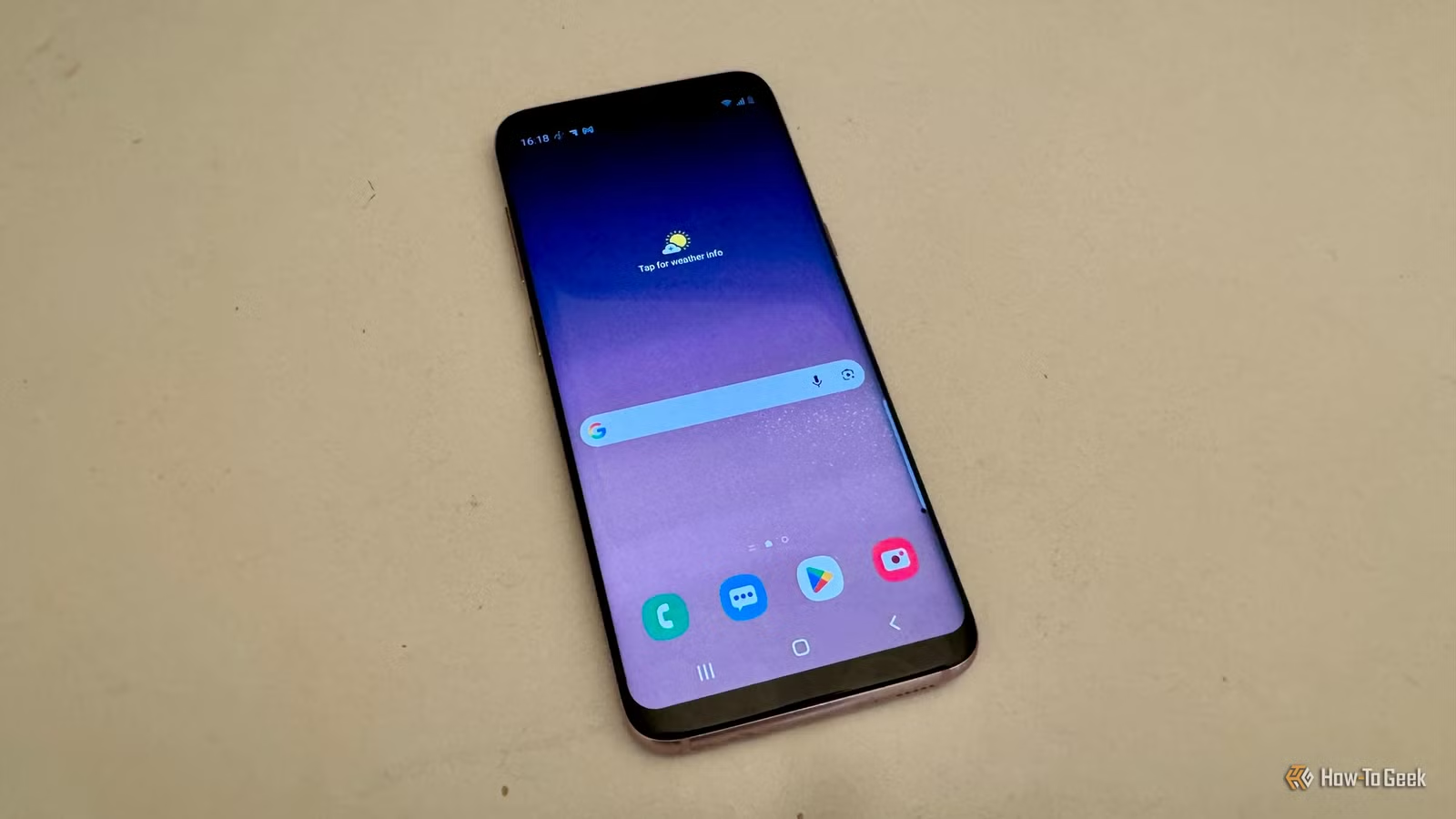
The Raspberry Pi has been a go-to for home projects due to its adaptability and affordability. However, as prices for these single-board computers climb, you might consider other alternatives. An unexpected contender is your old Samsung phone, which can serve well as a Raspberry Pi substitute for various applications.
Transforming Your Phone into a Network Hub
Using Your Phone for Network-Wide Ad Blocking
A frequently utilized Raspberry Pi function is the operation of Pi-hole, an open-source software that acts as a DNS server. It checks DNS requests from devices on your network against a list of known ad servers and tracks, preventing advertisements from displaying on your gadgets.
Your old Samsung phone can also achieve network-wide ad-blocking. For example, a user modified an old Samsung Galaxy S10+ by installing postmarketOS, a Linux distribution intended for smartphones, effectively converting the device into a consistently operational home server. By utilizing AdGuard Home on this Linux setup, the phone can block ads and trackers for all devices on the network.
Control Your Smart Home with Your Phone
Home Assistant Doesn’t Require a Raspberry Pi

Traditionally, Raspberry Pi has been a common choice for running Home Assistant, a robust smart home software. However, with rising prices of Raspberry Pi models, your phone can also take on this role. Through an app called Termux, which functions as an Android terminal, you can install and run Home Assistant on even older Samsung smartphones.
While this method isn’t flawless—Android might close background apps, and software updates could disrupt functionality—it’s a creative way to utilize an idle phone for smart home management.
Remote 3D Printing Control
Running OctoPrint on Your Phone
3D printers can often print from local files, requiring direct interaction. OctoPrint, a software that allows internet-based control of 3D printers, is typically run on a Raspberry Pi, but it’s not your only option.
Octo4a is a variant of OctoPrint designed for Android devices, enabling you to manage a 3D printer without root access. By using USB On-The-Go (OTG), it’s possible to connect your phone to the printer and even use the device’s camera to monitor printing jobs or create time-lapse videos.
Creating a Retro Gaming Console
Your Phone as a Gaming Rig
Many choose Raspberry Pi for building retro gaming consoles, and similarly, your old Samsung phone can serve this purpose. RetroArch is a component often used in projects like RetroPie to emulate classic gaming systems, and you can also run it on Android.
For example, I used an old Samsung Galaxy S8, connecting it to a monitor with a USB-C-to-HDMI accessory. After pairing a PS5 controller, I enjoyed playing retro games without needing a Raspberry Pi.
Establishing a Compact NAS
Your Phone Can Function as a File Server
Setting up a network-attached storage (NAS) system with a Raspberry Pi is common, allowing for easy file access across devices on your home network. However, a Samsung phone can also offer this functionality through Samba, which enables SMB file-sharing protocol.
By installing Samba, you can share the file storage on your phone—like its microSD card—across your network. Notably, the phone’s battery acts as a backup power supply, which keeps your file server running during outages.
Your Phone Is a Miniature Computer
Essentially, a Raspberry Pi is a compact computer, and your phone functions similarly. While it may not replicate all Raspberry Pi capabilities, it can still handle a variety of projects. You might be astonished by its versatility.