How Android Auto Diminished My Audio Experience—and the One App That Restored It

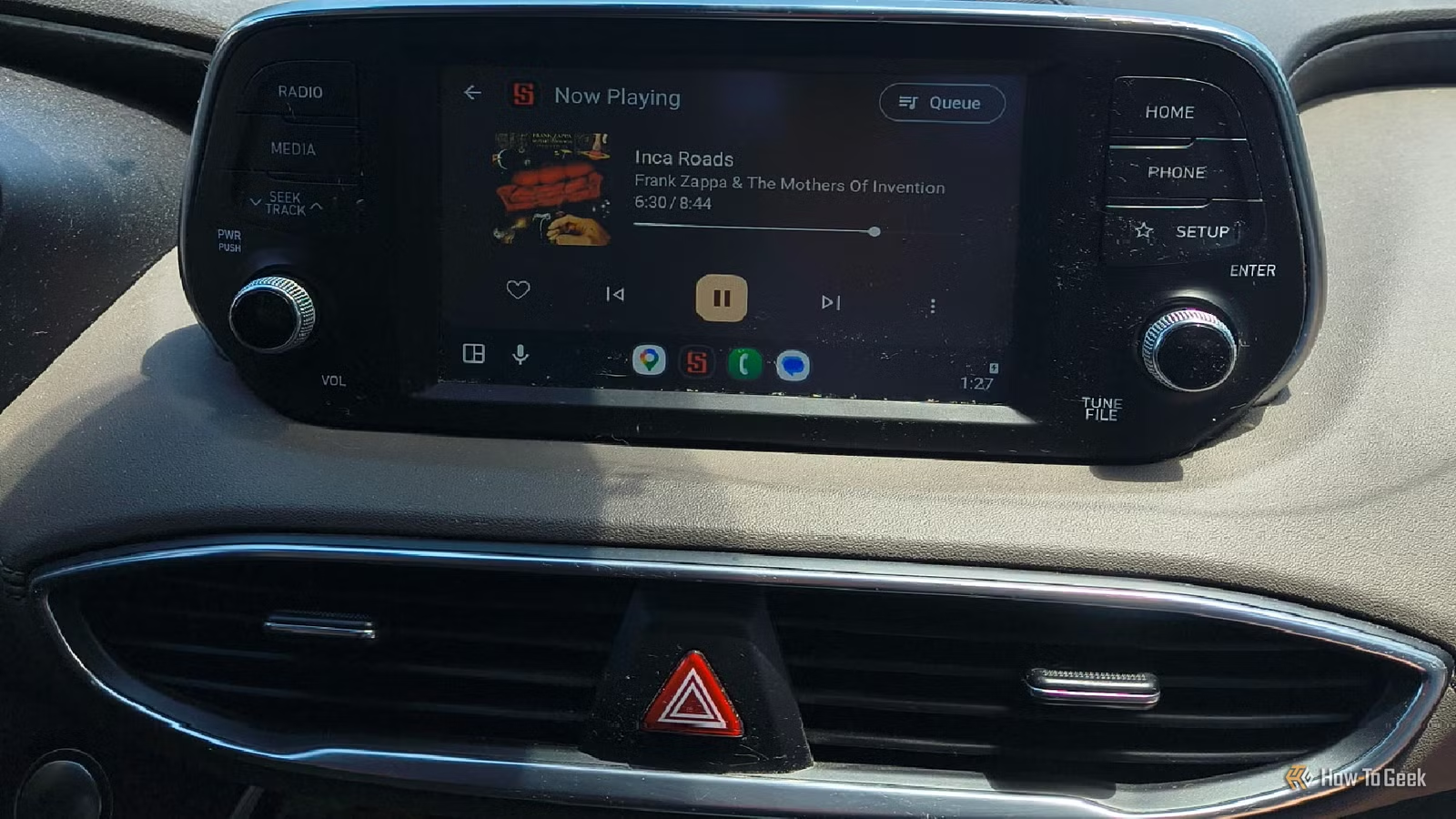
It’s intriguing how Android Auto can perform exceptionally well for extended periods, only to suddenly face issues. For instance, I recently found myself struggling with frequent disconnections after switching to Android Auto Wireless, and I even encountered odd prompts from Gemini to compose songs while driving. Moreover, I’ve experienced occasional navigation errors, and more recently, I noticed inconsistencies in audio quality. After investigating, I discovered an app that resolved these audio concerns for me.
Audio Quality Concerns Among Android Auto Users
Experiencing Similar Issues
Despite my overall positive experience with Android Auto, especially using it wirelessly, I couldn’t ignore the slightly off audio quality. Other users have also reported similar drops in music quality, with some attributing it to their devices and others to the audio processing of Android Auto itself.
This audio issue may not apply to every Android Auto user, and experiences may vary. Here’s my personal account of the problem and how I addressed it.
Unique Audio Processing in Android Auto
Inconsistent Audio Quality Experience

Interestingly, some users may not even notice the discrepancies in audio quality, which can depend heavily on the make of the Android head unit or vehicle itself. I came to realize just how accustomed I had become to subpar sound quality in my car.
As a music enthusiast and guitarist, this realization was a bit disheartening. However, it led me to further explore this issue. Primarily, it appears to stem from AudioFlinger, the system task responsible for mixing sounds from various applications and notifications into one stream, together with the vehicle sounds.
AudioFlinger manages audio for Android Auto using a fixed sample rate (48kHz) and establishes a Hardware Abstraction Layer (HAL) to convert the audio stream into a compatible format for the hardware. Certain models of phones may experience heightened gain and volume issues or other bugs that could affect audio quality.
Recognizing that this could be a widespread issue among Android Auto users, I sought a solution and found that I already had the perfect app installed: Symfonium.
Using Symfonium to Enhance Android Auto
An App That Enhances What AudioFlinger Lacks
I use Symfonium as my preferred media app on my Android devices. Its powerful 64-bit Digital Signal Processing engine processes audio before it reaches the Android system.
Currently, my devices operate on Android 16, and while this solution worked for me, it may not apply universally across all devices or Android versions. Always test at low volumes first!
Symfonium automatically detects when it connects to Android Auto. In the app, users can set configurations to bypass the standard Android system DSP, allowing Symfonium to manage audio entirely.
To adjust settings, navigate to Settings -> Playback -> Output settings, select your vehicle, and turn off Bypass processing. Leave hardware-accelerated codecs disabled.
Next, go to the Equalizer settings. Under the Hi-Res section, activate the Limiter and Volume Boost options. I found setting the Volume Boost at 300 mdB and the Limiter at -2dB helps protect my car speakers from sudden audio spikes.
After applying these changes, I tested various platforms—YouTube Music, Spotify at the highest quality, and Symfonium with my custom settings—while driving.
Right away, I noticed a significant improvement. Symfonium delivered crystal-clear audio at a strong volume, surpassing the other apps in quality noticeably.
While Spotify offered decent sound, it still felt lacking, resulting in a hollow experience when compared to the clarity provided by Symfonium.
The audio difference was stark, akin to comparing low-end speakers to a high-quality sound processor. YouTube Music’s quality was noticeably inferior.
Improving Android Auto’s Audio Quality
If your music sounds off on Android Auto, it might not be due to your speakers or cables but rather a device or software issue. Finding an app with a DSP engine like Symfonium met my needs perfectly. Though it’s not free, its cost is reasonable, and it solved my audio quality issues effectively.