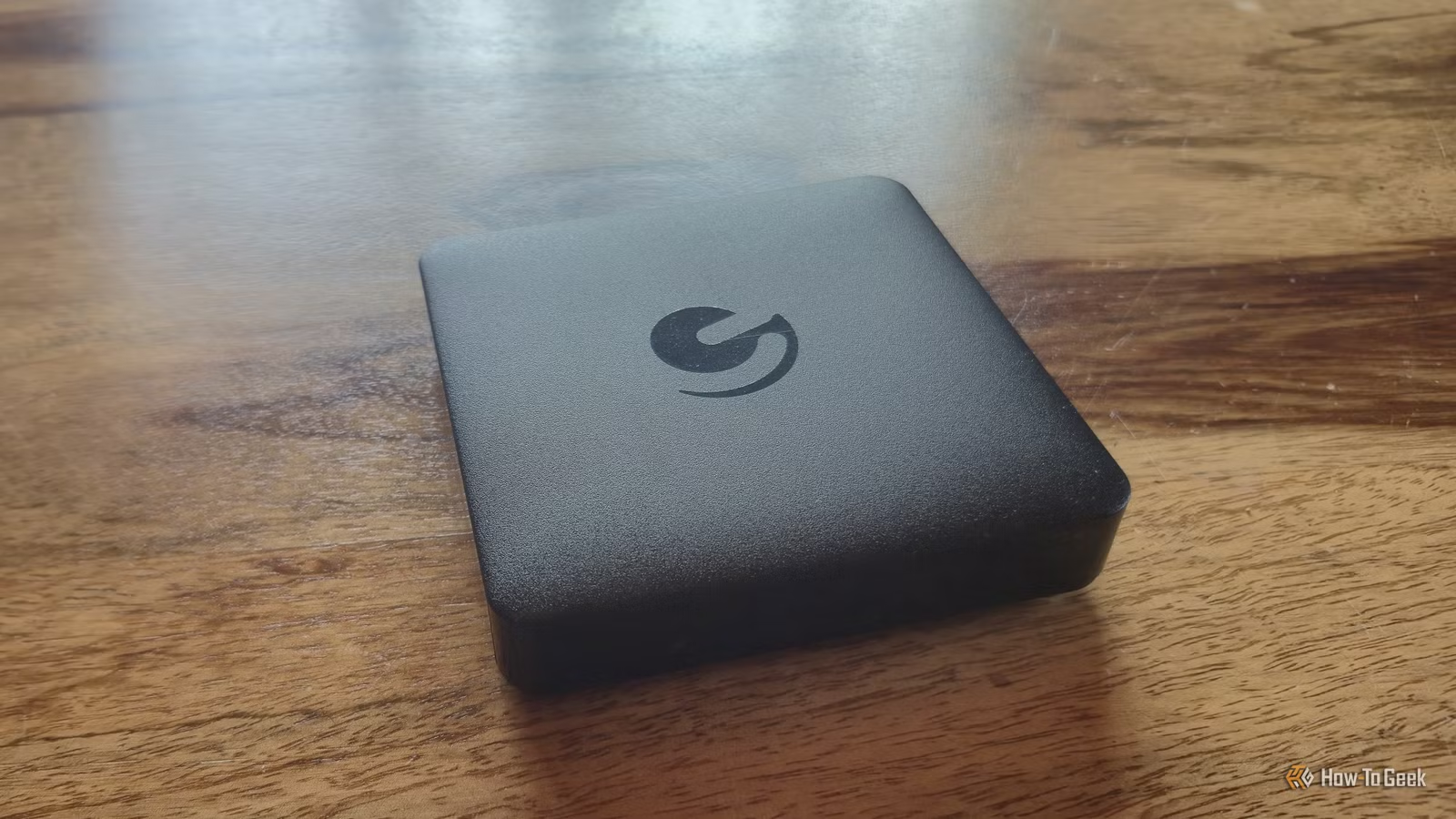
A few years back, I opted to purchase an Android TV box to avoid the hassle of swapping my bedroom television for a smart model. At that moment, it seemed like a cost-effective and straightforward choice. I simply plugged the box into the TV, connected it to Wi-Fi, and gained access to all my favorite streaming applications. What I didn’t foresee was my continued reliance on this same device years later, despite the emergence of many newer streaming options.
My Ematic DV8235 isn’t particularly high-performing by today’s standards, and it certainly wouldn’t rank well against the latest streaming gadgets. Yet, I have no urge to replace it. Its enduring relevance doesn’t stem from having cutting-edge software or the fastest processor. Thanks to features like Ethernet connectivity, expandable storage, USB ports, and the flexibility of Android TV, this modest device remains functional long after many typical streaming sticks have shown their limitations.
I Can Expand My Android TV Box’s Storage
Includes a Built-in SD Card Slot
Many Fire TV sticks come with just 8 GB of internal storage, with a few newer versions offering 16 GB. While downloading large files isn’t the core function of these devices, the apps keep growing in size. Once your Fire TV stick runs out of memory, you have to buy a new model with greater storage capacity.
On the other hand, my Ematic Android TV box provides various solutions for this issue. It includes an SD card slot, allowing me to easily expand its memory as needed. This makes the device adaptable and somewhat future-proof, as I can upgrade its storage indefinitely by simply changing the SD card.
Support for Various USB Devices
Enhanced Storage and Accessory Options
In addition to the SD slot, my Android TV box features two USB ports. This versatility allows me to connect a standard flash drive whenever required. I often have media stored on flash drives for use across different devices, so being able to plug it directly into my Android TV box is incredibly convenient. Moreover, these USB ports can also accommodate peripherals like keyboards, mice, or game controllers.
While a typical Amazon Fire TV stick has a USB-C or micro-USB port, it is mainly for power. Although a USB OTG Y-cable provides a workaround for connecting peripherals or USB drives, I appreciate that my Android TV box doesn’t require any additional cables to support these features.
My Android TV Box Includes an Ethernet Port
A Reliable Connection Without Wi-Fi
As Wi-Fi technology progresses, older devices can quickly become outdated. While this issue may not arise immediately, eventually, some streaming sticks can struggle with the latest routers or high-speed internet due to their aging Wi-Fi components.
My Ematic Android TV box addresses this with a built-in Ethernet port, allowing it to connect directly to my router. This ensures that it will consistently maintain a stable internet connection as my home network evolves. Additionally, like some other devices, my box can have difficulty receiving a strong Wi-Fi signal in my bedroom, a problem easily solved by its Ethernet capability.
Android Offers Endless Possibilities for My Old Box
Freedom Beyond Manufacturer Limitations
A major advantage of my Android TV box is that I can use it beyond the manufacturer’s intended scope. Built on Android TV, it gives me access to a diverse range of applications, including various media players and software, allowing for more functionality than just streaming content from Netflix or YouTube.
Furthermore, Android makes it possible to sideload apps, which means I’m not confined to what’s available in the official app store. This adaptability is crucial as the device ages—just because a specific app or service disappears from its ecosystem doesn’t mean the hardware itself is obsolete.
This flexibility is vital for longevity. A streaming stick typically serves a narrow purpose: plug it into a TV and use it to access streaming platforms. My Android TV box can perform this function, but its expandable storage, USB ports, and Android software provide an array of options should my needs evolve. It can serve various roles, from local media playback to being a hub for accessories, making it much easier to retain rather than replace as it ages.
Versatility Is the Key to My Android TV Box
There’s nothing inherently wrong with a Fire TV stick, which is a straightforward device focused on easy streaming access. However, with technology rapidly advancing, devices like Fire TV sticks tend to have shorter lifespans. In contrast, my Android TV box, equipped with various ports, offers excellent upgrade potential. If it ever stops being useful as a streaming box, repurposing it is simple, which gives it a substantial advantage over a Fire TV stick.