
In Brief
- Google is launching a new update for Gemini Notebooks.
- A feature to automate the addition of sources has been introduced.
- This new capability is designed for Business, Enterprise, and Education users.
This year, Google previously introduced automatic Drive synchronization to Gemini Notebooks, facilitating easier updates for source materials. Now, another modification is being made to enhance the user experience by simplifying source addition.
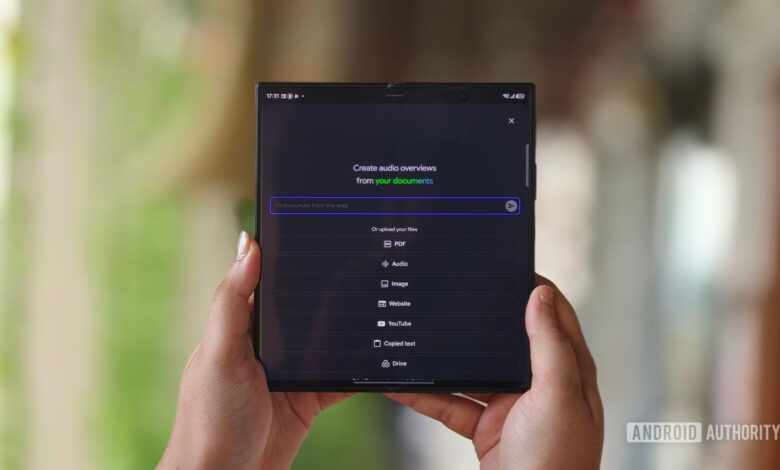
In an official announcement, Google revealed that a new feature called “Add a source to Gemini Notebook” is being implemented. This feature allows users to seamlessly add text, links to Drive files, or generic URLs from platforms like YouTube and other websites as sources. Prior to this update, adding sources required manual entry for each individual item, which could be time-consuming.
The update rollout commenced on August 6, although users may not notice it immediately. Google has indicated that this will be a phased release, which may take up to 15 business days for full implementation.
The new source addition feature is available specifically for Business (Starter, Standard, and Plus), Enterprise (Standard and Plus), and Education (Fundamentals, Standard, and Plus) customers. Unfortunately, users with personal Google accounts will not have access to this new functionality.
Thank you for your engagement. Please review our guidelines before leaving comments.




