7 Compelling Reasons to Choose KOReader for Your Old Kindle Over Investing in a New E-Reader

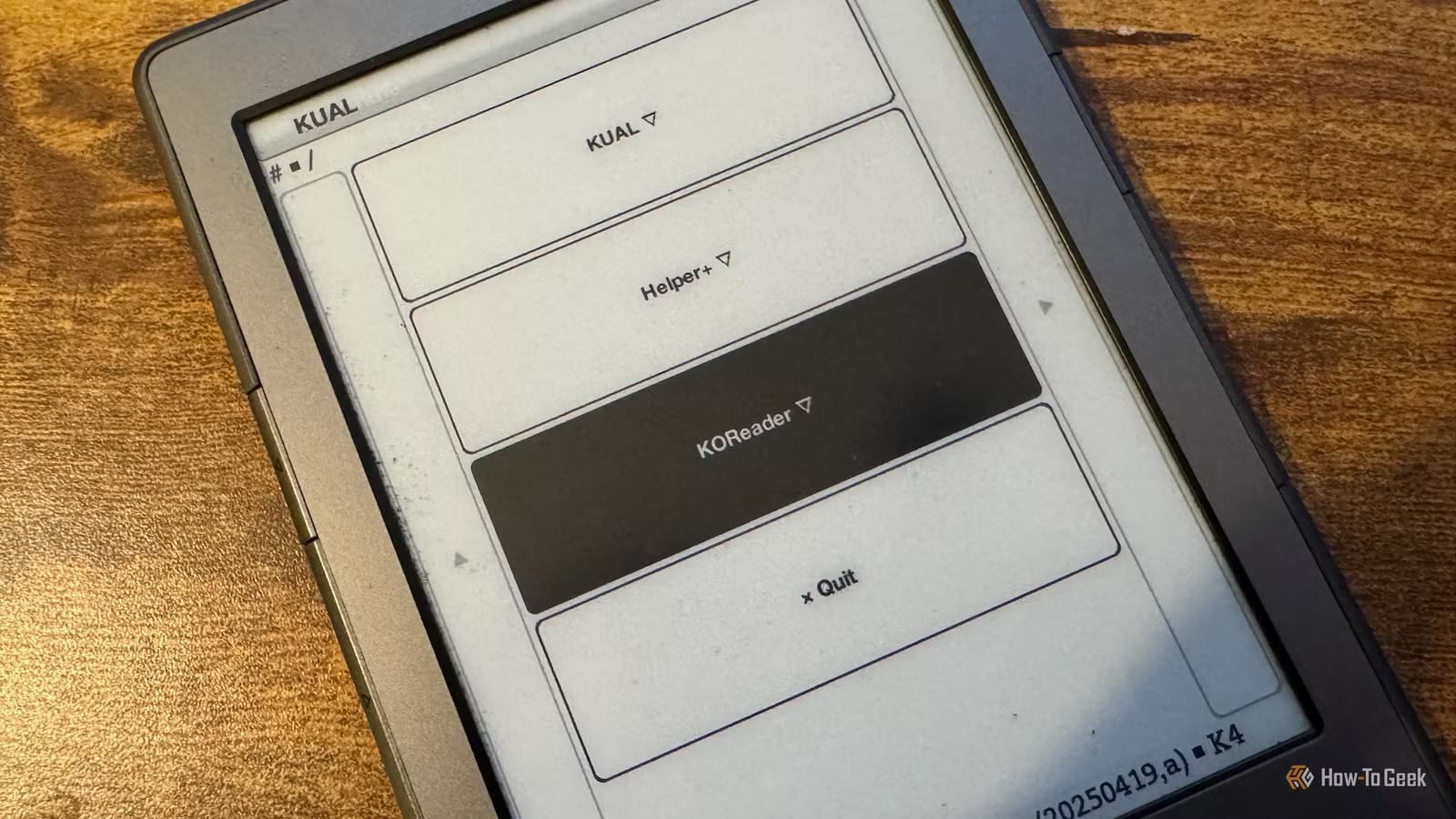
If you’re considering an upgrade to a new eReader, particularly because your Kindle is an outdated model that Amazon no longer supports, think about enhancing your old device instead. For instance, I installed KOReader on my jailbroken Kindle 4, and it offers functionalities that even modern Kindles lack.
Enhanced Format Compatibility
KOReader natively supports multiple formats
One of the significant advantages of employing KOReader on your Kindle is its ability to handle a wider range of file formats compared to the standard Amazon software. Typical Kindles support only AZW3, AZW, TXT, PDF, unprotected MOBI, and PRC files.
In contrast, KOReader can open PDF, EPUB, DJVU, MOBI, CBZ, CBT, DOCX, RTF, HTML, TXT, XPS, FB2, PDB, CHM, and MD files. This versatility allows for reading comics and EPUB, a widely-used eBook format. While you can technically use EPUB files on a Kindle, they must first be converted through services like Send to Kindle or programs like Calibre.
Improved PDF Handling
Transform your PDF experience
Though Kindles can open PDF files, attempting to read complex ones can be frustrating. Users often find that text is too small in full-screen mode, necessitating constant zooming and scrolling.
KOReader simplifies this task significantly with features like one-column viewing and, more importantly, PDF Reflow.
This PDF Reflow feature restructures supported PDF files, making them more readable on smaller screens by adjusting the layout to better fit the display. While it may not work flawlessly with all PDFs, especially those with intricate layouts, it can make many documents feel like conventional eBooks.
Advanced Typography Options
Comprehensive text personalization
If you’re dissatisfied with your Kindle’s default text display, KOReader allows for extensive customization. You can modify font family, size, boldness, margins, alignment, spacing, and more.
KOReader enhances this further by permitting adjustments to text contrast, kerning, word expansion, and image scaling, along with storing individual settings for each book.
Streamlined Library Access
Forget about emailing files
Standard Kindle users can add books wirelessly through various methods, such as purchasing from the Kindle Store or utilizing Send to Kindle. However, KOReader offers an even easier way through the Open Publication Distribution System (OPDS).
This feature allows KOReader to browse eBooks on a network. You can view an OPDS catalog, select a book, and download it directly.
If you run a Calibre server locally, KOReader can access your entire eBook library via OPDS and download books without routing them through Amazon’s servers.
Meaningful Reading Statistics
Insights into your reading habits
While Kindle devices provide useful stats like percentage read and remaining time, KOReader takes it a step further. It features an on-device dashboard for reading statistics and a calendar view tracking your reading activity over time.
Custom Screensavers
More than just book covers
Each Kindle can display images for screensavers, but options may be limited by default. KOReader allows users to upload their own images in JPG or PNG format, effectively turning your Kindle into an E-Ink photo frame when not in use.
Extending Device Longevity
Your old Kindle is far from obsolete
Using KOReader on an older Kindle can significantly extend its usability, eliminating the need for a new purchase. My Kindle 4 is over a decade old, yet KOReader offers more features than the stock Kindle software ever did, allowing me to keep using it and reduce e-waste in our throwaway culture.
If you’re considering a new Kindle, explore KOReader first
If your Kindle has fallen out of support, replacing it might seem like your only choice. However, if your model is jailbreakable, installing KOReader can provide a fully enriching experience, potentially surpassing that of a new Kindle.