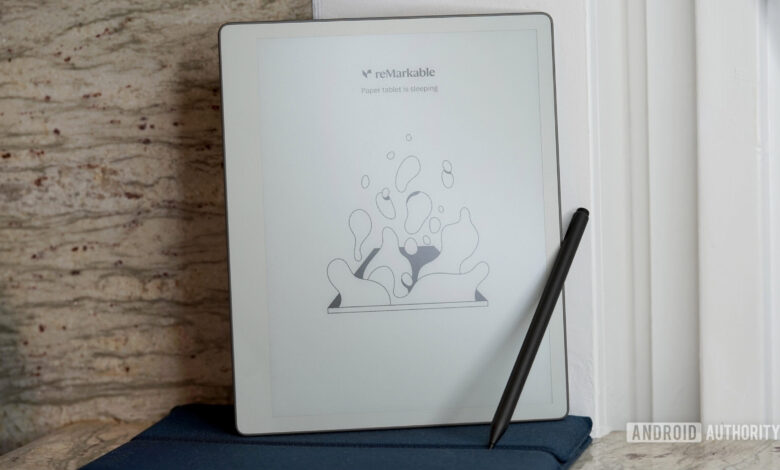
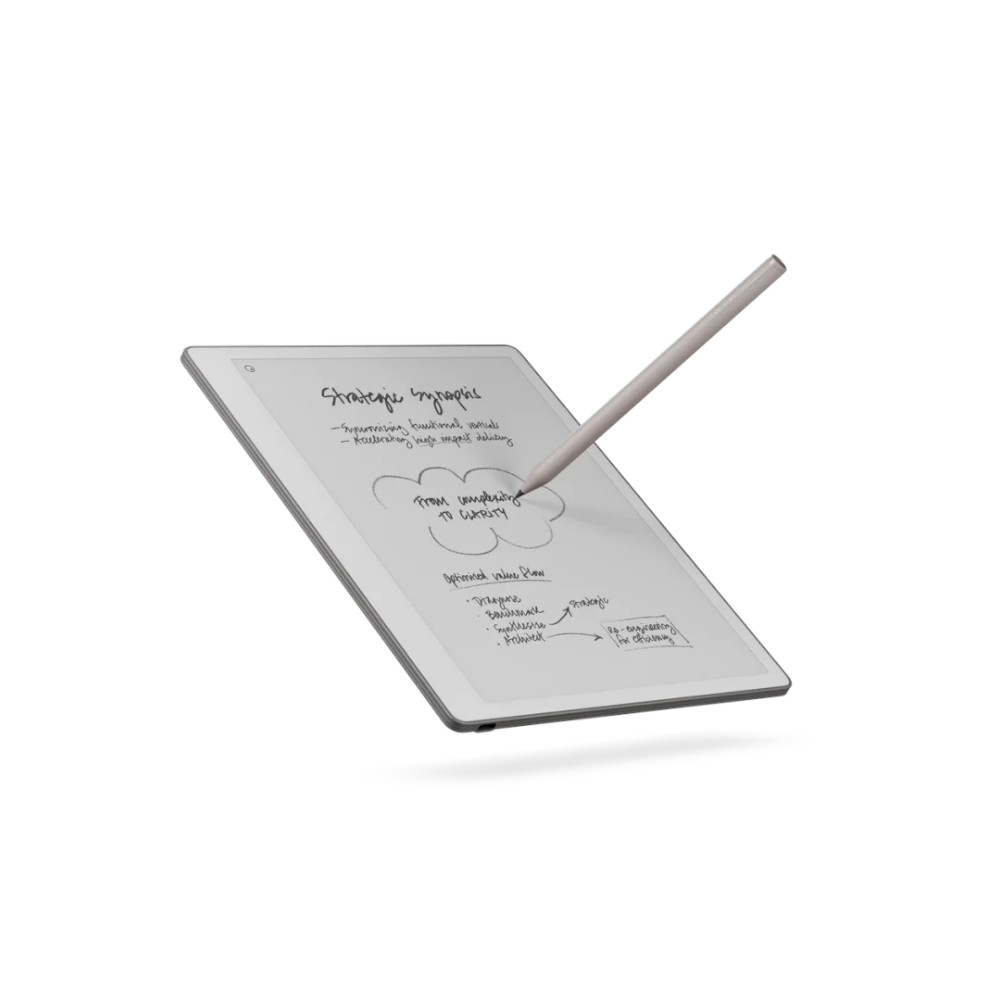
The reMarkable Paper Pure provides a distraction-free environment specifically designed for writing. With its lightweight build, a 10.3-inch display, excellent stylus performance, and minimalist software, it serves as an outstanding digital notebook.
Growing up, I always looked forward to shopping for new notebooks for school, eager to color-code them by subject based on my personal system. Even though I no longer need to shop for school supplies, my fondness for notebooks has remained.
This might explain why I quickly became enamored with the reMarkable Paper Pure, priced at $399. While many e-ink tablets attempt to bundle various productivity features or impose limitations like AI tools, the Paper Pure focuses singularly on being an excellent digital notebook. After using it for over a week, I am reluctant to set it aside in my tech collection.
More Notebook than Tablet
Kaitlyn Cimino
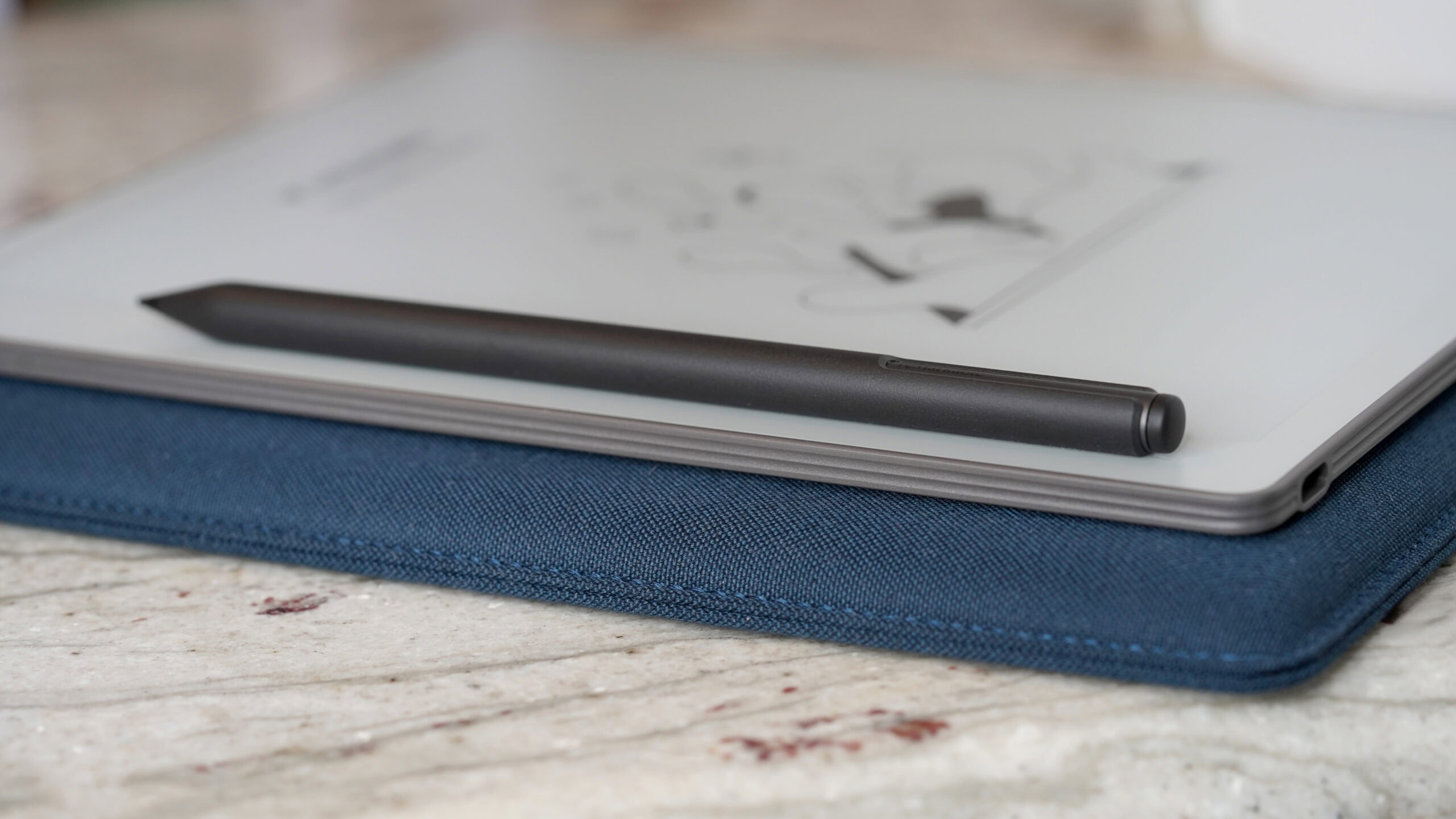
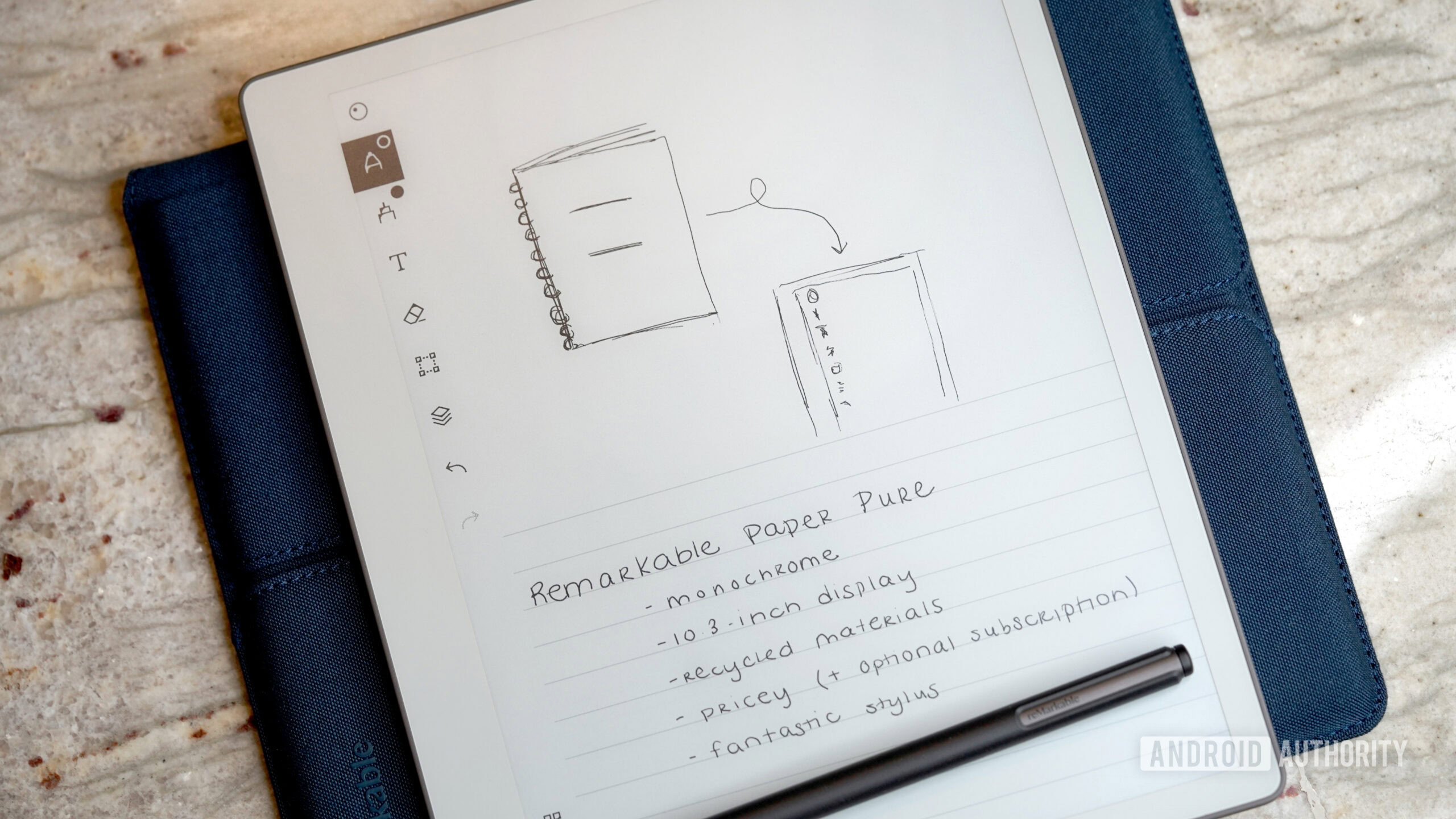
The Paper Pure takes on a form factor that feels quite different from contemporary tablets. Weighing only 360g and measuring just 6mm in thickness, this device is incredibly lightweight and features an asymmetrical bezel that prevents fingerprints on the screen.
The Paper Pure’s lightness gives it a genuine notebook feel.
The 10.3-inch monochrome display further enhances this notebook sensation. Notably, the absence of a front light is a bold choice that reMarkable made; without it, the screen remains clean, and the writing experience feels more reactive. However, using it at night does require a lamp, much like traditional pen-and-paper journaling.
Kaitlyn Cimino
This device operates in strict grayscale, a sharp distinction from a colorful e-ink market. Text appears crisp, offering an authentic paper-like quality that monochrome e-ink excels at. To my surprise, I found that I hardly missed color, despite being generally organized by it in everyday life.
Internally, the Paper Pure is powered by a 1.7GHz dual-core Cortex-A55 processor with 2GB of RAM and 32GB of storage. These specs may not impress tablet enthusiasts, but they contribute to a smooth user experience. The interface is responsive, and the entire device maintains a focused simplicity, unlike many modern tablets. Its 3,820 mAh battery keeps it working for up to three weeks without requiring a recharge, which has been one less thing for me to worry about.
Writing is the Core Function
Kaitlyn Cimino
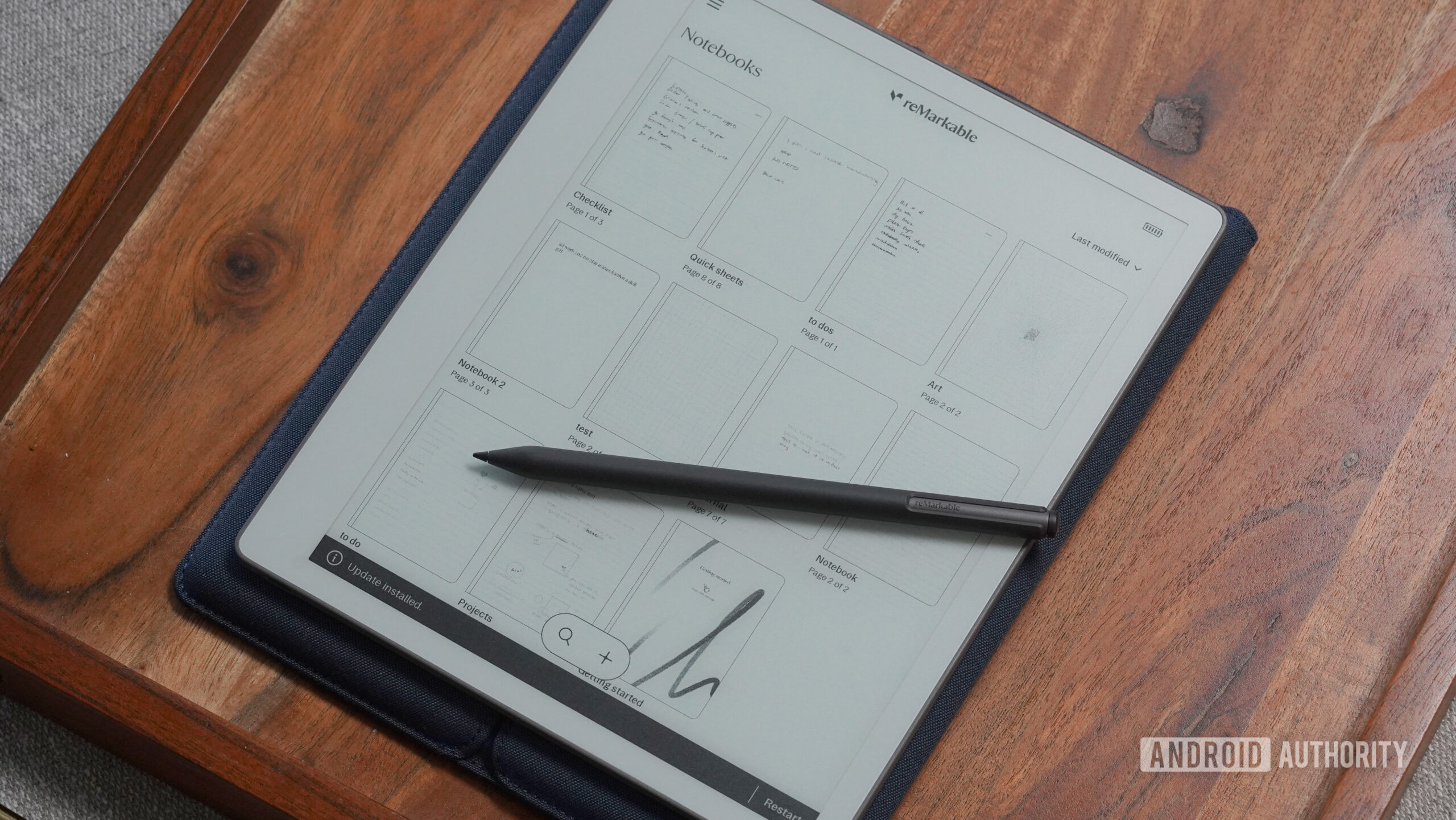
The writing experience on the Paper Pure is so satisfying that I found myself seeking opportunities to use it. The display provides just enough texture for the stylus to create resistance without overstating the ‘paper’ feel, and the low-latency input makes handwriting feel natural. I did miss the brand’s Type Folio compatibility, but after embracing my less-than-perfect handwriting, the straightforward, notebook-like experience brought a sense of nostalgia.
The writing experience is both responsive and fluid, complemented by a comfortable stylus.
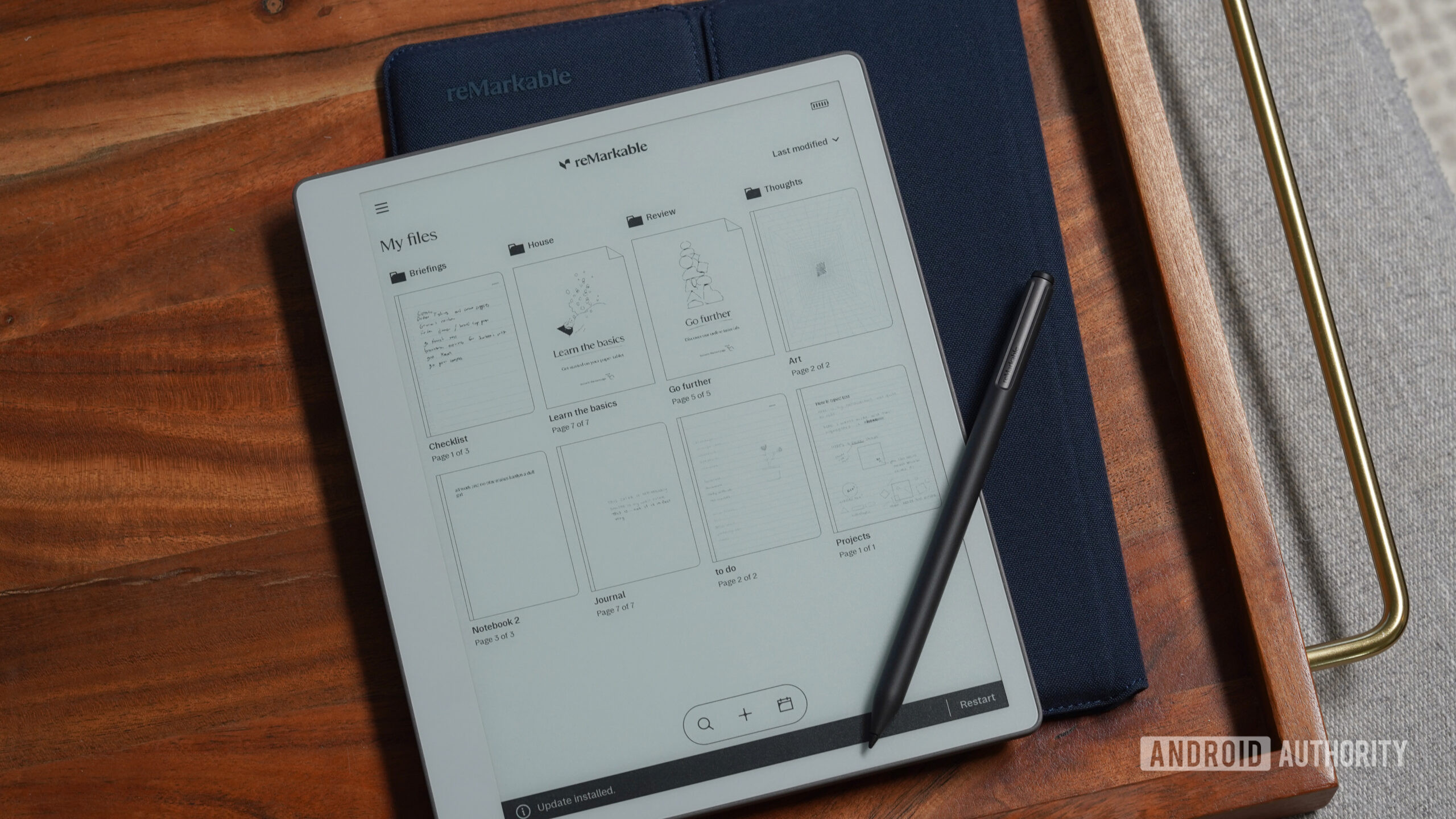
This simplicity is mirrored in the reMarkable’s basic software. I never found myself digging through complicated settings or customizing the interface. It’s a straightforward approach that stands out amidst the multitude of feature-heavy e-ink tablets.

Kaitlyn Cimino
Thanks to the Paper Pure’s non-intimidating design, I found myself using it more casually, similar to how I would a notepad for quick thoughts or reminders. During my review, it comfortably took residence on my kitchen counter, one more appendage to my daily tasks. From jotting down grocery lists to recording essential details during frustrating phone calls, I used it to capture my random musings and note-taking sessions during virtual meetings.
In essence, the Paper Pure blended seamlessly into my routine, much like any classic notebook. There are no distractions from apps or services, allowing me to focus solely on writing. In comparison to the smaller Move, this device’s larger display gives ample space for comfortable note-taking and document review, while the Marker Plus stylus surpasses the feel of writing with a traditional pen. Although I was a bit disheartened with its text conversion feature—which sometimes muddled my formatting—the overall experience felt genuine.
A Device Designed for Focus
Kaitlyn Cimino
While the Paper Pure does include organizational features like folders, tags, templates, document markup, and cloud syncing, it remains a focused tool. An optional $3.99/month Connect subscription adds capabilities such as handwriting search, Google Calendar integration, AI-generated summaries, and deeper workflow options. I find it useful to annotate PDFs or brainstorm directly on documents, but these tools do not demand my attention, allowing for a more straightforward usage experience.
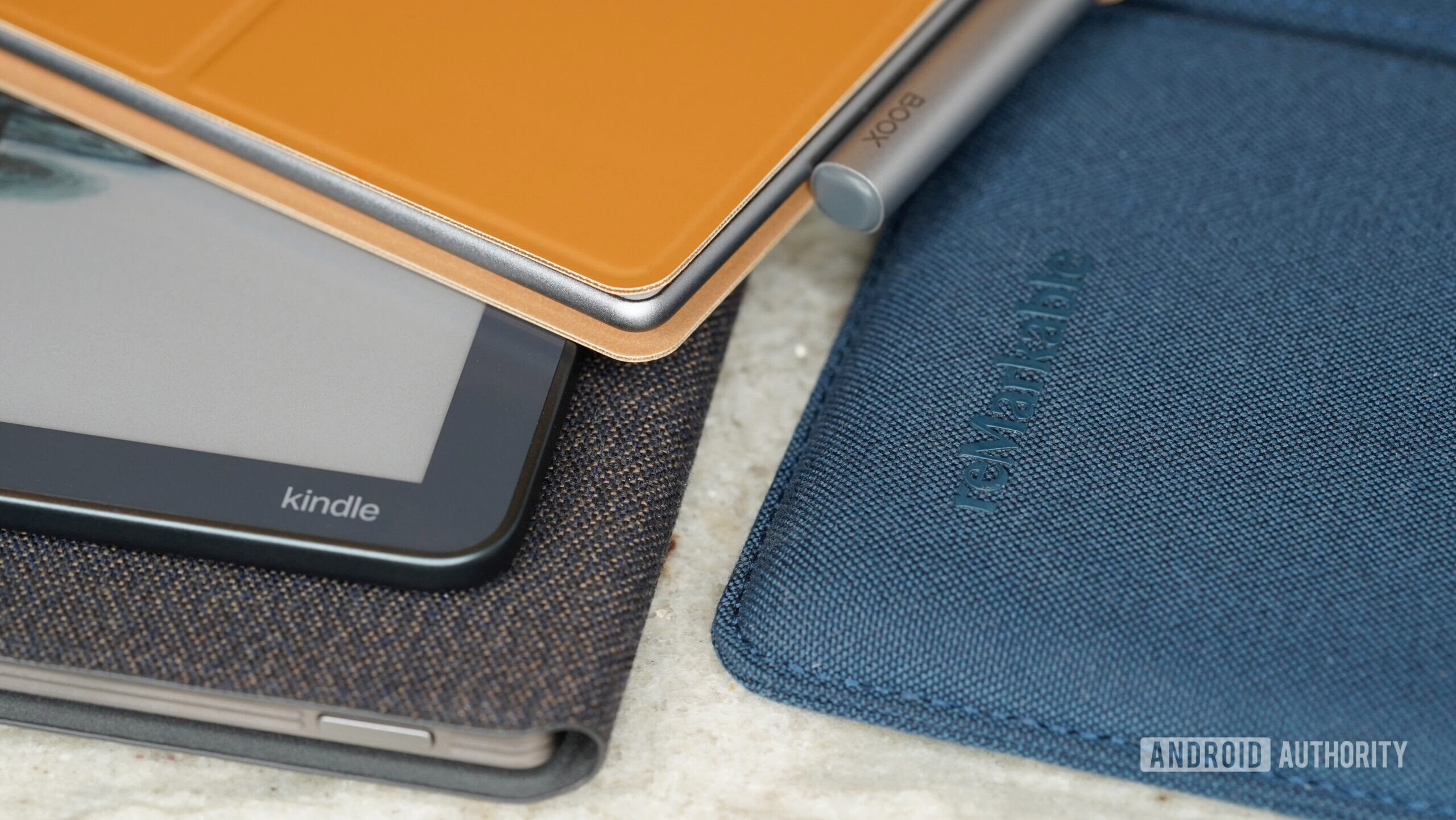
The obvious downside is that the Paper Pure may not suit everyone’s needs. If you’re looking for a traditional tablet or a device for extensive reading, other options are more versatile. Brands like BOOX provide greater flexibility with Android apps and broader file compatibility. The Kindle range also excels in the reading segment, with the Kindle Scribe offering stylus support for note-taking.
The major takeaway is that this device won’t fit every user.
You can read content on the Paper Pure, but it excels more at document work rather than reading. Annotating drafts and reviewing documents works well, but the lack of a built-in bookstore or a supportive ecosystem for reading is significant. The absence of a front-light is also noticeable; while I appreciated the clean display during daylight, I often used another device at night instead of sitting near a lamp.
Kaitlyn Cimino
Additionally, the pricing must be considered. The tablet itself starts at $399, and accessories can quickly increase expenses. The Marker Plus stylus feels almost necessary, and folio cases are not inexpensive. Plus, the added cost of the monthly subscription for features may deter some users who are mindful of their monthly budget.
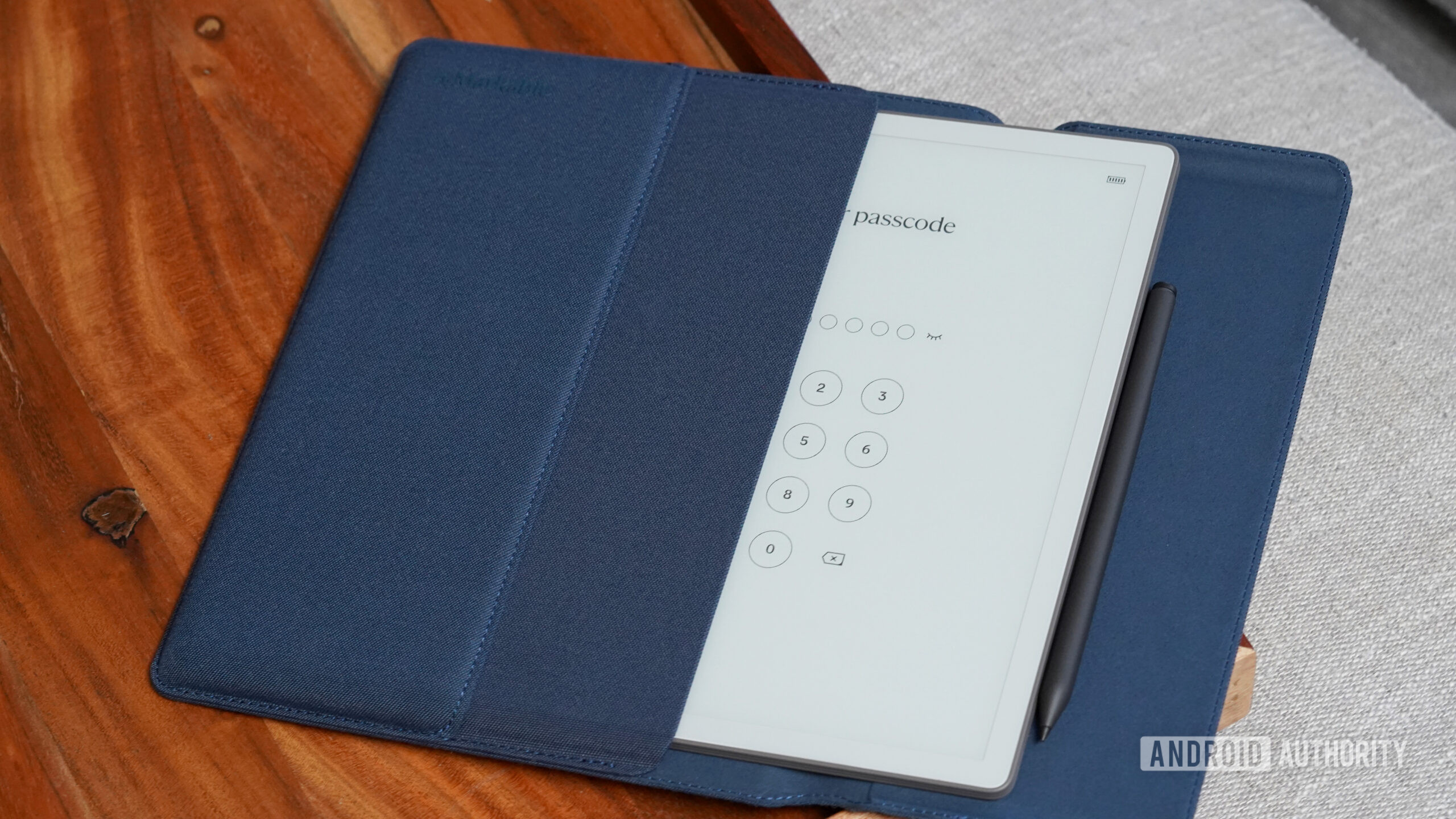
I did enjoy the folio case; it genuinely protects the Paper Pure, reminiscent of a science fair egg wrapped in bubble wrap from my childhood. The deep ocean blue design adds a touch of class, but it is priced at $69. Thus, opting for the $449 bundle that includes both the Sleeve Folio and Marker Plus might prove to be more cost-effective.
Final Verdict: Should You Invest?
Kaitlyn Cimino
While my days of school supply shopping have passed, the Paper Pure fulfills a similar urge. It’s gratifying to use a tool designed for a specific purpose that excels at it. For over a week, I found myself picking it up, jotting down notes, and effortlessly placing it back on various surfaces without the hassle that comes with traditional paper.
If you’re looking for a streamlined, distraction-free digital notebook, the Paper Pure is an excellent choice.
Though there are superior alternatives available, the reMarkable Paper Pure distinguishes itself by its simplicity in a market that often complicates devices unnecessarily. If you’re in need of a dedicated e-reader paired with Amazon’s ecosystem, you’d be better off considering the Kindle Scribe. On the other hand, if you want versatility along with app compatibility, a device from BOOX would suit your needs. Options like the Go 10.3 Gen II share a similar monochrome display and offer Play Store access, while the Lumi model even includes a front light.
In the context of reMarkable’s offerings, the Pure represents a clear and succinct embodiment of the company’s vision. The Move might attract you for portability, while the Paper Pro stands as their most ambitious model to date.
reMarkable Paper Pure
Outstanding writing experience • Focused and distraction-free • Lightweight design
MSRP: $399.00
The reMarkable Paper Pure specializes in delivering a focused writing experience through its lightweight build, 10.3-inch display, excellent stylus support, and streamlined software, making it a superb digital notebook.
Pros
- Exceptional writing experience
- Distraction-free focus
- Thin, light design
- Long-lasting battery life
- Practical productivity tools available
- Impressive folio case
Cons
- Costly with expensive accessories
- No front illumination
- Limited reading features
- No support for Type Folio
- Features gated by subscription
Thank you for being part of our community. Please review our Comment Policy before posting.