
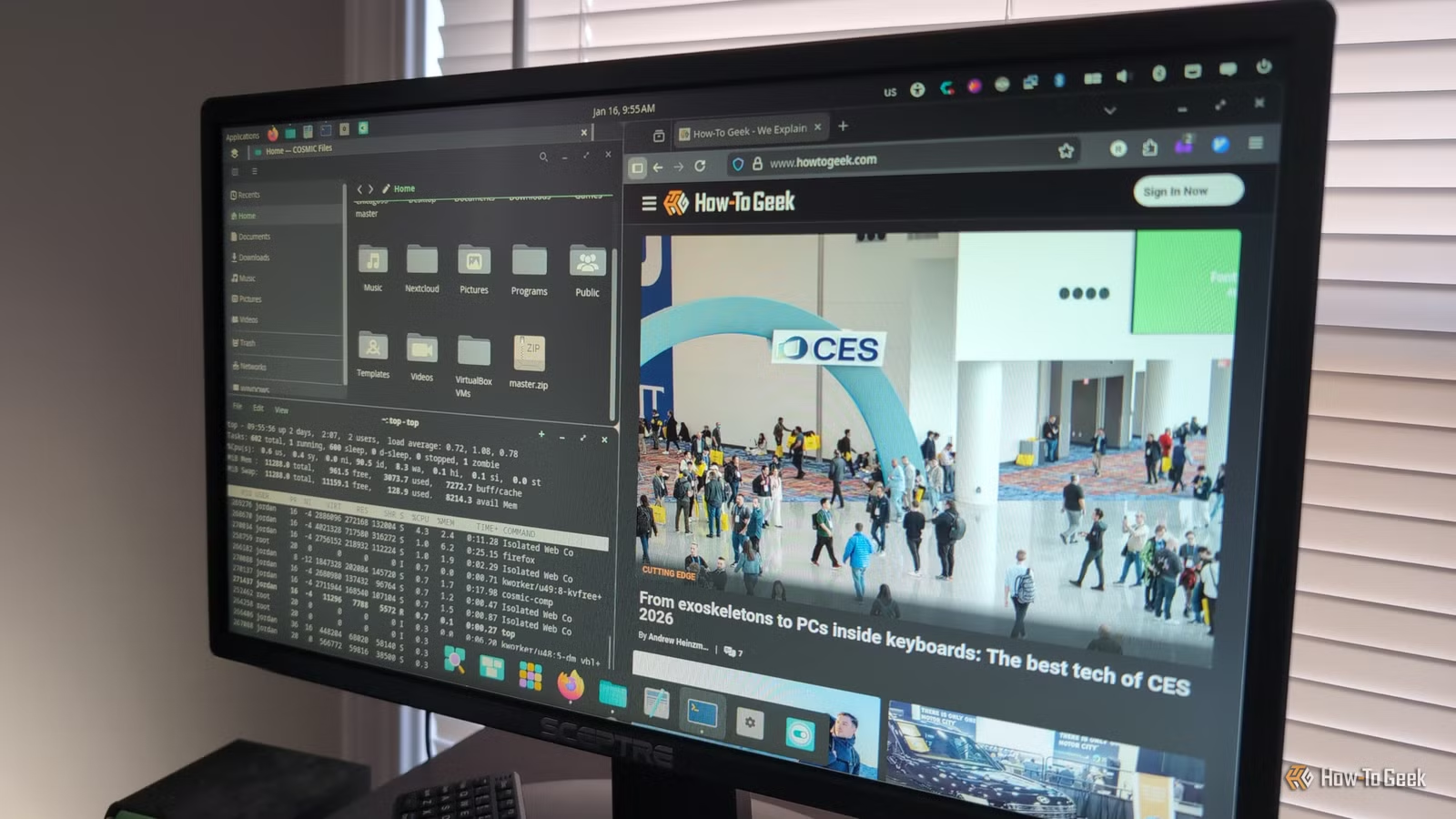
Pop!_OS has garnered a loyal user base, largely due to its COSMIC desktop environment. Curious about both the OS and its interface, I decided to explore COSMIC to see if it could sway me from my preferred Xfce setup.
What is the COSMIC Desktop?
A Fresh Take on Linux
The COSMIC desktop is a Linux environment created by System76, a company located in Denver known for its Linux-based computers. COSMIC serves as the primary desktop for its flagship distro, Pop!_OS, which is derived from Ubuntu.
COSMIC is built on several innovative technical foundations. It utilizes Wayland, a graphical system designed to succeed the long-standing X11 standard, which has remained largely unchanged since 1987.
Another noteworthy feature is that COSMIC is developed in Rust. Unlike most desktop environments and window managers that are traditionally created in C, Rust is a compiled language renowned for its performance and memory safety, reducing the chances of system crashes caused by memory issues.
Additionally, COSMIC aims to bolster security against threats like keyloggers, courtesy of Wayland’s architecture. However, this has led to challenges running certain applications, such as screen-capturing tools, prompting some users to label Wayland’s security measures as overly cautious.
Originally based on the Qt toolkit, COSMIC evolved from a modified version of GNOME, which had conflicts with GNOME’s development strategy. System76 opted to create its own desktop environment as a result.
Where to Acquire COSMIC
More Than Just Pop!_OS
Although Wayland is the standard for Pop!_OS, it’s not exclusively available through this distro. You can find COSMIC in custom spins of Fedora and also install it on popular distributions like Arch Linux and OpenSUSE.
I chose to install a standard ISO of Pop!_OS on a VirtualBox VM to experience its installation process firsthand. I booted into the live environment featuring COSMIC and opted to install it to better understand how an average user would navigate the setup.
The installer was user-friendly, but like any operating system installation, some knowledge about your machine’s disk setup is required.
First Impressions of COSMIC
Appealing Experience with Minor Glitches
My initial experience with COSMIC was enjoyable. However, performance was somewhat sluggish due to the virtual machine setup. The recommended RAM for Pop!_OS is 4GB, aligning with the minimum needed for Windows 11. After adjusting the video RAM and enabling 3D acceleration in VirtualBox, COSMIC performed better.
The default dark theme was appealing, and I found the overall design to be attractive. During setup, I could choose a layout resembling either Windows or Mac, and I went with the latter.
The visuals were pleasant, although I encountered a few glitches where the panels would occasionally disappear, necessitating a log-out and log-in to fix them. Adjusting the graphics settings improved COSMIC’s reliability.
COSMIC feels designed for power users, especially with its keyboard-centric features. Pressing the “Super” or Windows key opens up the Launcher menu for quick searches of applications.
Included Applications
Custom Tools and More
The default applications with COSMIC, especially in Pop!_OS, include familiar choices like Mozilla Firefox and LibreOffice, alongside unique offerings such as COSMIC Files for file management and COSMIC Editor. As a frequent terminal user on Linux, I was keen to try the terminal, which appeared well-designed.
Window Management
While COSMIC defaults to a stacking window model, it does allow for tiling. By dragging a window to the side of the screen, you can create a tile and then select another window to view it side-by-side. This functionality is beneficial when comparing documents, like a text file against a webpage or coding while referencing documentation.
Is COSMIC Right for You?
Suited for Power Users and Beyond
System76 appears to cater to power users, and the COSMIC software aligns with this focus. I found the desktop environment pleasant enough to use daily, particularly if the panel issues were resolved. Being familiar with the Debian/Ubuntu ecosystem, which underpins Pop!_OS, made the transition smoother.
Nonetheless, it remains simple enough for less tech-savvy users to adopt as their primary desktop.
A Promising New Entry in Linux
COSMIC represents a notable newcomer to the Linux desktop landscape, leveraging cutting-edge technologies like Wayland and Rust, making it worth keeping an eye on, whether you’re using Pop!_OS or another distribution.




