Transforming Memories: This Android App Created an Interactive Map of My Travels

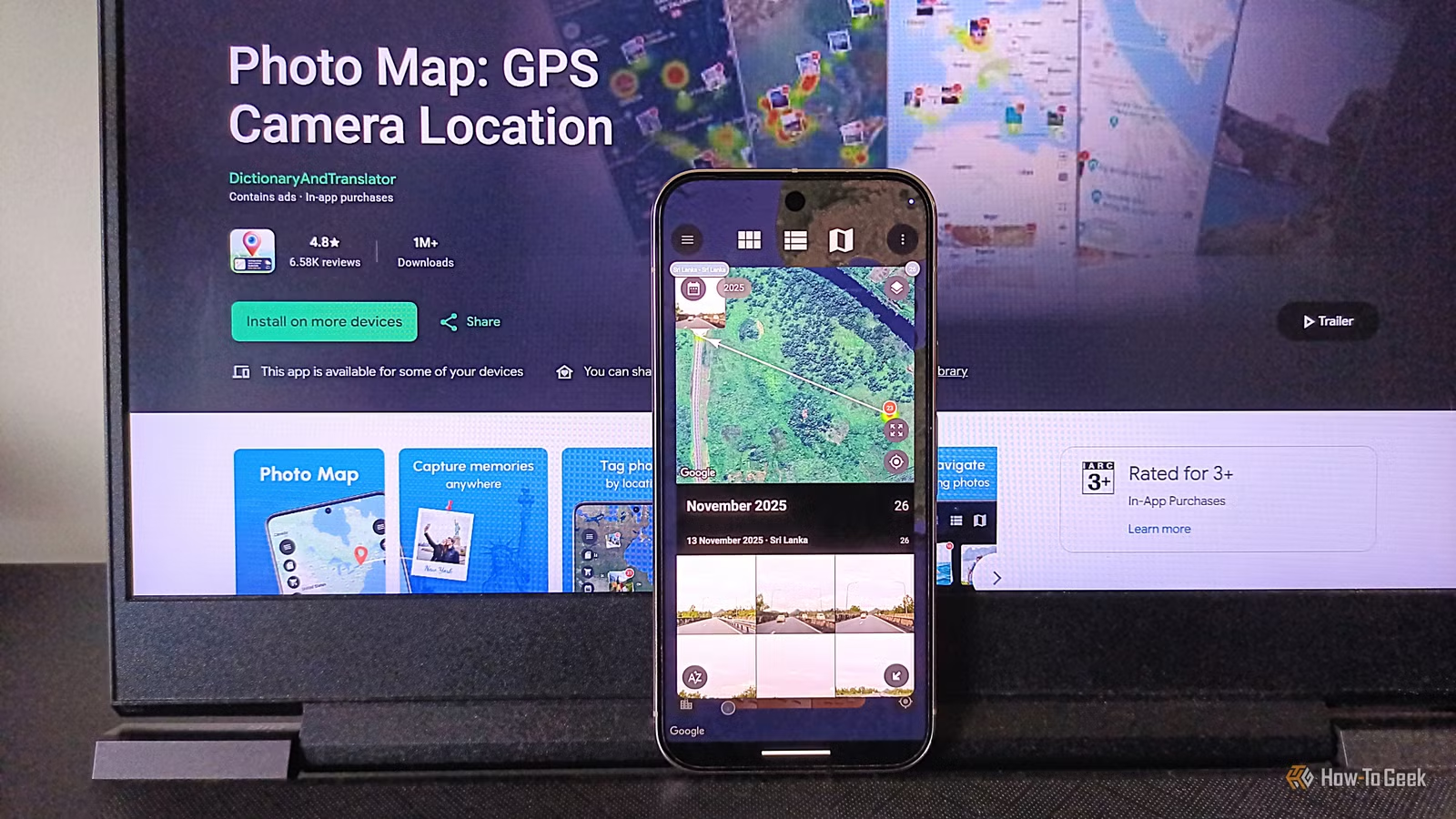
Google Photos has long been a favorite gallery application for Android users, and for good reason. As a Pixel 10 Pro user, I reap the benefits of various Google applications on my device. However, despite its numerous features, Google Photos is missing one crucial element: an interactive map.
While the app allows users to save location data for individual images and organizes photos into location-based albums, it lacks the ability to display these images on a map representing various geographic areas—such as cities, countries, or even worldwide. Although Google Maps offers a Timeline feature that tracks location history, it doesn’t showcase images on a global map, leaving privacy concerns and potential data loss as drawbacks.
For those keen on visualizing their photo locations, there’s an alternative for Android users called Photo Map.
Photo Map: Your Image’s Journey on a Map
Go Back in Time with Your Photos
Developed by a member of the XDA Developers forum, Photo Map serves as a safer alternative to Google’s Timeline while offering enhanced features, including a visual overlay of images. Though the app’s original developer sold it, it remains popular on the Play Store. With this app, users can place pictures on a map, zooming in to pinpoint exact locations where the images were taken. Essentially, it’s what you’d get if Google Photos and Google Maps merged.
Why consider using Photo Map? The reasons are varied: it can help track travels, assist in research, record favorite dining spots or hiking paths based solely on photos, or simply let you reminisce by revisiting memories.
The app was initially designed for travelers, archaeologists, and environmentalists to trace routes based on images and document when and where photos were taken. However, its utility extends to a broad spectrum of users, including photographers, scientists, journalists, students, and professionals across various fields.
User-Friendly with Local Data Storage
Prioritizing Privacy
The versatility of Photo Map is its ease of use, characterized by an intuitive interface that doesn’t require extensive learning. Setup is straightforward, allowing users to opt for either a free or a paid version. The premium version unlocks VIP support, removes ads, and enables access to more than 500 images on the map. However, essential features remain available for free, ensuring that all users can benefit.
Within the app, you can search by name or location, and import various route formats. Notably, all data is stored locally on your device, eliminating privacy concerns associated with third-party servers. The map supports multiple views, such as satellite and terrain, and offers numerous settings and customization options.
Room for Improvement
Almost There
While Photo Map is practical, certain aspects could be enhanced. For instance, it automatically clusters images taken at the same location but lacks a feature for easily sharing image locations with others. Users often seek to track historical locations through photos, so facilitating location sharing seems like a logical addition.
The app last saw an update in October 2026, yet its user interface feels outdated—having not undergone significant visual changes since its release in 2019. Additionally, the developer could consider launching a web version to enhance cross-platform availability. Pricing varies, but can exceed $16 per week in some regions, raising expectations for broader platform support.
A Unique Tool in the End
Despite its limitations, Photo Map is a distinctive app without many reliable alternatives available in the Google Play Store that offer a robust feature set. While PhotoPills offers a similar service, it focuses more on photography and comes at a high price, making Photo Map a better fit for casual users and various professionals.
The basic free version works well, although the presence of ads can be annoying. However, users can test the premium features risk-free for three days, allowing them to assess its value.