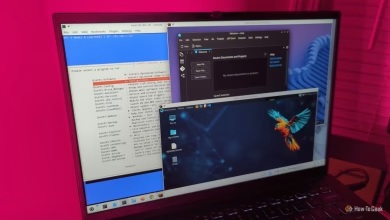
6 Wild Homelab Projects to Revitalize Your Old Laptop Without Worrying About Damage

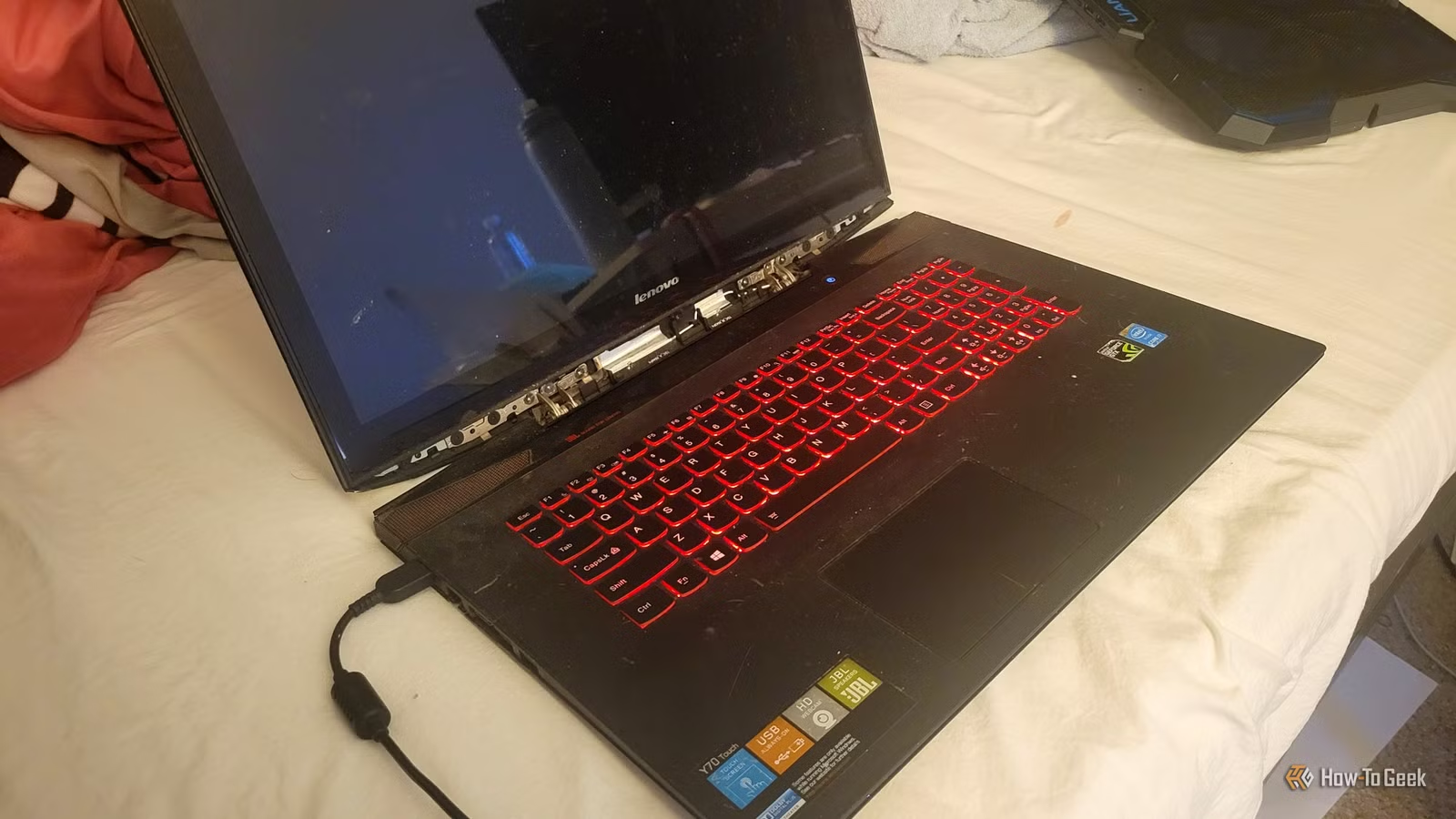
What should you do with an old laptop? For many, these devices often end up tucked away in a drawer, gathering dust. Personally, I tend to hold onto most of my tech. For example, I have an older Windows 10 machine serving as a NAS (Network-Attached Storage), and I often find creative uses for even the most outdated SSDs.
But when it comes to really ancient laptops, those can seem nearly useless due to their limited power. However, this also makes them ideal for some unique and adventurous home lab projects.
Build a Portable Offline Internet
Your Own Localized Internet Without an Internet Connection
I have experienced my fair share of frustrating internet outages, especially during crucial moments, like in the middle of a game. It can be incredibly dull when you’re reliant on a stable connection and it suddenly drops.
Imagine the convenience of having a personal library of entertaining websites accessible anytime, regardless of internet service interruptions.
This is achievable with an old laptop and a free application known as Kiwix. It allows users to download offline versions of resources such as Wikipedia, documentation, and books, all formatted in compressed ZIM files. Simply install Kiwix Server, load it with your content, and other devices on your network can browse the archive through a web browser.
Transform Your Laptop into an Experimental Router
Explore Network Configurations Without Risking Your Main Setup
Why purchase a new router when your old laptop can perform that function, especially for experimental projects? With platforms like OPNsense, an open-source firewall and routing tool, you can create an innovative networking environment to experiment with.
You can explore VLANs, firewall configurations, network traffic analysis, VPN setups, and much more—all in a low-risk setting. Having two network interfaces, one for WAN and one for LAN, is recommended, so consider using a USB-to-Ethernet adapter if needed.
Create Your Own Airplane-Tracking Station
Monitor Live Flights with an Inexpensive USB Radio Receiver
Whenever someone shares their flight information with me, I enjoy tracking its journey—not only to ensure they arrive safely but also because it’s genuinely fascinating.
If you share this interest, why not repurpose your old laptop to monitor aircraft?
A basic RTL-SDR USB receiver, along with a compatible 1,090MHz antenna and some free software, is all you need. Aircraft broadcasting ADS-B signals share data on their position, altitude, speed, and identity, which you can pick up with your receiver.
Installing Linux and software like ADS-B Ultrafeeder will set you on the right path.
Run a Mini Data Center on Your Laptop
Utilizing Virtual Machines to Form a Complete Server Cluster
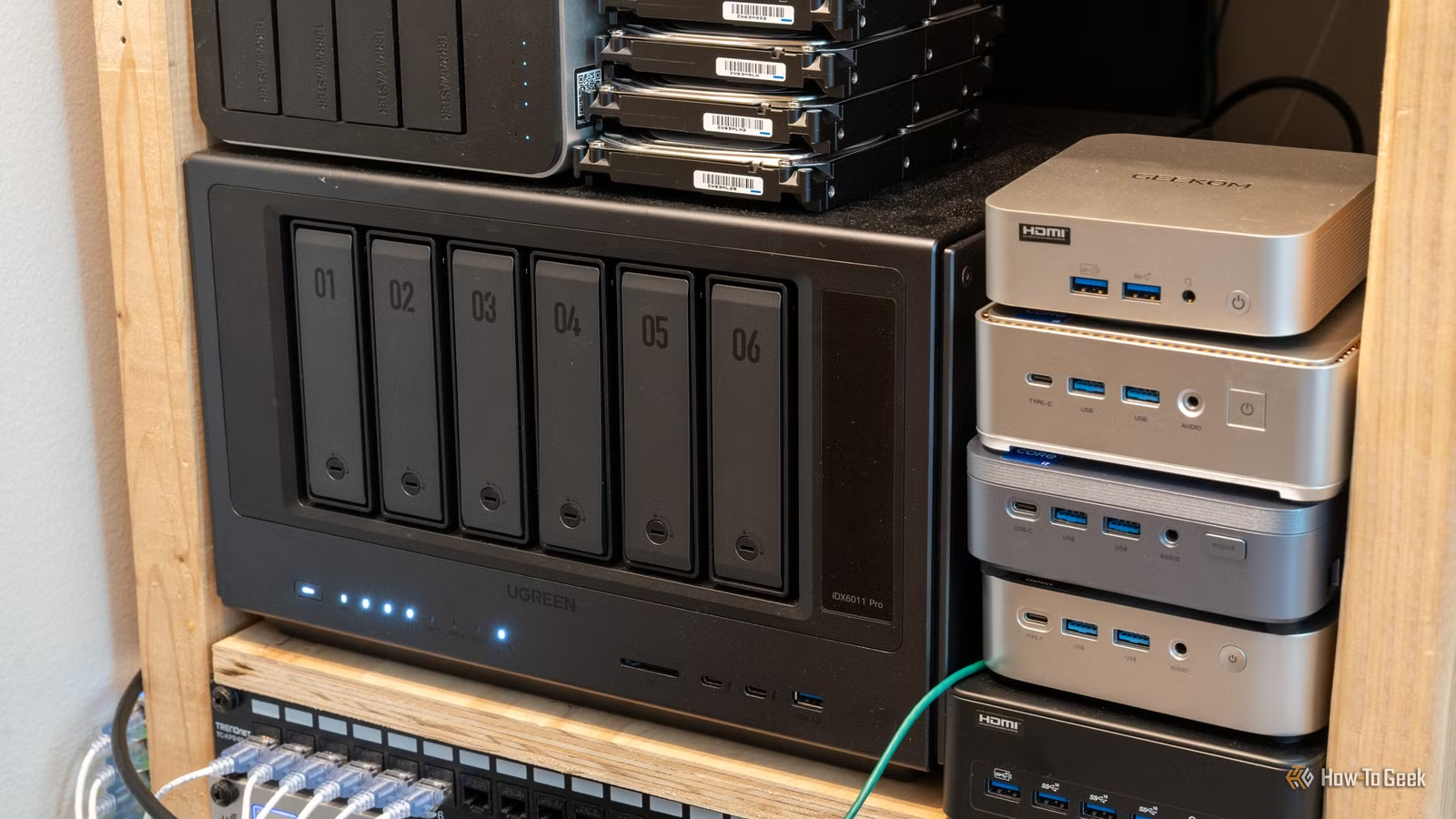
As a home server begins to grow, it can resemble a miniature data center. You can create a similar setup on an older laptop, albeit with limitations based on the device’s specifications.
To simulate a data center experience, you can employ software like Proxmox VE to set up multiple virtual machines—each mimicking its own server.
From here, installing K3s, a lightweight Kubernetes distribution, allows you to craft a small cluster complete with control-plane and worker nodes. You can test deploying containers, managing workloads, and simulating outages to observe effects.
Be mindful that the laptop’s performance is fixed, so a minimum of 8GB, preferably 16GB, of RAM is advisable for effective operation.
Establish a Hacking Ground You Can Experiment With
Learn by Breaking and Defending Systems
For those interested in programming and cybersecurity, there’s a chance to dive into ethical hacking. This real-world training can be accomplished on your old laptop, transforming it into a safe space for practice.
A great starting point is OWASP Juice Shop, a purposely flawed web application designed for learning. Setting it up with Docker allows you to explore vulnerabilities such as SQL injection and authentication flaws.
Set Up a Wi-Fi Detective Station
Get Insight into the Wireless Activity Around You
If you have struggled to diagnose poor Wi-Fi performance, you’re not alone. Your old laptop could assist in troubleshooting wireless issues.
By installing Linux and a tool called Kismet, you can analyze wireless networks in your area. Kismet identifies nearby access points, monitors channel activity, and captures wireless packets, providing valuable insights into your network.
A Fun Retirement for Your Old Laptop
Old laptops should not merely fade away in storage; they can be recycled, sold, or repurposed into creative tools. I advocate turning yours into something interesting, and I encourage exploring the ideas mentioned above.