Google accounts provide users with 15 GB of storage on Google Drive. Although this amount may seem sufficient, it can be consumed rapidly, particularly with all the automatic backups to Google’s servers, leading users to consider upgrading to a paid plan.
Google Photos
Your Photos Eat Up Storage Quickly
Many users have discovered that Google Drive and Google Photos share the same storage space. When setting up a new Android device, Google Photos is typically configured to back up every photo you take. As a result, every time you capture an image—be it a receipt for reference, your license plate to aid a parking meter, or a photo for your partner at the grocery store—you are diminishing your available 15 GB.
This occurs because people often think of Google Drive primarily as a file storage solution, like the documents created in Google Docs and Sheets. However, the reality is that photos and videos tend to consume the most space. With automatic backups activated, users reach their storage limit much quicker than anticipated, eventually receiving notifications that they need to purchase additional storage to continue saving their memories.
Tech-savvy individuals can easily find alternative solutions for file storage or host their own services. There are many encrypted alternatives to Google Photos, along with self-hosting options available. However, for the average user, photos uploaded to Google Photos can feel cumbersome to manage. If budget allows, opting for a paid storage plan might be the easiest solution.
Gmail
Email Attachments Accumulate Over Time
Gmail actually predates Google Drive and was initially praised for offering substantial storage compared to other services like AOL and Yahoo. As cloud storage evolved, people often overlook how much space their emails might occupy. When storage notifications arrive for Google Drive, it’s advisable to inspect your email history closely.
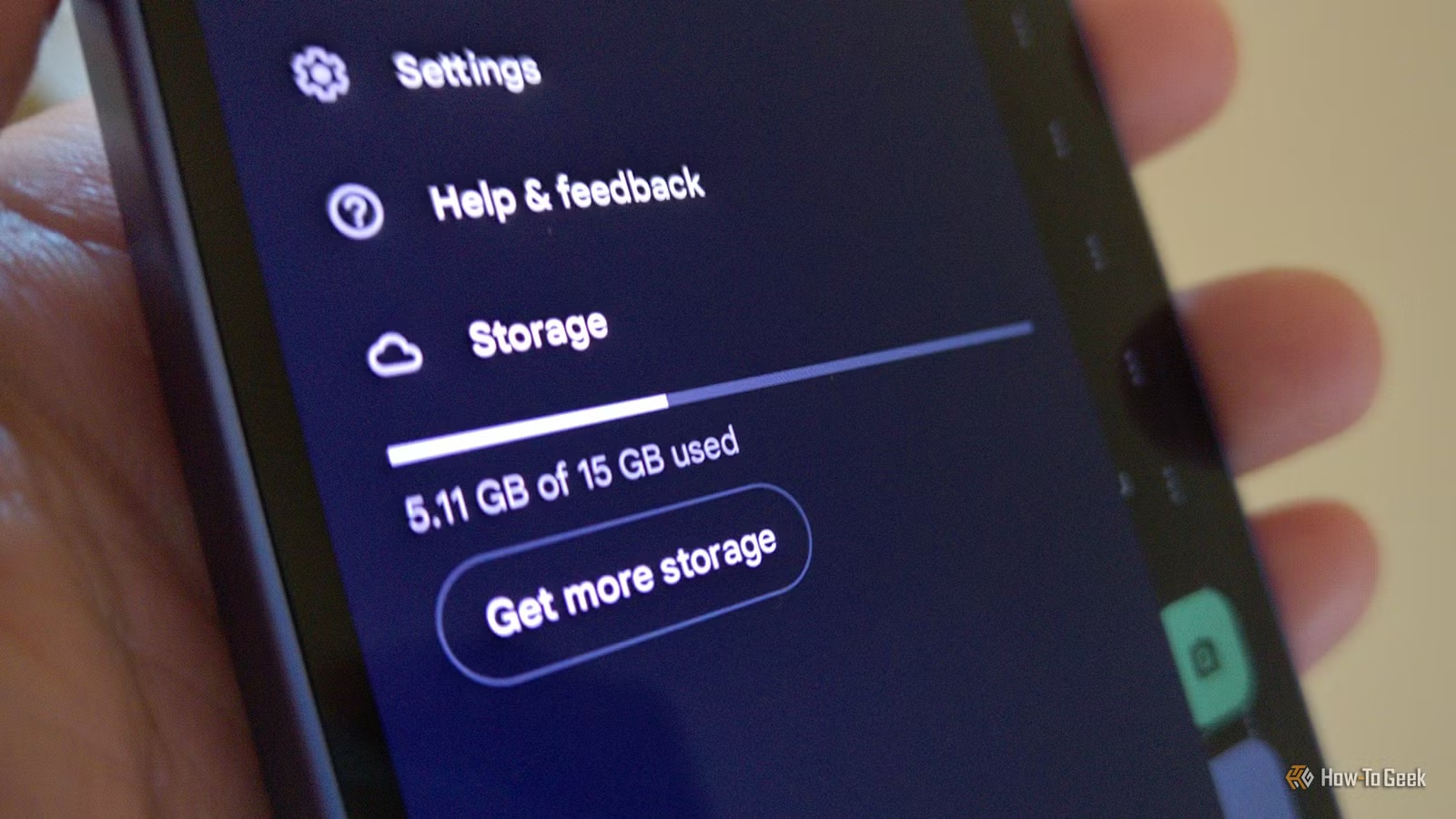
Google makes the connection between Gmail and Drive somewhat transparent, displaying available storage on the bottom left corner of the Gmail interface on desktops. Users can also check Gmail’s storage footprint within the Google Drive app by navigating to Settings > Storage. Yet, the relationship isn’t always glaringly obvious. Opening the Drive app provides little indication that it includes Gmail data, and accessing emails from the Drive interface isn’t an option.
The emails that consume the most space are usually not the ones we want to eliminate, presenting a challenge. If you have a relative who frequently shares family photos without proper subject lines, it can be tricky to ensure those precious memories are never mistakenly deleted.
Text Messages
GIFs and Media Add Up
In today’s digital landscape, most personal communications take place through group chats rather than email. With the shift to Google Messages on most Android phones, it’s common for text messages to be backed up to the cloud, which means they, too, contribute to your Google Drive storage.
Unlike emails, text messages often consist of images, GIFs, and memes, which can accumulate over time. The storage impact of Google Messages can be more significant than many realize.
Your Trash
Deleted Files Remain for 30 Days
When files are deleted from Google Drive, Google Photos, or Gmail, they aren’t immediately removed; instead, they go into a trash bin where they can continue to occupy storage for up to 30 days.
This grace period allows users to recover mistakenly deleted files, but if you have recently removed several videos, they might still be consuming space without your knowledge.
Ways to Free Up Space in Your Google Drive
To gain an overview of what is consuming storage, visit your Google One storage page. There are effective methods to clear space in your Google Drive beyond simply deleting items.