Stuck with Limited Laptop Storage? Discover My Affordable Solution That Works Wonders!

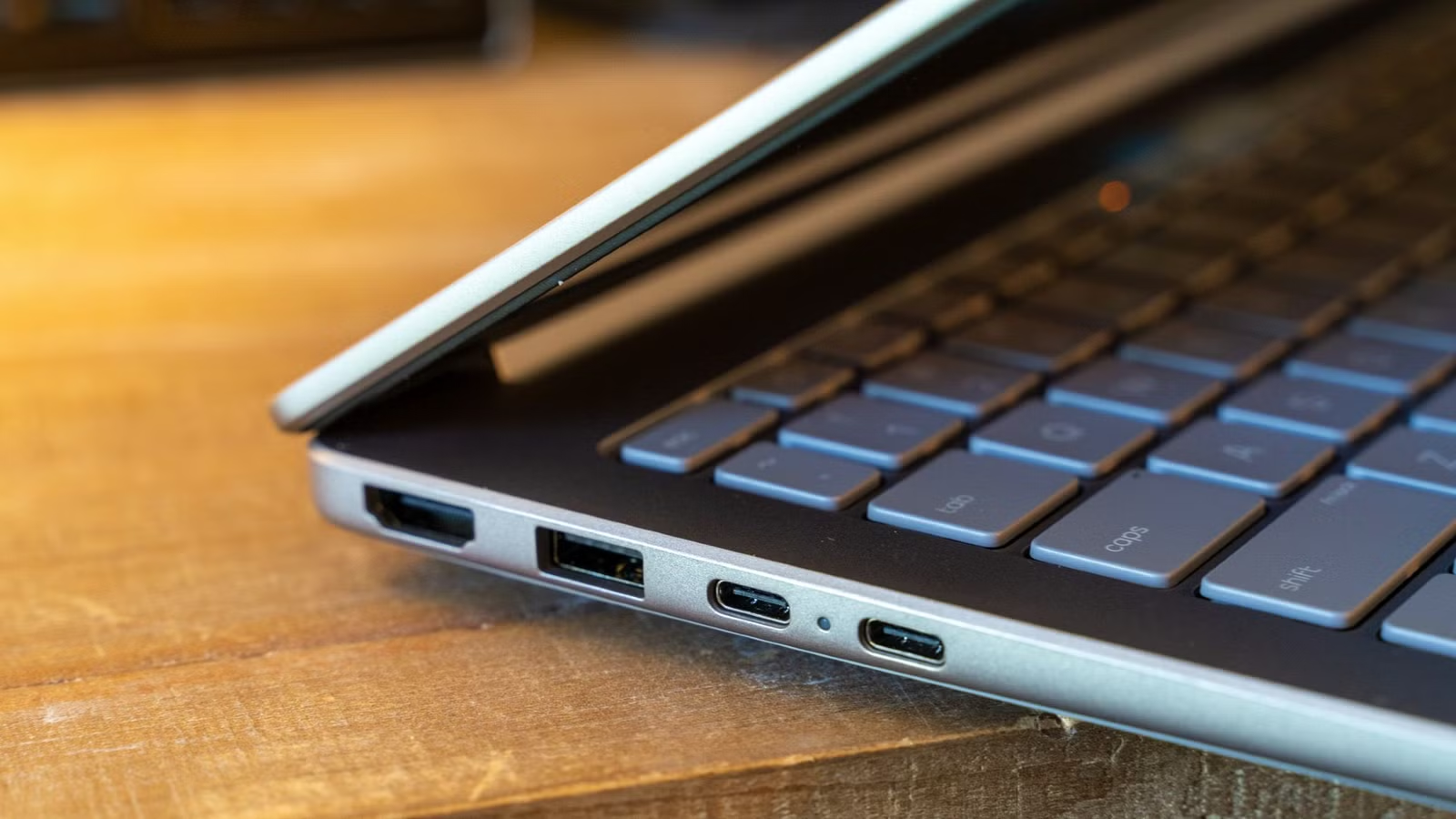
In today’s tech landscape, finding yourself short on laptop storage usually doesn’t translate to a quick screwdriver fix. Instead, it often requires shelling out for a new device or paying a hefty fee for storage upgrades, neither of which seem fair when your current laptop is still functional. After experiencing this issue with several devices, I’ve discovered a low-cost workaround that scales easily. If internal upgrades aren’t an option for you, consider this alternative.
Laptops Lack Upgradeability
High Costs for Manufacturer Upgrades
Modern laptops are not designed like their predecessors. As manufacturers focus on making devices thinner and lighter, they’ve begun to solder storage directly onto the motherboard, eliminating the possibility for users to swap components later. It used to be a simple task to replace a hard drive or RAM in just a few minutes. Now, whatever storage you choose when purchasing is all you get.
This limitation quickly becomes problematic. Games are larger than ever, video files consume space rapidly, and apps continue to grow with each update. Once your internal drive fills up, your options diminish significantly. You can opt to buy an entirely new laptop, which feels wasteful if the current one is operating just fine, or you can pay the manufacturer a premium for additional storage upfront—both scenarios require a significant financial investment.
This predicament is common for laptop users, which is why I tend to avoid them, even though I own several. However, there’s promising news: users have developed effective strategies. If internal upgrades are off the table, consider expanding your storage externally. Just be cautious about potential consequences if you push your laptop too hard.
Due to their design, laptops generally don’t perform as well as desktop computers; running them too intensively can lead to overheating or battery issues. I’ve damaged my own laptop in the past by not being careful, so it’s wise to learn from past errors.
Cost-Effective External Storage Solutions
Utilizing Powered USB Hubs
When upgrading internal storage is not an option, one effective workaround is to gather several affordable USB flash drives. The setup is straightforward: you’ll need a USB hub with multiple ports and inexpensive thumb drives. Many 64 GB options can be found for under $20, allowing you to start collecting without significant expense.
This approach allows you to avoid hefty upfront costs associated with high-capacity external solid-state drives (SSDs) or other pricey expansion options. Begin with a hub and a couple of drives, and as you need more space, simply add additional drives.
I frequently rotate my drives based on function: one for photos and videos, another for applications, and smaller ones for games. Although external SSDs are available, I’ve had unfortunate experiences with them, causing me to lose crucial files. I trust flash drives significantly more for reliability.
If you prefer a blended approach, Windows offers a feature called Storage Spaces, which combines separate drives into a single storage pool. This method allows for easy expansion; when the pool reaches capacity, you can seamlessly integrate a new flash drive. However, this feature may limit your control over file management, which is a downside for those who like to organize things personally.
Choosing the right hub is crucial, as a typical USB 3.0 port outputs about 900 mA of power. When multiple drives are reading and writing simultaneously, a budget hub powered solely through the laptop may struggle, causing disconnects and potential data corruption. Opting for a self-powered hub that connects to an electrical outlet is advisable.
Considerations with Flash Drives
Be Cautious When Purchasing Budget Drives
However, this flash drive setup comes with its own limitations. For long-term reliability, an external hard drive or SSD is often the better choice. While I’ve had adverse experiences with certain brands, many users report satisfaction with their performance.
External SSDs are particularly suited for frequent, heavy use, while standard flash drives may not handle this well. For those who are not careful with their devices, choosing an external drive might be a sounder investment despite the higher cost and potential for failure. It’s also important to shop wisely: budget drives can have slow speeds and high failure rates. Before committing to any purchase, check reviews for reliability.
Make the Most of Your Drives
While flash drives can offer a temporary solution, they require careful handling. If you’re not gentle with your equipment or need something for continuous heavy use, an external drive is typically the smarter option despite its cost. This setup provides an economic way to extend your storage capacity and helps keep your files organized, offering a practical alternative if your laptop is running out of space and you want to avoid a new purchase.




