
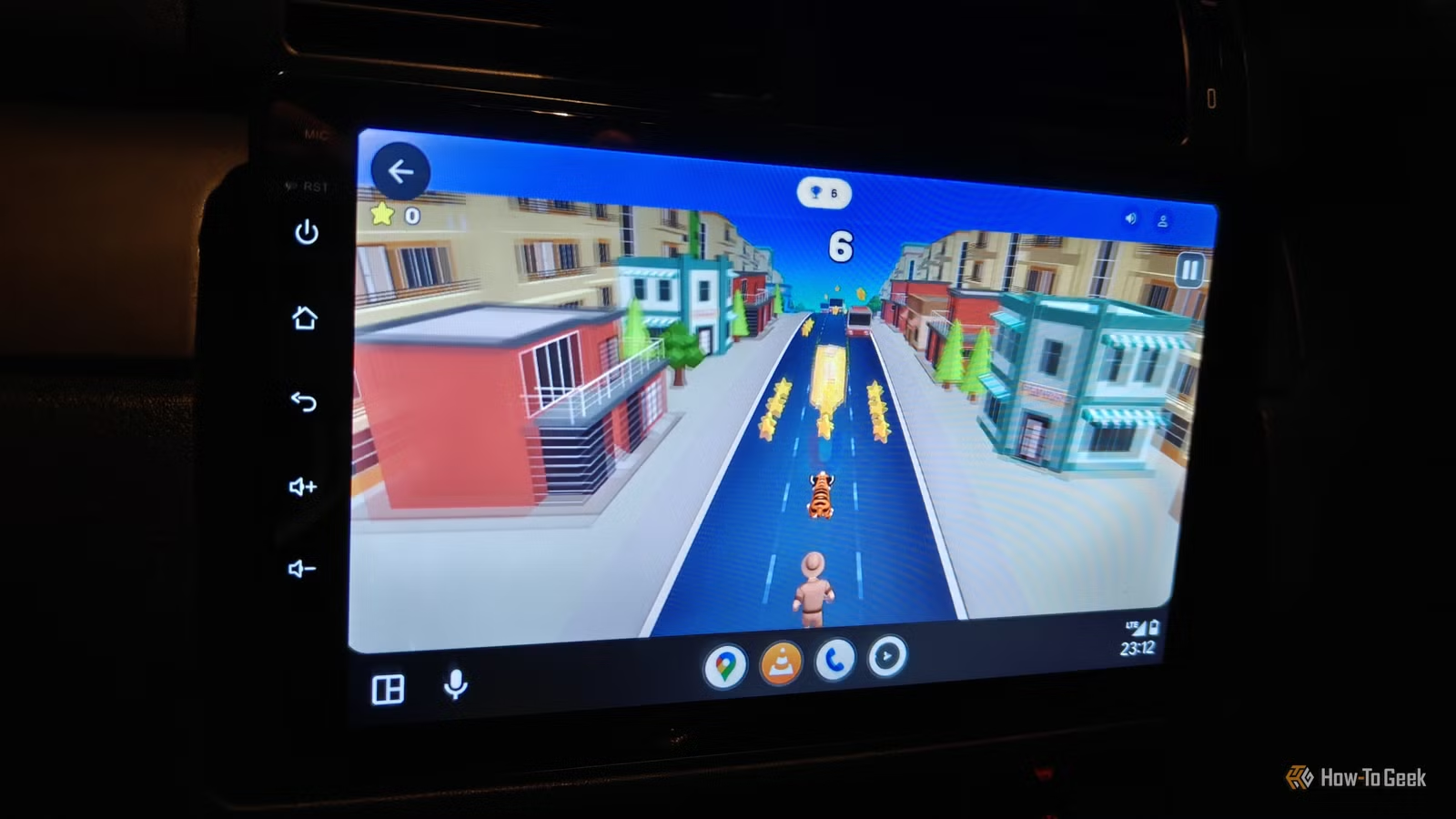
There is an abundance of officially sanctioned Android Auto apps in the Play Store, covering navigation, music, podcasts, and even some games. However, Google maintains strict regulations regarding the functionality of these apps within Android Auto.
This is where unofficial apps come into play. Many apps can be sideloaded to introduce features that Google has not officially endorsed, including web browsers, video players, and advanced vehicle tools. The trade-off is that these apps require manual installation, but that’s part of the appeal of Android—there’s typically a way to enhance your device if you’re willing to put in the effort.
Many of these unofficial Android Auto apps do not make it to the Google Play Store because they can be distracting while driving. Applications that allow video playback or web browsing can divert attention from the road. If you choose to use these apps, it’s best to operate them only when parked.
Using these apps often necessitates enabling developer options in Android Auto and permitting installations from unknown sources. Some applications may require additional setup, so it’s crucial to carefully follow the installation guidelines for each app.
AAAD: Your Portal to Unofficial Android Auto Apps
Your gateway to enhanced Android Auto capabilities
A great starting point for exploring unofficial Android Auto apps is AAAD (Android Auto Apps Downloader). This app serves as a sideloadable marketplace for popular unapproved Android Auto applications.
While not extensive, it offers a selection of sought-after apps that can enhance your experience. If you find it cumbersome to search for the right APK files from places like GitHub, AAAD simplifies the downloading and updating process.
However, there are a couple of points to keep in mind. First, you must download AAAD from GitHub and allow installations from unknown sources. Second, to avoid a prolonged waiting period between downloads, you’ll need to purchase a Pro license, which costs around $4 to $5. This fee might be worth it, given the complexities involved in finding the latest app versions.
AA Torque: Transform Your Display
Your display as an advanced dashboard
AA Torque is a dynamic dashboard that works with the Torque Pro app and a compatible OBD2 Bluetooth module, allowing you to monitor your car’s performance directly on your head unit.
This app is particularly beneficial for those who want detailed insights into aspects such as fuel efficiency, coolant temperature, torque, and horsepower, which typical dashboards may not display.
If you already have the Torque Pro app and an OBD2 scanner, this app is a must-try for real-time data visualization.
AA Browser: Bringing the Internet to Your Car
A missing feature for Android Auto
One significant omission in Android Auto has been the lack of web browsers. This absence is unfortunate, as having a browser at hand can offer various functionalities, from streaming YouTube to accessing online tools and information.
AA Browser fills this void. It’s straightforward to set up and doesn’t require root access, but it provides a valuable resource for quick web access while in your vehicle. You can look up information, read articles, or even watch videos, but remember that it requires your attention, so it’s best to use it while parked or by a passenger.
CarStream: Your YouTube Solution
The much-requested video functionality
CarStream finally introduces YouTube support within Android Auto, allowing users to log in and access YouTube just as they would on the app. Unlike the official YouTube integration, which limits functionality mainly to audio for Premium subscribers, CarStream offers a more complete experience.
However, note that this app isn’t consistently updated, which can complicate obtaining the latest version. Some users have reported mixed success with running CarStream on different devices.
If you want to experiment, community suggestions include managing Android Auto’s data and cache or trying alternative installation methods to see if CarStream works on your setup.
The Swiss Army Knife of Android Auto
Fermata Media Player stands out as one of the most adaptable apps for Android Auto. It combines functionality to play YouTube videos, IPTV streams, and local media files, and even features a web browser similar to AA Browser.
Additionally, it includes a screen mirroring feature that allows your phone display to project onto your vehicle’s screen. While it requires various permissions and adjustments to security settings to function, it offers a versatile alternative for accessing content.
Explore Beyond Basic Features
While Google intentionally restricts some Android Auto functionalities, sideloaded apps can offer numerous features and customization options that enhance your experience. Always remember to use these applications responsibly, focusing on the road at all times.




