
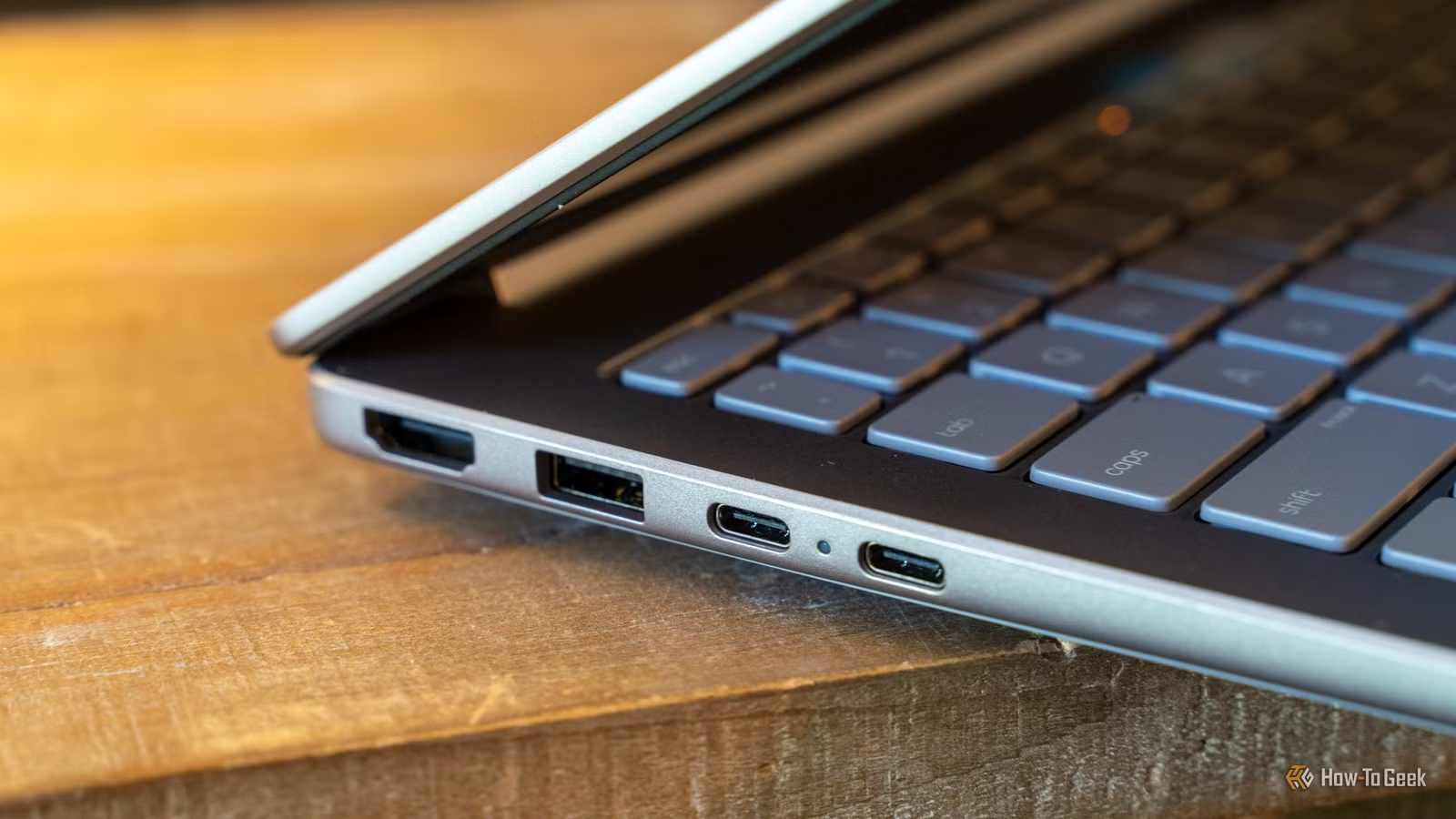
Do you have some unused USB ports on your computer and are looking for ways to make them useful? Here are five practical devices you can connect that could change how you interact with your system.
Add or Enhance Wireless Connectivity
Bluetooth, Wi-Fi, and More
If your desktop lacks built-in Wi-Fi, consider a USB Wi-Fi adapter or Bluetooth dongle. Adding a Bluetooth dongle allows you to use wireless peripherals such as earbuds seamlessly. For example, I integrated a Bluetooth dongle into my PC and could use my MX Master 3S mouse without connection issues when working on my Mac Mini.
A USB Wi-Fi adapter is ideal if you can’t easily run an Ethernet cable to your computer. While there are decent models available that offer solid range and reliability, serious gamers should stick with a wired connection. If running cables is impractical, you might want to look into PCIe Wi-Fi cards as an alternative.
Enhance Security with a Hardware Key
Secure Your PC Like Your Home
Using a hardware security key for two-factor authentication can significantly reduce the risks of phishing and account hacks. Simply plug the key into an available USB port for instant security. For convenience, consider using a USB extension cable; it allows for easy access on your desk, ensuring you’re ready to authenticate when logging into your accounts.
Utilize a USB Foot Pedal
Hands-Free Control
USB foot pedals are an underrated tool in the PC accessory world. While often used to enhance transcription tasks by controlling video playback hands-free, they can greatly streamline various apps and games. For instance, they are great for controlling streaming software or executing shortcuts in editing programs like Photoshop. They can also be used as a push-to-talk button in gaming or to manage other game controls, making them a valuable addition to your USB lineup.
Connect a Macro Pad for Automation
Streamline Your Workflows
Macro pads can be incredibly useful, offering programmable shortcuts and controls for various software applications. From activating commonly used tasks to controlling multimedia or assigning commands to devices, a macro pad can enhance your productivity significantly. You can find simple models with just a few buttons or more sophisticated ones with numerous customizable features.
Stay Cool with a USB Desk Fan
Beat the Heat at Your Desk
If you’re in a hot environment and lack air conditioning in your workspace, a USB desk fan can provide much-needed relief. While they may not be the most powerful, they can help make warm days more bearable. Personally, I direct mine at my feet, leveraging cool air from the hallway to keep comfortable while working.
Limitless Peripherals, Limitless Opportunities
Feeling inspired to add more gadgets to your computer setup? Explore other accessories, like PCIe cards for additional functionality, to see what else you can enhance your system with.




