
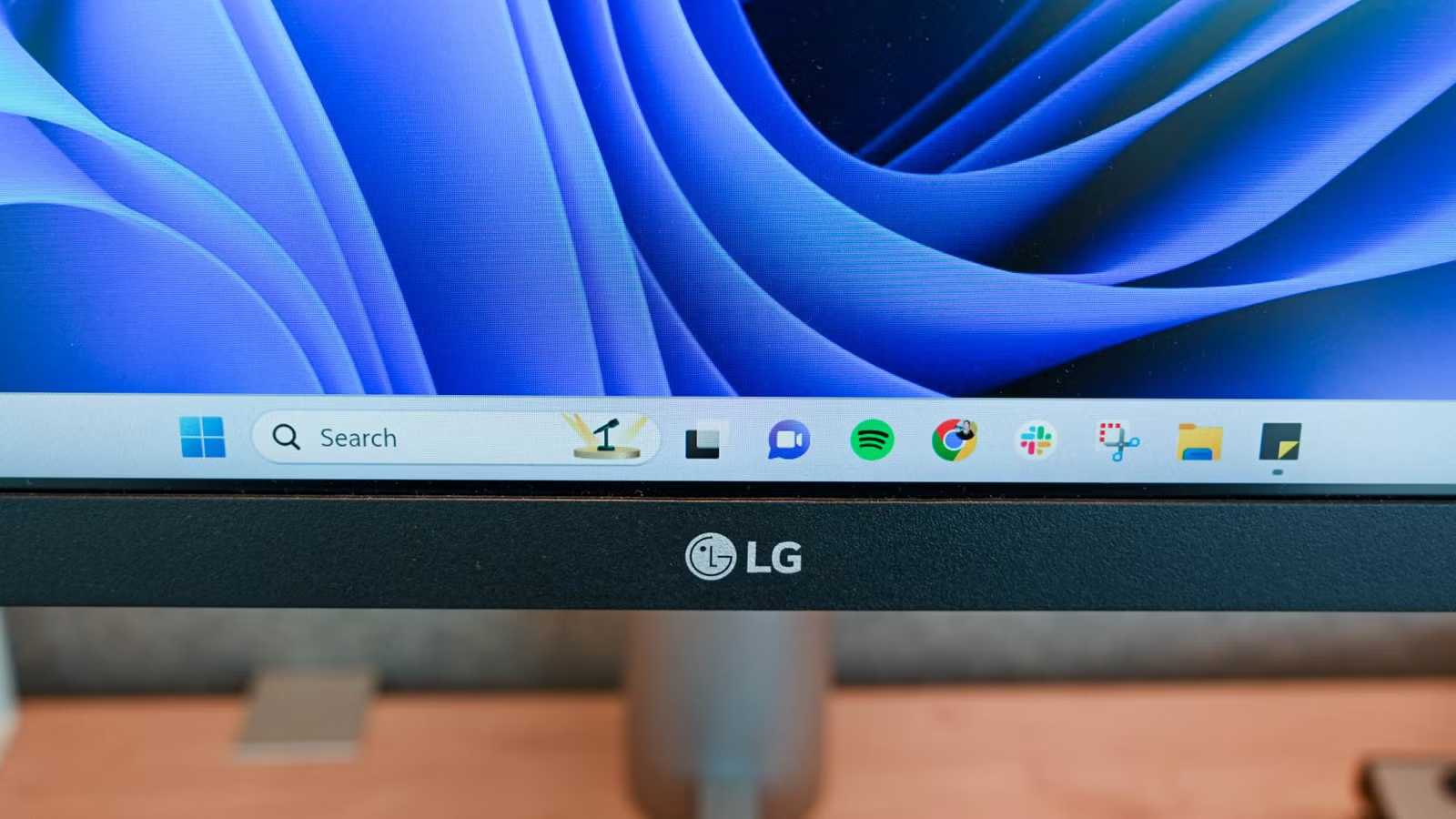
Microsoft is taking further steps to address some of the more frustrating aspects of Windows 11. The company is implementing enhancements in the Windows Insider Experimental channel, which aim to create a more streamlined search box that largely removes advertisements. However, users will need to adjust their settings to optimize this experience.
The redesigned search interface now features a “calmer” aesthetic that avoids cluttering the home screen with trends, trivia, and other less impactful elements. Users will benefit from clearer organization, highlights for recent searches, and better clarity regarding the origin of the results. This makes it considerably easier to distinguish between files and online results.
Crucially, Microsoft has eliminated “promotional content” (essentially ads) from web search results, focusing on delivering more pertinent answers. The updated system prioritizes local results over web links and introduces initial ranking improvements that elevate useful settings in search outcomes.
Additional updates include forgiving search algorithms that yield results even with typos (e.g., a misspelling like “utlook” will still show Outlook), enhanced accuracy in file searches, and reduced instances of crashes.
How to Remove Microsoft Store Ads in Windows 11
New Setting for Enhanced Clarity
- Go to Settings.
- Select Privacy & security.
- Click on Search.
- Under Show suggested search results, toggle off options for web searches and Microsoft Store.
Once you’ve made these adjustments, your search results should be more aligned with what you’re trying to find. Additionally, users can already disable ads in the Start menu via the Personalization section in Settings.
Microsoft Commits to Enhancing Windows
Focusing on Essentials
Microsoft confirmed in March its dedication to improving “Windows quality,” which will involve major updates to the operating system through 2026. The company recognized it had overlooked fundamental aspects of the user experience while promoting features that may not have aligned with users’ needs.
Recent changes include scaling back features like Copilot, giving users greater control over Windows Updates, quieting the notification widgets, and making functional improvements to File Explorer. There’s also been an expansion of taskbar customization options along with enhancements to the Windows Insider program.
Such updates are important as they address growing feedback regarding Windows 11. The adoption rate of the operating system has begun to decline, possibly contributing to an increase in market share for alternatives such as Linux and Mac. The revamped search box and other modifications could help retain existing users within the Windows ecosystem, potentially encouraging upgrades from those still using Windows 10, particularly given the cessation of standard support in October 2025.




