Transform Your Home Assistant Experience with These Engaging Sound Effects—Here’s a How-To Guide!

Smart home notifications are incredibly useful, but they don’t have to overwhelm your phone. At times, a simple audible alert is all you need.
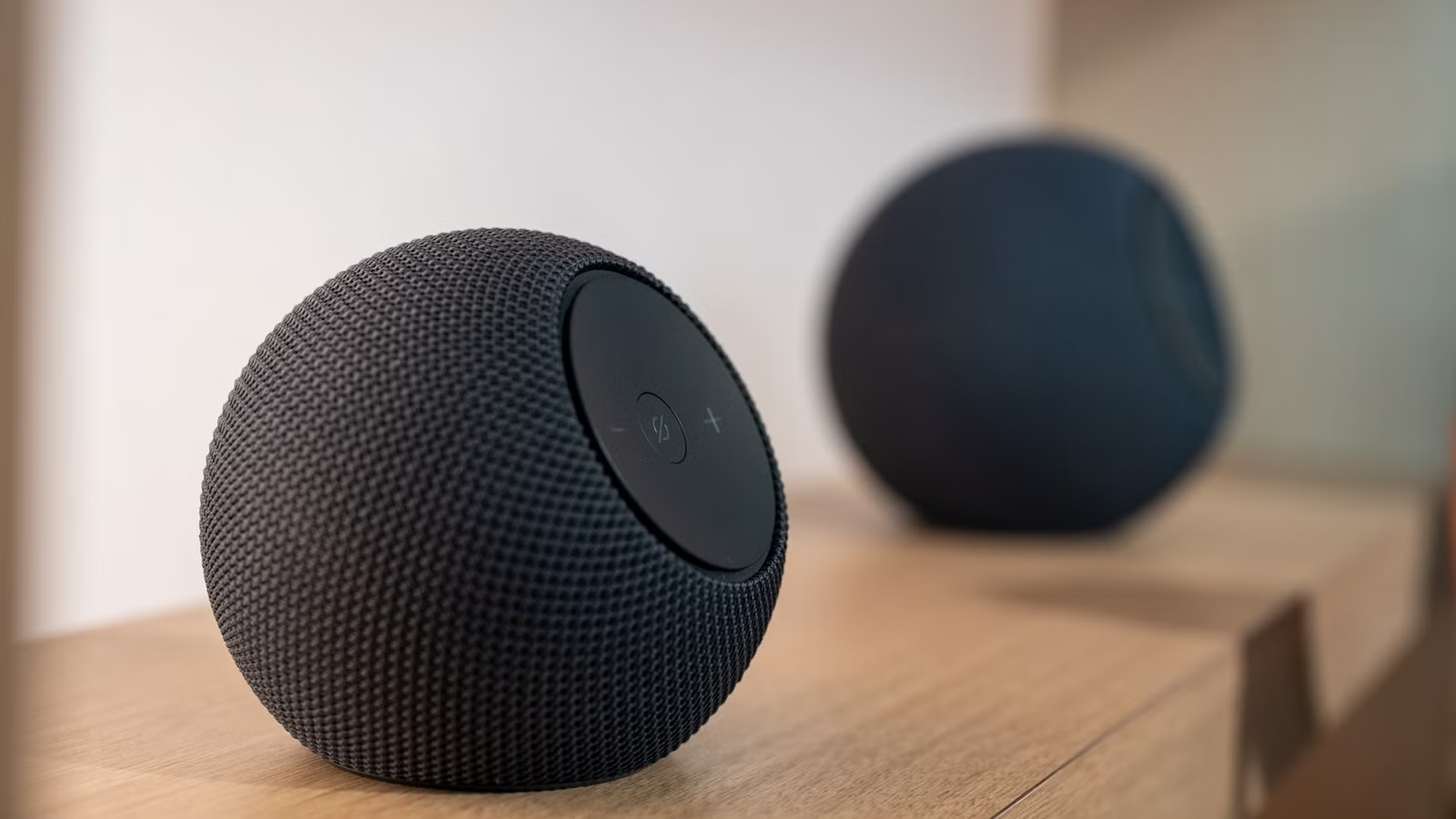
Integrating Home Assistant with smart speakers opens up a variety of options for fun and useful alerts.
Implementing Sound Effects Using Smart Speakers and Home Assistant
With Home Assistant, you can play specific media files on your selected speakers through automations and scripts. To begin, you need to upload your audio files to the Home Assistant system. The easiest method is to place your sound effect files in the /media/ directory.
Accessing this directory is straightforward by installing the Samba share app via the Apps menu. This allows your Home Assistant files to be visible across your local network and accessible from any computer. Once there, simply drag and drop your MP3, WAV, FLAC, or OGG files into the folder.
Once your media files are uploaded, set up or edit an automation by adding the Media Player > Play Media action. Ensure to select the option that states “Starts playing specified media on a media player.” Choose the target speakers or playback devices and click on Pick media to select from the My media folder.
If Home Assistant is running in a Docker container, you will need to mount the media directory by adjusting your Docker CLI command or Docker Compose YAML file according to guidance from the official Home Assistant resources.
Finding your favorite sound effects typically involves searching online for sound files or extracting audio from videos. Here are some creative ideas to get you started.
The Classic Windows Shutdown Sound
Trigger It at Bedtime
While Windows isn’t my go-to operating system anymore, I fondly remember its classic sounds from the past, especially the iconic Windows XP shutdown chime. I’ve incorporated this sound into my “Goodnight” scene, using a simple script that plays it when the scene activates. If you also have a “Good morning” scene, the possibilities expand!
Incoming Traveler Alert from Stargate SG-1
Combine it With Presence Detection
Home Assistant offers various methods for detecting presence, whether through the companion app, your router, or cameras. If you set up reliable detection, you can have the classic Stargate SG-1 incoming traveler alert play when someone approaches your door.
AOL’s Iconic “You’ve Got Mail” Alert
Perfect for Your Mailbox
Even though I never had an AOL account, the famous “you’ve got mail!” notification is forever etched in my memory. You could effectively use it with a mailbox sensor in your smart home. I created one using a passive infrared motion sensor, automating it to minimize unnecessary notifications.
Seinfeld’s Slap Bass for Door Openings
Keep It Short to Avoid Annoyance
Have you ever wished your life had a live studio audience? Use the memorable Seinfeld slap bass sound when your front door opens! Be cautious, though, as it can get repetitive quickly. I recommend shortening the file and adding conditions to limit its activation to specific times, such as when returning home.
Xbox Achievement Unlocked Alert
Because Doing Laundry is an Achievement
Set up a smart plug to alert you when it’s time to empty your laundry. In addition to mobile notifications, I’m adding the iconic Xbox achievement unlocked sound to celebrate the accomplishment of completing laundry.
There are endless possibilities for sound integrations, and your preferences may differ from mine. Personally, I’m still seeking a way to add the Hitman mission accomplished sound to my home automation setup.