I Slashed My Screen Time by 2 Hours Weekly with This Overlooked Android Setting

Recently, I discovered that I was spending more time on my phone than I realized. This prompted me to do some investigating, and I found a simple solution that helped me cut back on my screen time, especially during late-night hours. The best part? It doesn’t require any additional apps.
A Simple Strategy to Curb Your Phone Use
It’s easy to underestimate your phone use, especially if you’re not active on social media. I found myself drawn into endless scrolling and various distractions, whether reading articles, curating music, or watching video clips. My activity on websites like the Internet Archive and reading blogs was adding up, making me realize how much time I really spent on my device.
To my surprise, my phone had built-in tools that could support my goal of reducing my usage.
Harnessing Digital Wellbeing to Cut Back Phone Time
Exploring Settings to Achieve My Goals
While the Digital Wellbeing feature is accessible on Android devices, it often goes unnoticed. I only learned about it recently when I explored my phone’s settings. Initially, I thought I didn’t need it, but that turned out to be a misconception.
When I started reflecting on practical ways to curb my usage, I considered applying grayscale settings as a deterrent. However, Digital Wellbeing offered exactly what I needed.
The following settings are typically available on any Android device equipped with Digital Wellbeing, although they may vary by model:
- App timers
- Bedtime mode
- Focus mode
- Screen time reminders
If you struggle to locate these settings, try searching them by name.
Inside the App Timers section, I set limitations for specific applications to ensure they wouldn’t be accessible during designated times. When the set time arrives, the apps gray out, limiting my temptation to use them audaciously.
In addition to App Timers, I also implemented Bedtime mode and Screen time reminders, which have proven invaluable. For instance, while working on this article, I received a notification alerting me that I had already spent 20 minutes in an app, prompting me to take a break.
Reduced Screen Time Equals More Free Time
Rediscovering Old Hobbies
Since I began utilizing Digital Wellbeing more consistently, I’ve noticed that my screen time has decreased by approximately two to four hours each week. This newfound time has allowed me to return to hobbies that I previously enjoyed.
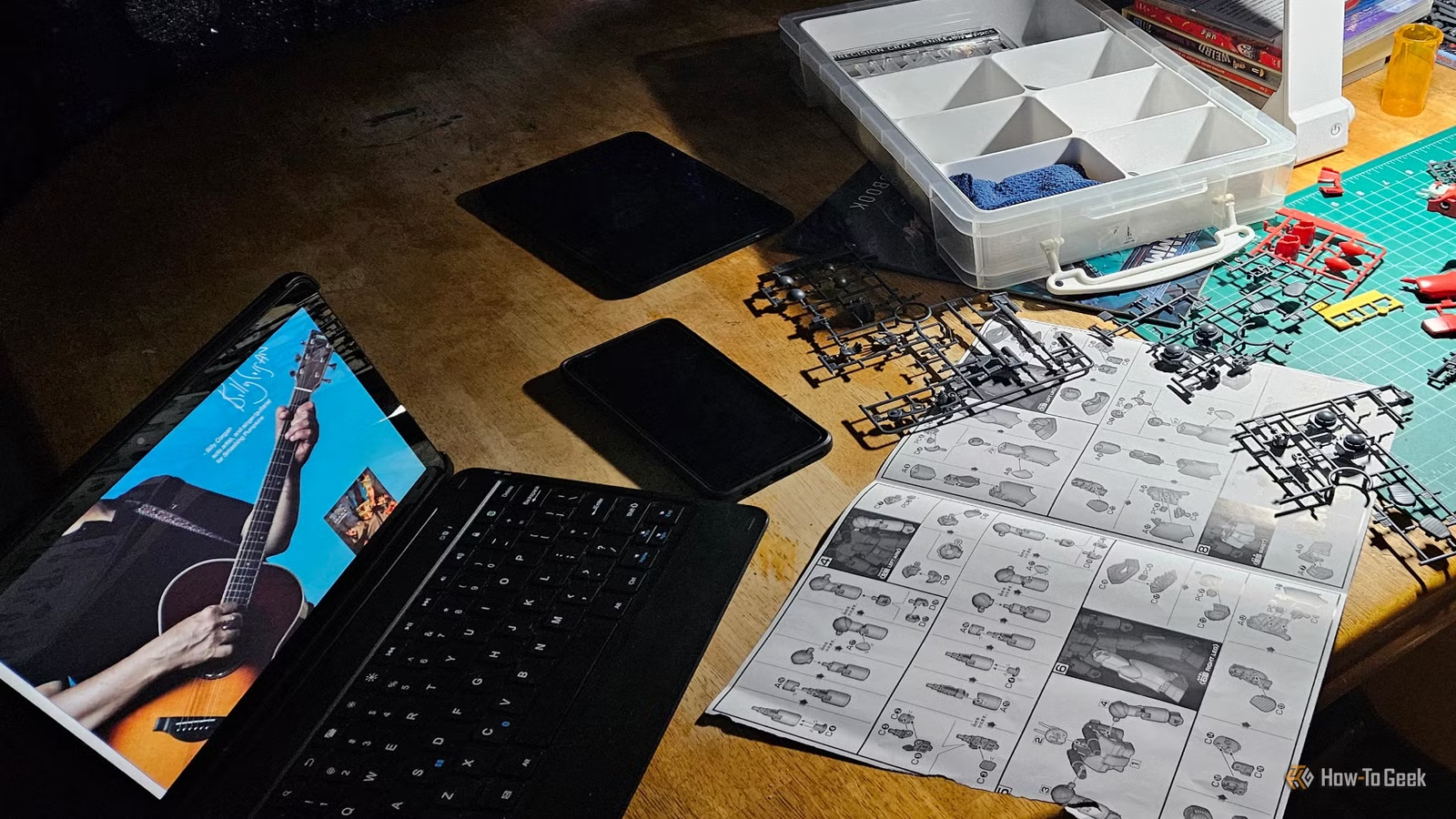
In the first week alone, I binge-watched an entire season of a show, penned a new song, and even built a model kit. Each week, I find myself with more free time to work on personal projects, spend quality time with my family, and engage in various activities, all thanks to controlling my phone usage.
I’m grateful for making the effort to reduce my screen time and plan to continue using Digital Wellbeing regularly.
Introducing a Fun Way to Focus
A Mobile App for Enhanced Concentration
While automated settings have significantly helped, I occasionally need access to certain apps. To assist with that, I discovered a delightful focus app by Hank Green called Focus Friend. It adds an element of fun to staying off my phone; as I set a timer to concentrate, an animated character knits away. If I lose focus or touch my phone, the knitting stops, and I lose my progress.
This unique approach gamifies the effort to avoid my phone during meals, meetings, or movie time and pairs smoothly with my Digital Wellbeing settings. Plus, it offers a charming atmosphere with relaxing music, all for free.
Finding Balance in a Digital World
Striking a balance between phone use and personal time is crucial. While it’s impressive to have a powerful computer in our pocket, stepping back from it periodically is essential. I have embraced this with open arms, resulting in a much more fulfilling daily routine.