Ubuntu has significantly influenced the Linux desktop landscape by simplifying installations, popularizing Linux for everyday laptops, and introducing countless users to a functional desktop environment. However, the Ubuntu version of GNOME now feels quite different from the original, as it merges GNOME’s aesthetic with Canonical’s legacy Unity approach, Snap integrations, and a suite of configurations aimed at easing the transition from other systems.
While this might seem user-friendly at first, particularly for those migrating from Windows or macOS, it can begin to feel cumbersome over time. Ubuntu tends to disrupt GNOME’s natural flow.
Ubuntu’s Attempts to Make GNOME More Intuitive
The Dock Alters the Desktop Experience
GNOME’s standard workflow revolves around the Activities overview, where the Super key allows for quick navigation and launching of applications. The dash momentarily appears in the overview but otherwise stays hidden. Ubuntu alters this by maintaining a visible dock.
Although docks are commonly recognized, having one permanently displayed modifies the GNOME experience more profoundly than superficial changes to wallpapers or icons. It reverts to an older model where visible app strips and launchers consume screen space, leading to unnecessary multitasking stress.
This issue isn’t merely about a single extension; it represents Ubuntu’s perception of user needs. GNOME thrives on a workspace-centric design, but Ubuntu forces the dock to remain visible by default—despite the ability to change it—because it assumes users might miss it. Consequently, Ubuntu’s desktop may showcase GNOME’s interface but doesn’t respect its underlying principles.
Extensions Should Be Optional, Not Integrated
Defaults Created Maintenance Headaches
GNOME extensions can enhance the experience when users opt in to install them. Features such as Dash to Dock and various productivity tools can be beneficial. Trouble arises when extensions become part of the default experience, blurring the lines of what constitutes the core GNOME session.
Ubuntu’s implementation makes extensions feel like inherent features until they malfunction or lag during updates, leading users to realize that part of their “desktop” is not genuinely GNOME. Instead, it’s an extra layer added to preserve past desktop conventions.
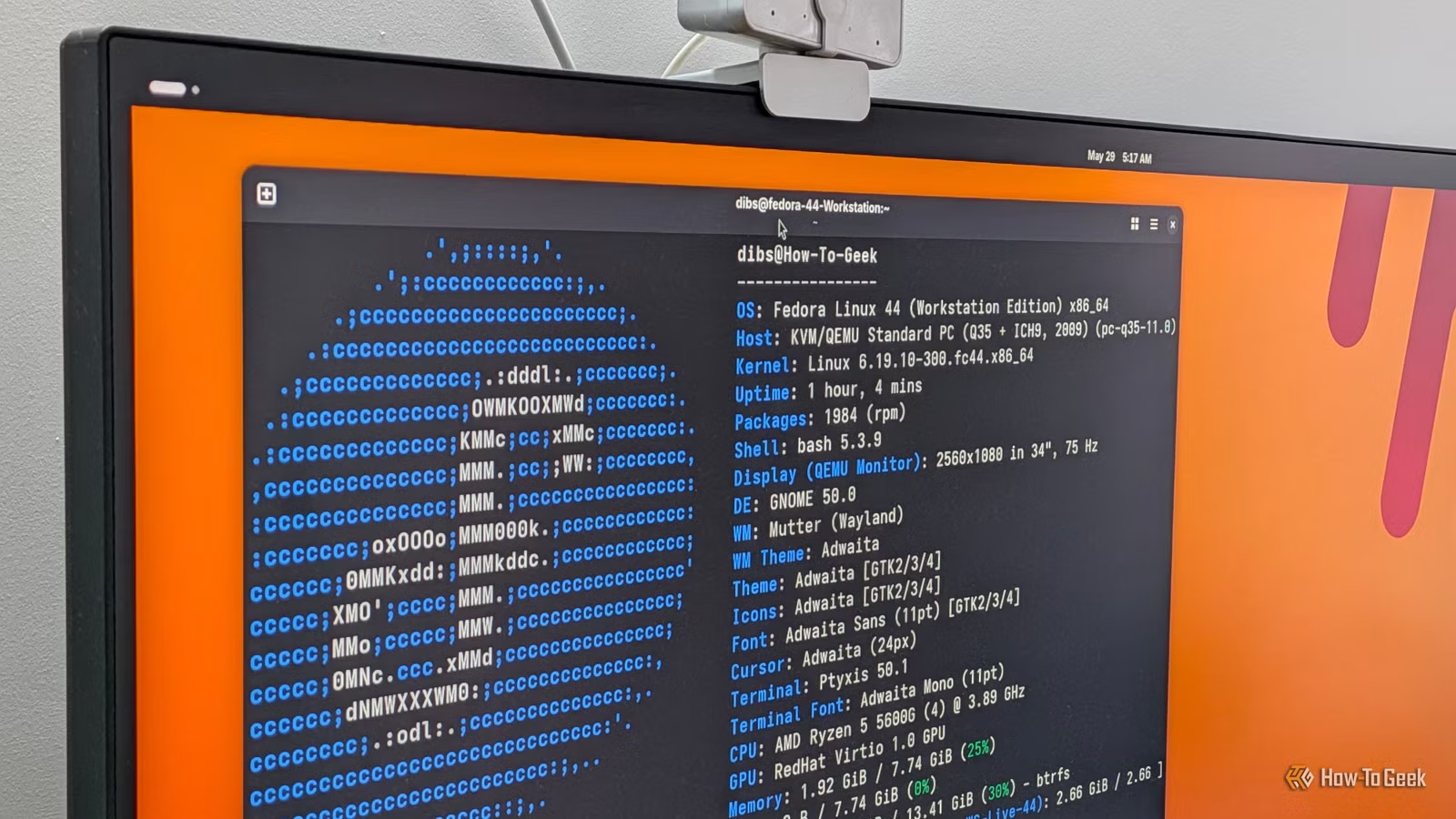
Fedora’s Workstation edition addresses this issue by offering a more authentic GNOME session, allowing users to customize without misleading defaults. This enables a more genuine experience aligned with GNOME’s development standards.
Fedora Trusts the Core GNOME Design
Fewer Conflicting Ideals in the Desktop Environment
A streamlined desktop isn’t solely about resource efficiency; it also pertains to minimizing conflicting elements on the display. In contrast to Ubuntu’s GNOME setup, where multiple design philosophies coexist, Fedora provides a cleaner interface that prioritizes GNOME’s intuitive navigation without extraneous elements.
Fedora Workstation allows users to evaluate the GNOME desktop without a shield of modifications clouding their judgment. While individuals may still prefer other environments like KDE or Cinnamon after using Fedora, their reviews will stem from an accurate representation of GNOME’s capabilities.
Fedora is also timely in delivering new GNOME updates without unnecessary modifications, ensuring that the transitions feel natural and not restricted by other distributions’ alterations.
The Ideal Desktop Ultimately Depends on User Preference
Ubuntu remains a popular choice for many due to its wide recognition, extensive support, and pre-configured settings that help new users feel at home. However, if the aim is to experience GNOME in its truest form, Fedora stands out as the superior option.
It refrains from cluttering the user interface before anyone engages with it, providing an authentic GNOME experience. For those weary of a modified, branded version of GNOME, Fedora Workstation emerges as the desktop that allows genuine usability.