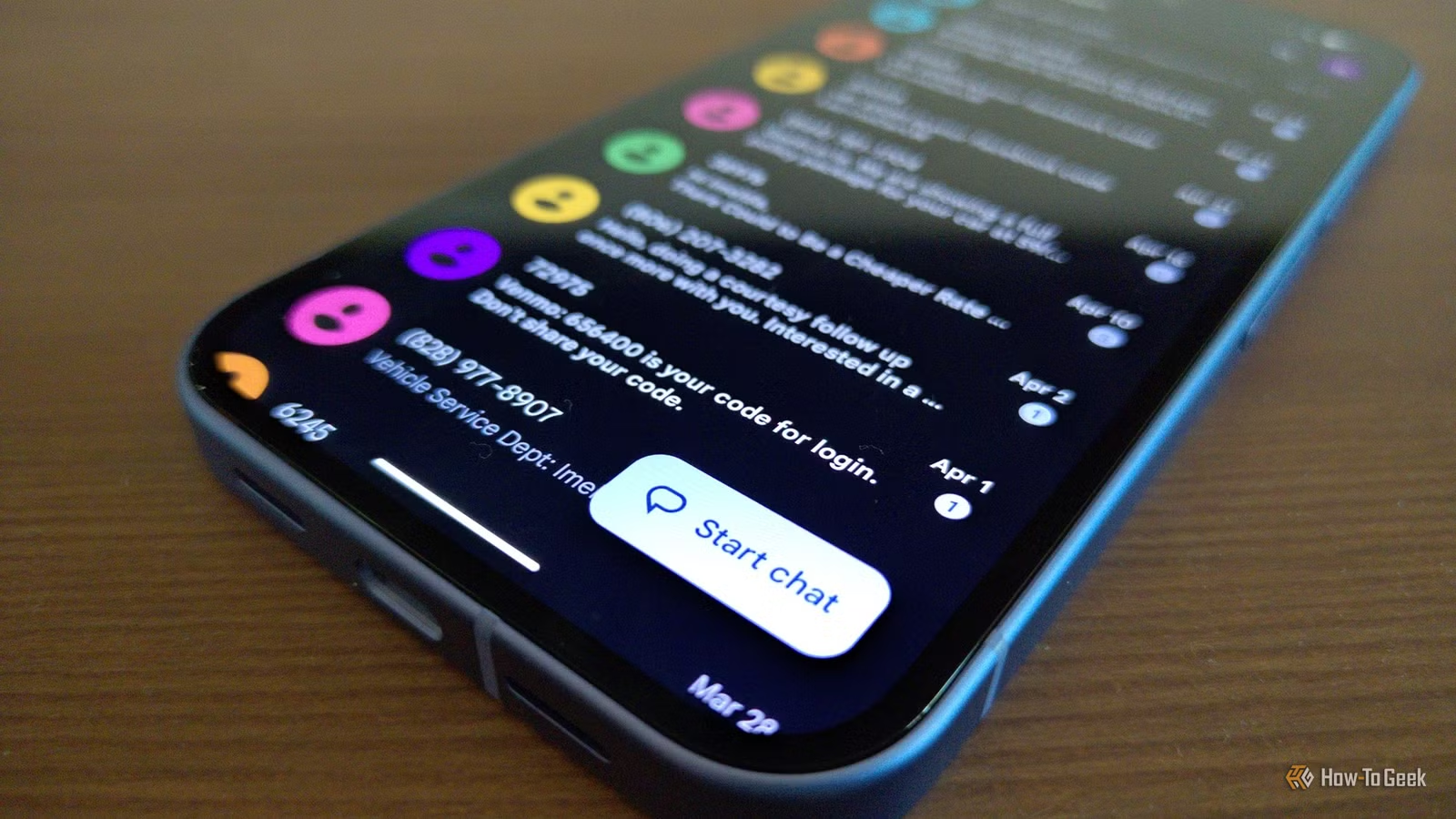
For me, Google Messages serves as more than just a messaging app. Whether I’m asking my spouse what to prepare for dinner or organizing get-togethers with friends and family, this application has seamlessly integrated itself into my daily routine, becoming a tool I instinctively turn to. As the majority of my everyday conversations unfold within this app, even minor enhancements can have a significant impact.
If you’re a frequent user of Google Messages like I am, here are some features that simplify day-to-day interactions. My partner’s observation was spot on — Google Messages truly feels like a comprehensive solution.
Integration with Google Keep
Conversations Are No Longer My Task List
Questions like “What was the name of that restaurant we enjoyed?” can lead to endless scrolling through months of messages. With addresses, ideas, links, and reminders that I promise to recall later, my chats become a cluttered repository for information I genuinely need. That’s where Google Keep proves invaluable.
Upon receiving a message worth saving, I can send it directly to Google Keep instead of letting it get lost in the conversation. This feature shines, especially in group chats, where chaos often reigns. As plans shift or recommendations fly, instead of scrolling back through the messages later, I simply tap the + icon in the chat, select Google Keep, and voilà — it’s saved. My conversations may be chaotic, but my task list remains organized.
Location Sharing
No Need for Addresses or Directions
Meeting friends at crowded places like malls or airports can quickly turn into a frustrating “Where are you?” back-and-forth. Isn’t it irritating to give directions like “I’m here, turn left, then go behind that building?” With changing plans, sending just an address often isn’t enough.
Google Messages simplifies this by allowing me to share my current location from the chat. I just open the message thread, tap the + icon, choose Real-time Location, and share it. The other person sees my live location, which updates as I move. This small convenience is greatly appreciated when trying to connect with someone amidst the usual chaotic plans.
Customizable Chat Themes
Transforming Chats with Personal Touches
I frequently find myself glued to my phone for emails, messages, social media, and more. Since I spend so much time staring at the screen, personalizing the apps I use daily adds a bit of joy. Google Messages allows me to customize themes for each chat, including background and color options, giving each conversation a unique feel.
For instance, if I have a group chat planning a trip to Spain, I can set a tomato-themed background to match our excitement for the “La Tomatina” festival. Every time someone accesses the chat, that little detail keeps the spirit alive. Now, all my conversations reflect their own character.
Voice Message Transcription
Ideal for Noisy or Quiet Environments
There are times when I can’t listen to a voice message, like at a busy family gathering or in a quiet setting where playing it aloud might invite too many questions. That’s where voice message transcription becomes incredibly helpful. Instead of straining to hear a friend’s voice, I can read their message instead.
This feature is particularly useful for long voice notes. To use it, I just tap the Transcribe option, and the text appears alongside the audio. It’s a convenient way to stay updated without having to listen.
Scheduled Messages
Send Messages Later, Not Right Away
I often remember I need to text someone at inconvenient times, typically late when I don’t want to disturb them. I know I’ll forget by morning, so I now type my message while it’s fresh and schedule it for delivery later. I simply press and hold the Send button to select the desired date and time. It’s a small yet effective way to keep my communication timely without relying on my sometimes faulty memory.
Google Messages has transformed into more than just a text messaging platform; it’s now an integral part of my daily communication. The best part is that these features don’t require me to change how I interact or depend on an additional application. They enhance my experience, whether I’m connecting with friends, making plans, or managing daily tasks. That’s precisely what I desire from my go-to messaging app.