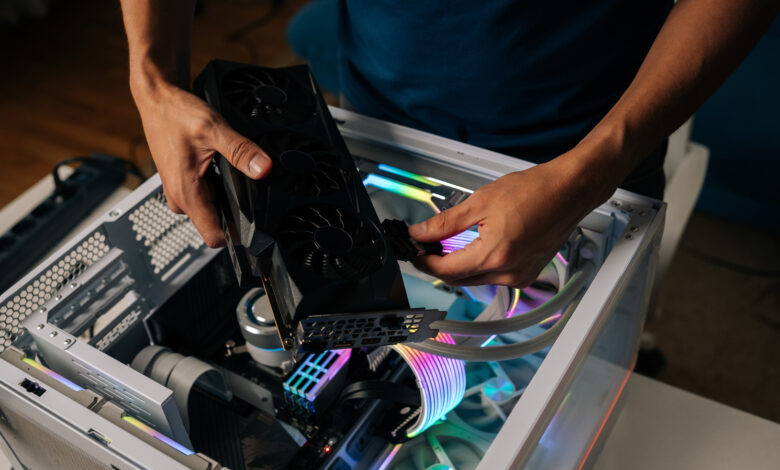
These tools provide a fast way to assess compatibility among components before upgrading or building a system.
Identifying issues with computer components can be quite challenging. After physically installing a new part, it’s crucial to conduct a stress test to ensure everything functions correctly. While spotting a defective component can be straightforward, it’s more complex when one part limits the entire system’s performance. For instance, during a stress test, you may notice your CPU operating at full capacity while your GPU remains almost idle.
This situation indicates a bottleneck. When one component restricts the performance of others, overall efficiency suffers until the issue is addressed. For example, if the CPU is maxed out and the GPU is underutilized, it points to a CPU bottleneck that impacts GPU performance. Understanding which part is causing the bottleneck can guide decisions on upgrades or repairs. It’s wise to check for bottlenecks prior to purchasing a new GPU or expensive component.
Several websites and software solutions feature bottleneck calculators that can assist in identifying these problems without needing to stress-test your system. Although they can help quickly pinpoint potential mismatches in hardware, they often lack precision. Many online tools fail to capture the complete picture of how a system operates. Nevertheless, using a bottleneck calculator can be beneficial for verifying compatibility of components before building or upgrading, streamlining your troubleshooting efforts.
Understanding How a Bottleneck Calculator Works
A bottleneck calculator evaluates your selected CPU and GPU by comparing their performance against a target resolution, typically 1080p, 1440p, or 2160p. If both components are rated to perform adequately at the specified benchmark, the bottleneck score will be around ten percent or lower. Conversely, if one component is unfit to meet the requirement, it will register a higher percentage, indicating a bottleneck. Generally, lower percentages indicate a better compatibility score.
Most PC bottlenecks can be attributed to the CPU. Its role involves transmitting information efficiently to the other parts of the system. A slow CPU forces other components to wait, commonly leading to lag in video games. Alternatively, if the GPU is reaching 95 percent usage yet struggles to process the application, it indicates a GPU bottleneck; this usually occurs when the GPU operates beyond its designed resolution or frame rate. GPU bottlenecks can lead to issues such as screen tearing, reduced frame rates, and inconsistent performance.
This is why bottleneck calculators ask for your target resolution: the performance of a GPU is heavily influenced by the number of pixels it needs to render every second. Ironically, the very nature of these calculators—relying on specifications and theoretical benchmarks—renders them somewhat unreliable, as they do not encompass real-world performance data from your own PC.
Assessing the Accuracy of Bottleneck Calculators
Bottleneck calculators cannot provide completely accurate information due to their methodology. They rely on manufacturer specifications, thus overlooking variability associated with other components in the system and the particular applications you are testing. No two graphics cards perform identically, just as no video game optimizes GPU usage the same way. For example, a newer Intel GPU may find it challenging to run an older DX11 application that other Nvidia or AMD cards handle effortlessly. Similarly, a robust workstation CPU like the Ryzen 9 7950X may struggle in gaming scenarios when compared to various X3D Ryzen chips due to their smaller L3 cache sizes. Such subtleties are ignored in these calculators.
While they may not be the best for intricate system diagnostics, bottleneck calculators can aid in planning a system build. They provide a quick means to evaluate whether your selected CPU and GPU can effectively manage your target resolution right from the outset. They might also serve as a fun tool for enthusiasts experimenting with unconventional hardware combinations.
However, for those seeking precise measurements of their PC hardware, performance monitoring software remains the superior option. Bottleneck calculators fail to consider installed drivers, essential background applications to close, or specific performance issues within the benchmarked game. A mere bottleneck percentage cannot fully encapsulate the complexities involved.