4 Innovative “Headless” Raspberry Pi Projects You Can Tackle Without a Monitor, Mouse, or Keyboard

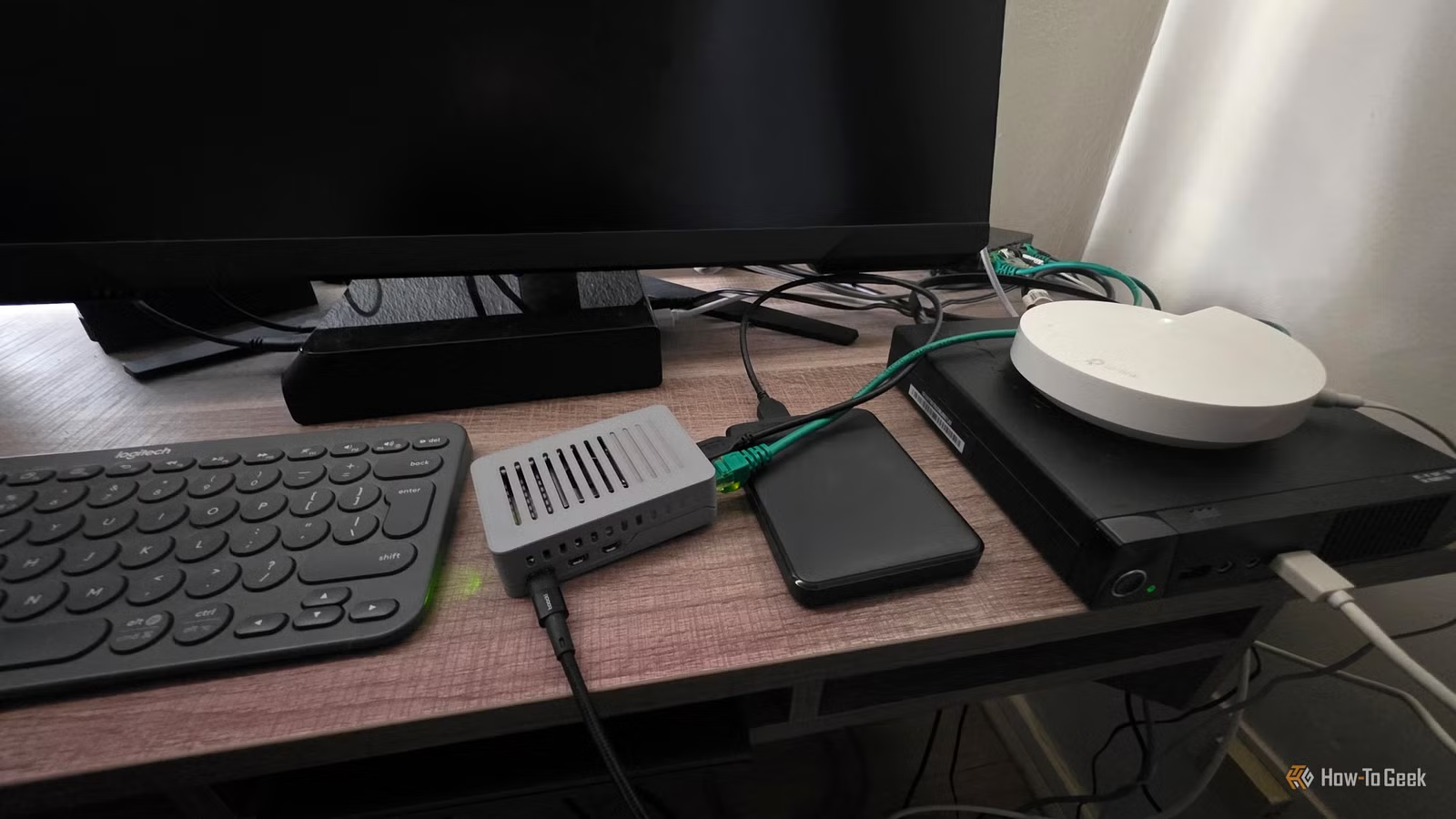
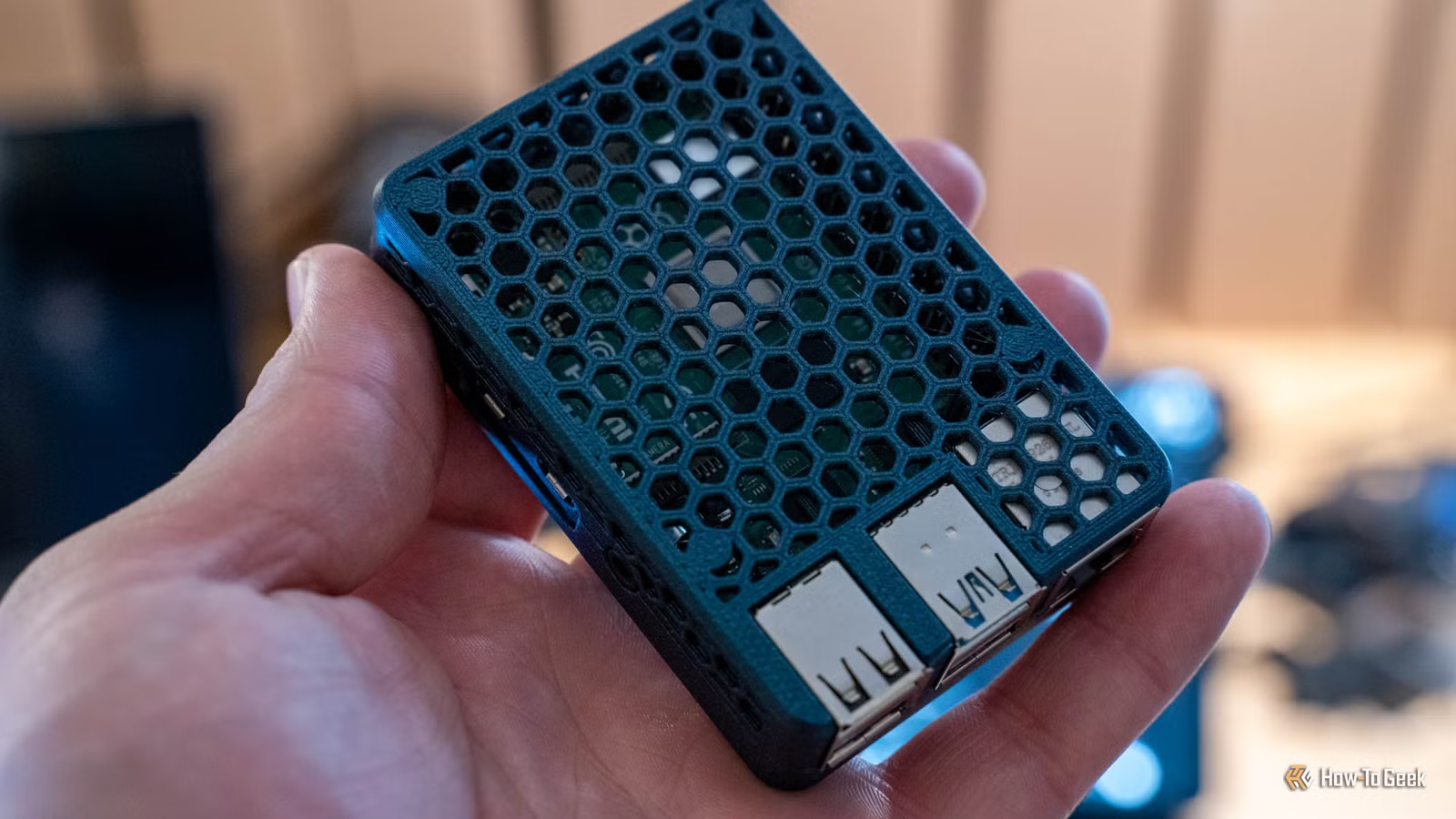
Many Raspberry Pi enthusiasts find themselves with more devices than available monitors and inputs. These tiny computers can accumulate quickly, especially when picking up older models like the Pi 3 or budget-friendly Pi Zero.
Fortunately, it’s possible to operate a Raspberry Pi without needing to connect a monitor, keyboard, or mouse. By simply providing power and an Ethernet connection, you can run numerous services without direct peripheral connections. I prefer using the official Raspberry Pi Imager. After installing the Raspberry Pi OS Lite, which has no graphical interface, I configure SSH for remote access. Once the Pi is powered on, I connect via a terminal app. The big question is, what to run? Here are a few excellent options.
Restrict Unwanted Domains on Your Network
Say Goodbye to Annoying Ads
One popular application for the Raspberry Pi is Pi-hole, a software solution that uses DNS filtering to eliminate ad-serving domains and trackers. You can set up Pi-hole in a completely headless manner and access its management dashboard remotely.
Operating in headless mode can significantly enhance performance, especially on models with limited RAM. For optimal setup, connect the Pi directly to an Ethernet port on your main router and power it via USB. If your router has an unused USB port, you can even draw power from there.
Transform Your Smart Home
Your Home’s AI Companion
In my view, if smart home devices rely heavily on the internet, they’re not truly smart. The central control unit—essentially the “brain”—should reside within your home. A headless Raspberry Pi is the perfect solution for this purpose.
The key software here is Home Assistant, which many in the tech community highly recommend. After installing Home Assistant OS with the Raspberry Pi Imager, you can complete the setup remotely by following the guidelines for a headless installation.
Create a Shared Storage Solution
Affordable and Functional
Your Raspberry Pi features USB 3 ports, enabling fast access to external storage. With growing concerns over the reliability and privacy of cloud services, many users are seeking local network storage alternatives. The costs for dedicated NAS devices can be steep, but with a Raspberry Pi and a USB drive, you can set up a basic NAS on your own.
A straightforward approach is to establish a network share on your Pi, similar to setting it up on any computer. For a more robust solution, consider using openmediavault.
Manage Your 3D Printer with Ease
Avoid Those Messy Print Jobs
While many modern 3D printers come with their own server software, allowing control through a browser, there are still plenty of reliable machines that lack built-in networking features. With software like OctoPrint, you can upgrade virtually any 3D printer into a more advanced device.
This pairing streamlines the user experience by enabling print control and monitoring over the network, as well as facilitating real-time adjustments through a connected camera. Instead of transferring files with a USB drive, you can send G-Code remotely.
Stay Calm and Connect
Utilizing headless Raspberry Pi setups offers significant advantages by conserving computational resources, particularly RAM, and eliminating the need for physical peripherals. While it may feel unfamiliar to use a terminal to SSH into another computer at first, following project instructions will quickly ease the process.
It’s become simpler, as I often have a support tool open beside my terminal, providing assistance for troubleshooting along the way. Once you have your headless single-board computers operational, you’ll find that they become an integral part of your efficient home network, all while minimizing reliance on cloud services.