A single fraudulent text can ruin your day, and as scammers become increasingly sophisticated, recognizing warning signs can be challenging. As a user of Android devices, I’m seeking improved safeguards against these deceptive messages without having to scrutinize each one I receive.
Google has unveiled an exciting new feature that aims to bolster protection against scams in an app I frequently use. While it may not detect every scam, it stands to aid in preventing potentially costly errors.
Google Messages Enhances Scam Detection
AI Technology Identifies Missed Warning Signs
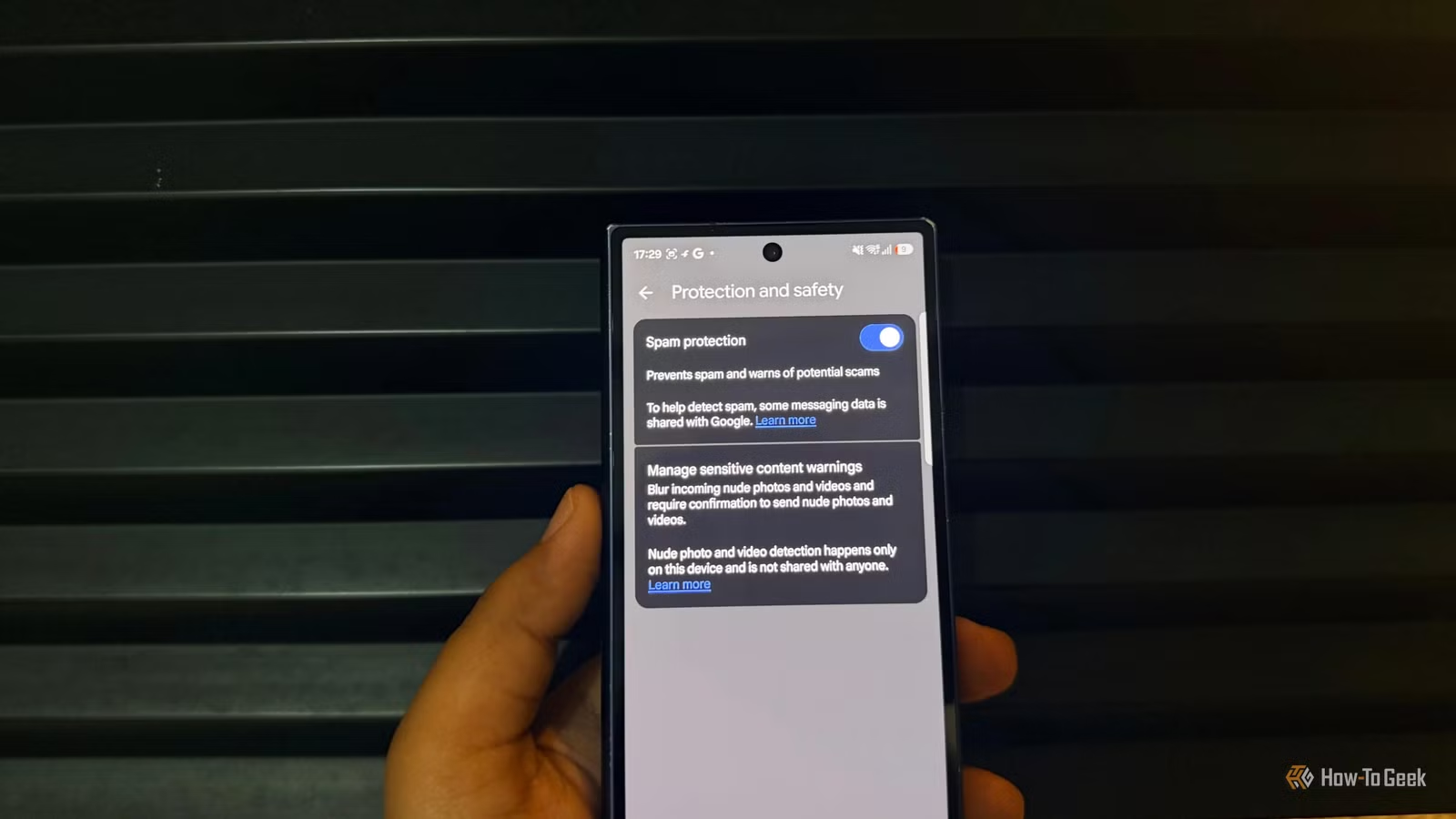
Google Messages already offers basic scam detection, but the newly introduced Enhanced protection mode elevates this capability. Activating this feature allows the app to leverage Google’s advanced Gemini models to analyze chats from unknown contacts and flag more intricate scams. This is crucial, as scammers often engage in conversation for a period before attempting to extract sensitive information or money.
To address privacy concerns, Google has implemented Private AI Compute, a secure environment to manage such data. According to the company, your information remains encrypted throughout the process and is inaccessible to any entity, including Google itself. The optional nature of this feature is appealing, allowing users to choose if they wish to enable this additional layer of security.
Google Messages Monitors Suspicious Links
A Simple Tap Could Be Dangerous
I frequently receive delivery notifications, so a text indicating a parcel delay might not raise immediate suspicion. Instinctively, I would want to click the link to resolve the issue. Here is where Google’s new link protection can be beneficial.
This feature scans unfamiliar links for potential threats and can alert you before accessing them. By utilizing Gemini Nano and real-time web indicators, it evaluates links on supported Android devices. Even if a scammer sets up a fraudulent website, the system offers an additional layer of scrutiny to detect anomalies.
However, I would appreciate it if Google Messages could explain why a link is perceived as harmful instead of simply issuing a caution. For instance, if I receive a text requesting a small redelivery fee, I would prefer to access the delivery company’s official app rather than clicking the link. The same logic applies to banking messages — I’d verify through my bank’s app rather than relying on a text link. These warnings should serve as prompts to check the message closely before acting, especially when one is in a hurry.
To enable the new safeguards, simply open Google Messages, tap your profile picture, and navigate to the Messages settings to find the protection option. Availability may vary by device, depending on the feature’s rollout. Personally, I’d prefer a warning about potential threats rather than realizing something has gone awry after it’s too late.
Areas for Improvement in Google Messages
Simplifying Security Features Is Essential
Looking ahead, I hope that Google makes security features easier to find and comprehend. Simply adding a security option is one aspect, but users need clarity on its functionality and activation status without having to sift through complex settings.
Furthermore, increasing the availability of these tools across various Android devices would be beneficial. Not everybody obtains a new flagship phone each year, and users of older models should not have to question their access to adequate protection. Given that Google Messages is a widely used application for mundane conversations, delivery notifications, and business communications, this accessibility is crucial.
For me, enhancing this update involves providing clear settings, broader availability, and straightforward alerts.
Google’s recent efforts represent a positive step, and I hope they continue to make these protections user-friendly for everyone.
Prioritizing Safety Over Convenience
It’s reassuring to see Google taking action against fraudulent messages instead of relying solely on Android users to detect every trick. While Enhanced protection mode won’t lead me to trust every text I receive blindly, it does provide an additional reason to be cautious before responding to dubious messages.
Moving forward, I’m keen to see how effective these new protections are in everyday scenarios, and whether Google can simplify access across a wider range of Android devices.
For now, this development is a step in the right direction, and I welcome it over features that merely appear beneficial but do not address real issues.