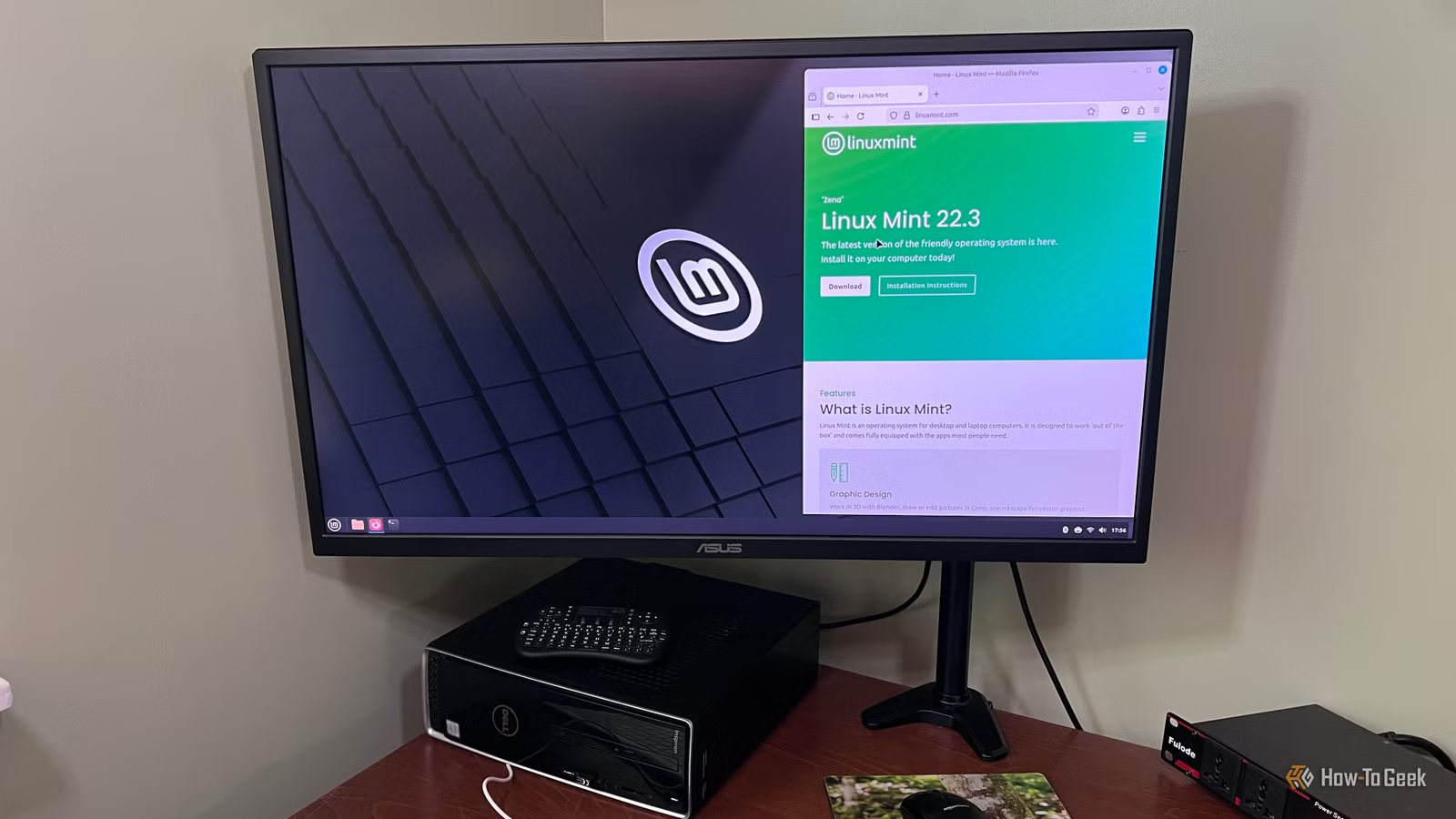
Many newcomers to Linux often find themselves drawn to user-friendly distributions such as Linux Mint and Zorin OS. These distros significantly simplify the transition from Windows, with Linux Mint especially appealing due to its low resource demands. It is stable and offers a familiar environment for former Windows users, allowing for easy installation and hassle-free usage.
This is why Linux Mint continues to be a top recommendation for those new to Linux. However, as users become more experienced, their needs and priorities tend to evolve. What initially felt comfortable and accessible about Mint can begin to feel limiting over time. Eventually, users may find themselves sticking with it out of familiarity rather than its suitability for their current workflow.
Delayed Access to New Software and Features
Mint’s Slower Development Cycle Can Be a Hindrance
As someone who frequently tests various software and operating systems, I’ve noticed that Linux Mint starts to feel restrictive in terms of access to the latest tools and features. Mint focuses on stability and predictability, which leads to slower updates and major platform changes compared to more agile distros. While this cautious approach is understandable, it often leaves users like me waiting for new software or features that are already available on other distributions.
This wasn’t a concern during my initial experiences with Linux, but my perspective has shifted. I now seek out the latest features as soon as they’re released rather than waiting several months for Mint to catch up. If you find yourself regularly checking the innovations available on faster-moving distributions like Fedora or Arch, it might be time to consider a change.
Exploring Desktop Environments Beyond Cinnamon
Mint Specializes in a Unique Desktop Experience
Cinnamon, Mint’s desktop environment, is a key factor in its user-friendliness. Its layout resembles Windows, making it easy for newcomers to navigate. Mint invests considerable effort into creating a polished, cohesive desktop experience, removing the need for users to assemble their environments from scratch.
However, as time passes, curiosity about other Linux environments may arise. Distros like Fedora offer a different approach to managing applications and multitasking, showcasing alternatives to Cinnamon. While it is possible to install different desktop environments on Mint, the distribution is designed around Cinnamon. So, if you’re eager to explore various environments, opting for a distro that emphasizes those experiences might be more beneficial.
Minimal Encouragement to Learn Deeper System Details
Basic Usefulness Can Hinder Deeper Understanding
Linux Mint excels at simplifying the Linux experience by expertly masking its complexities. The Software Manager facilitates app installations, and the Update Manager efficiently manages updates, so most users can operate without being bogged down by details about repositories or configuration files. This makes Linux less intimidating for those transitioning from Windows.
This aspect was invaluable to me when I first started using Linux, as I could work daily without delving into the underlying mechanics. Eventually, I felt a desire to learn about those complexities, wanting to understand the origins of packages and the services running in the background. I became curious about the impact of changes made in configuration files rather than just clicking through settings.
While Mint doesn’t prevent this learning, its design minimizes the friction that often prompts users to explore these deeper topics. I found my understanding grew significantly when I began using distributions that revealed more of the system’s workings upfront.
Searching for Alternatives
I still regard Linux Mint as an excellent starting point for new users. As long as it meets your needs, there’s no reason to abandon it after several years. Many users can remain satisfied with Mint for an extended period.
For my own journey, moving away from Mint was an opportunity to experience the variety within Linux. Fedora provided a stark contrast in desktop environment, and trying out other distributions pushed me to engage with aspects of Linux that I had previously overlooked. This exploration shifted my expectations for a Linux distribution.
There’s no need to completely erase Mint from your machine to gauge your feelings about trying something different. You can experiment with other distributions through a live USB or run them in a virtual machine. Spend enough time using another environment to move beyond initial impressions. If you find yourself increasingly curious about what other distributions offer, that could be a significant indicator of your readiness for change.