
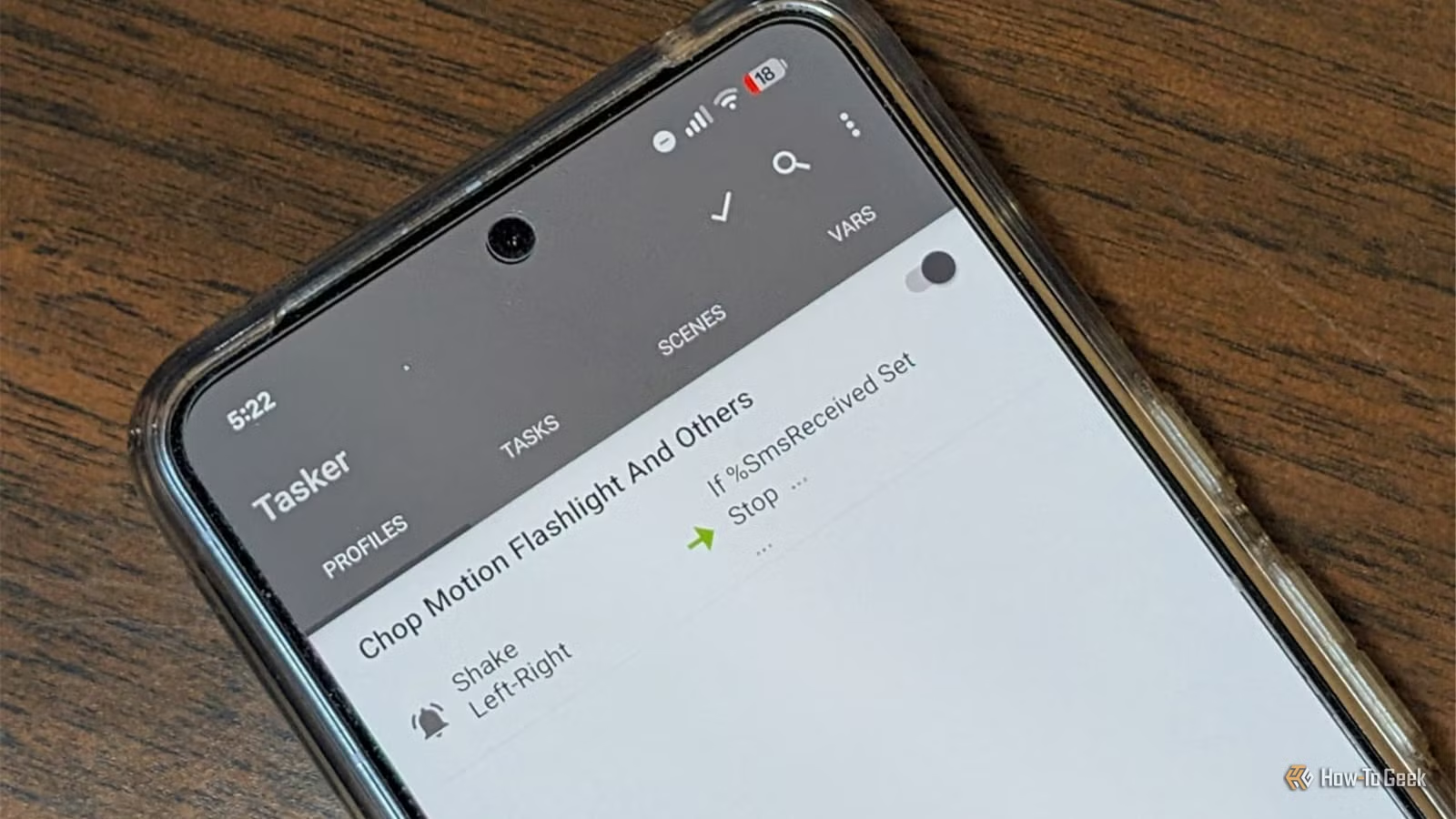
Many individuals have experimented with the automation features on their smartphones. With options like Samsung’s routines and Google Assistant, it seems there’s a plethora of ways to streamline tasks. However, many find these features lack depth, especially when compared to the exceptional Shortcuts app available for iPhones.
Fortunately, there’s an impressive third-party app called Tasker that offers unparalleled automation capabilities for Android devices. After exploring its potential, I discovered that the built-in tools felt considerably limited in comparison.
What Can Tasker Do?
Maximizing Automation Potential
At its essence, Tasker is designed to initiate specific actions or tasks based on certain conditions being met.
Tasker operates primarily through profiles that define the conditions for triggering particular tasks. You also have the option to set exit tasks that revert any changes made when those conditions are no longer valid.
The range of contexts available for automation is astonishing. Unlike standard options that may only consider time or location, Tasker can activate tasks based on app statuses, system settings, incoming messages, and various phone sensors. It also features over 350 built-in actions for managing notifications, controlling music playback, and more.
Another benefit is that you won’t need to root your device for most functions, although a few specific actions do require root access.
Tasker Outshines Built-In Phone Automation
Create Customized Rules
The major drawback of the default Android automation tools is their limited selection of triggers and actions. Tasker, on the other hand, allows for nearly complete control over these aspects. Users can stack contexts, create custom variables, and implement various layers of conditional logic for highly specific automations. This level of detailed control is something stock tools simply can’t match.
If the features of Tasker still fall short of your needs, there are numerous plugins available, such as AutoInput, AutoVoice, and Join, that extend functionality by enabling interaction with other apps or devices.
A Learning Curve Exists
However, as with most advanced tools, you will encounter a learning curve. The terminology can be confusing (a term like “variable” isn’t self-explanatory), and there’s no universal tutorial to guide you through the app’s features.
Even the Beginner Mode bombards you with information quickly. My first encounter with Tasker involved around 45 minutes of trial-and-error to grasp the basics. There is now an AI assistant designed to help with automation creation, but it does have its limitations.
Start Simple
For first-time users, it’s advisable to kick off with a straightforward automation—preferably one that addresses a daily inconvenience.
For instance, you might want your phone to automatically mute in certain locations or for the theme to adjust based on the time of day.
Begin by creating a basic profile using a single context and attaching a task with one or two actions. Be sure to test the action using the manual run button before trusting it to function automatically.
If building an automation from scratch seems overwhelming, consider exploring some pre-made options to better understand how tasks and profiles function, making it easier to create your own.
Once you get the hang of it, Tasker proves to be an incredible tool. I’m currently developing an automation that will transfer all the screenshots I capture during work hours to my desktop via KDE Connect. I anticipate this will save me considerable time when handling tasks related to mobile devices.
The Complexity is Worth It
Tasker may appear intimidating initially. If you’re after a more straightforward and user-friendly experience, alternatives like MacroDroid or Automate might suffice. Additionally, Tasker isn’t free; it requires a one-time payment of about $5 or can be accessed through the play pass.
However, the investment of both time and money pays off by giving you a level of customization on your phone that standard features don’t offer. Even sophisticated AI-driven functions that aim to “learn” from your behavior can’t match the versatility that Tasker provides.




