Don’t Let Ghostly Energy Bills Haunt You: Identify and Eliminate Phantom Power Drain to Save Big!

Standby mode can be both advantageous and problematic. While quick startup times and background functions are handy, have you ever considered the annual cost of these services?
Whether acknowledged or not, you are incurring a cost.
Understanding Phantom Power Drain
Devices That Consume Energy Even When Off
Phantom power drain describes the energy used by appliances that are plugged in but not actively in use. Not every device with a standby option needs to be on to draw power; many can waste energy even when turned off.
Research indicates that these “vampire” appliances might be responsible for an additional five to ten percent of your electricity bill. For numerous households, this can result in hundreds of dollars annually—the more devices in your home, the greater the power loss, even if they’re not frequently utilized.
Devices with standby features are among the principal offenders, including smart TVs, gaming consoles, audio equipment, and smart home gadgets that remain alert for voice commands. Utilizing energy-saving settings can help minimize power usage, although it won’t eliminate it entirely.
Oddly enough, some devices you may not expect to draw power still do. For instance, phone chargers that are not connected to any phone can still use a small amount of energy. Kitchen gadgets like microwaves, which many people typically leave plugged in, also contribute to this issue. Any device with a display, such as an oven, that operates while in “off” mode will similarly use energy.
While convenience often outweighs concerns about phantom drain for most of us, it becomes hard to disregard when considering the overall impact. This gradual accumulation of small costs can significantly inflate your yearly energy expenses.
Smart Plugs to the Rescue
Monitoring Energy Consumption
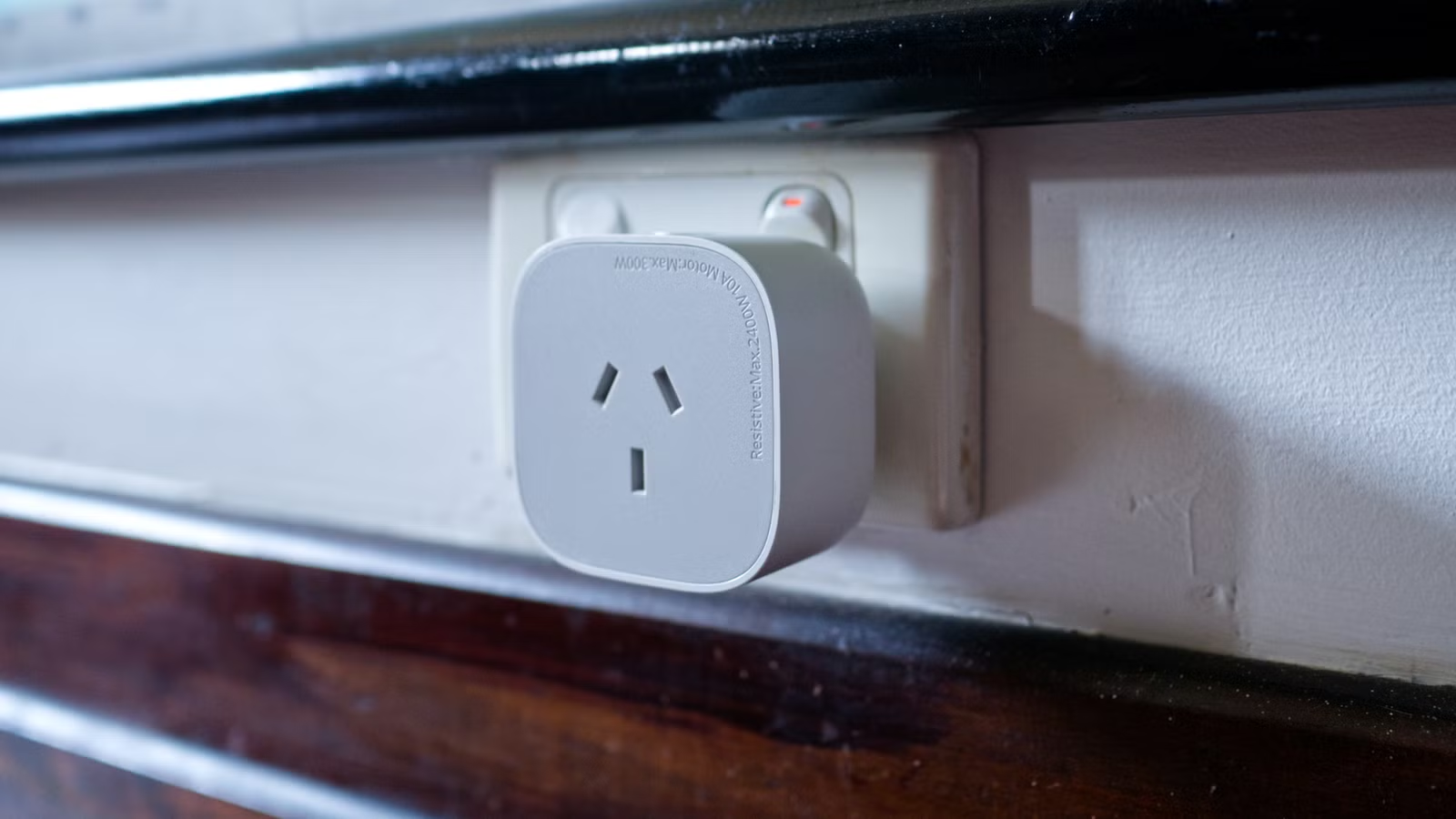
Energy-monitoring smart plugs represent a highly effective option on the market. These devices measure the amount of power coursing through the plug in real time, allowing you to track and evaluate energy consumption over time using compatible apps or smart home systems.
This functionality not only aids in estimating costs but offers practical benefits. For example, you’ll receive alerts when your washing machine finishes a cycle. Additionally, you’re not limited to connecting single devices; you can hook up power strips as long as you stay within safety limits, including options for high-power appliances.
Connecting devices like entertainment systems to energy-monitoring smart plugs can reveal how much energy they use while idle. Regardless of your findings, the solution remains the same: turn off the plug when not in use.
Even basic smart plugs can effectively handle this task.
Deciding When to Keep Devices Plugged In
Making Smart Choices
It is important to recognize that some devices are better off left plugged in, despite the associated costs. For instance, modern OLED TVs or monitors utilize a pixel refresh process to minimize image retention, necessitating their standby mode.
Frequently used gaming consoles may also benefit from being left on; these systems often download updates in the background and can be ready for play immediately upon turning on, offering remote download options for added convenience.
If you aim to reduce phantom power usage, consider organizing devices into power strips that remain on versus those that can be switched off. Several automation strategies can help with this:
- Deactivate strips during a “good night” routine.
- Set timers to activate devices in the morning before use.
- Use triggers from devices, like gaming consoles, to power additional components like your TV or soundbar.
- Implement presence detection via smartphones to switch these strips on and off based on who is home.
- Connect power settings to holiday modes for easy energy savings while away.
It’s crucial to keep your Home Assistant server (or equivalent smart home hub) operational at all times.
For more innovative uses of smart plugs, consider exploring their benefits for your home network.




